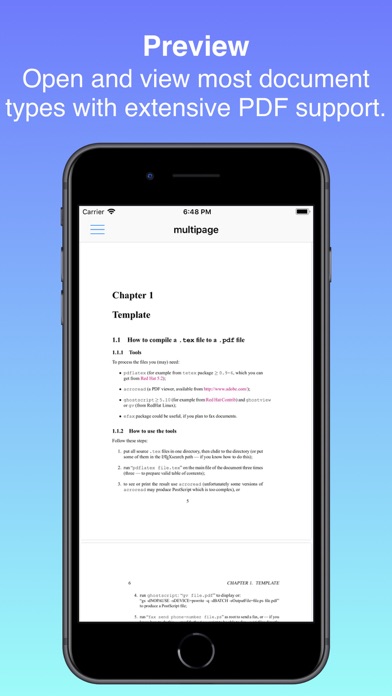
Documents turns your iPhone, iPad, or Mac into a simple PDF workbench. Open or scan a PDF, reshape it, then send it on its way — no subscription, no account, no clutter.

Work on one document at a time. Give it pages, edit them, and share the result. Your edits are non-destructive within a session, and Undo and Redo let you step back and forth through your changes.

FIVE WAYS TO EDIT
• Merge — Append other PDFs or images to your document. Reorder, preview, and crop photos of pages before they're added.
• Structure — Reorder pages by dragging, remove pages, add blank pages, and rotate individual pages.
• Extract — Keep only the pages you choose and discard the rest.
• Compress — Shrink file size with Low, Medium, or High compression, and see exactly how much space you saved.
• Resize — Reshape pages to A4, Letter, Legal, or a custom size, in portrait or landscape.

SCAN PAPER
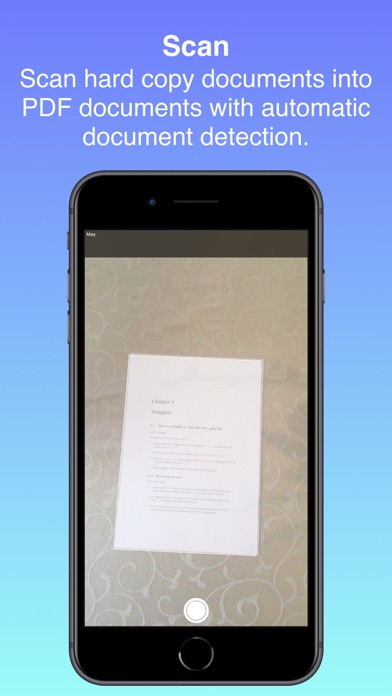
Use your device camera and Apple's built-in document scanner to capture pages straight into your document.

EXPORT YOUR WAY
Optionally password-protect your PDF, then Share it via AirDrop, Messages, and Mail — or Save to Files.

PRIVATE BY DESIGN
Nothing leaves your device unless you send it. No cloud sync, no accounts. Your files stay on your device while you work.

ONE-TIME PURCHASE
Try every feature free for 30 days. When you're ready, a single purchase unlocks the app for good — tied to your Apple ID, so it restores automatically across all your devices. No subscriptions, ever.