Place rulers, set squares, and protractors anywhere on screen to measure distances and angles in seconds — no screenshots, no guesswork
Place rulers, set squares, and protractors anywhere on screen to measure distances and angles in seconds — no screenshots, no guesswork.

Features:

-   Measure distances and angles directly on your screen.
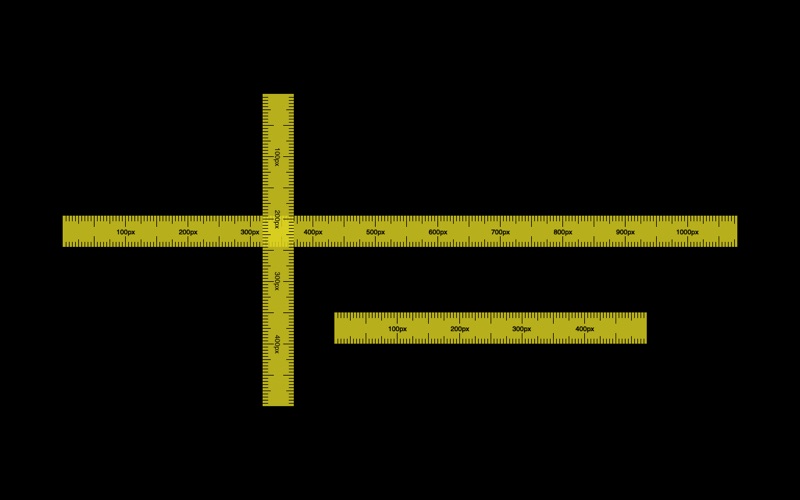
-   Use multiple rulers at the same time, each with its own mode.
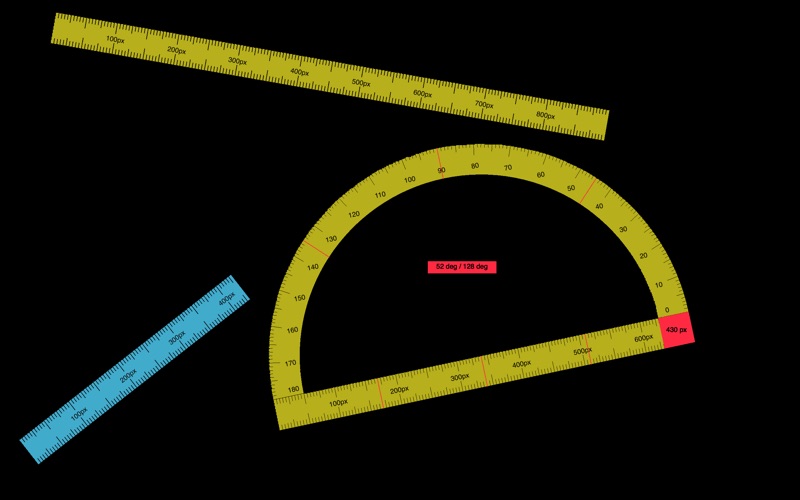
-   Switch between ruler, two-point measurement, frame measurement, right-angle ruler, set square, half-circle protractor, and full-circle protractor modes.
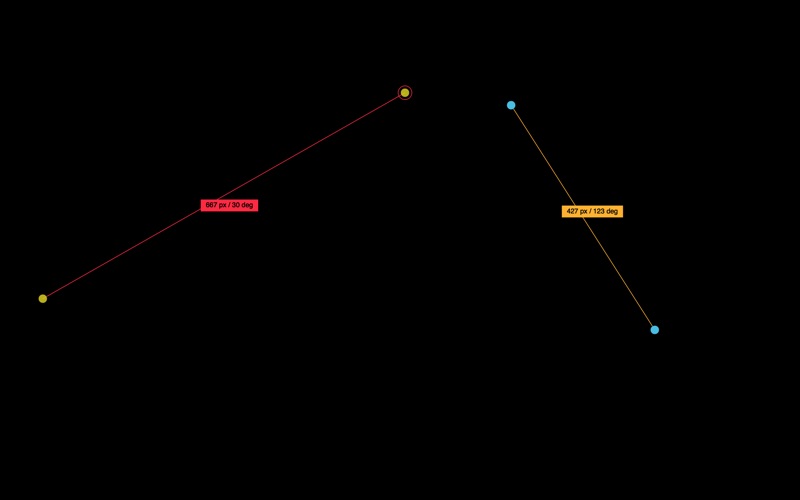
-   Measure between any two points with precise endpoint controls, angle snapping, axis constraints, edge-to-edge dragging, and click-through transparency.
-   Measure rectangular areas with a click-through frame, live width and height, four-corner resizing, and pointer-relative details.
-   Copy two-point distances and angles or frame dimensions directly to the clipboard.
-   Freely rotate every tool to any angle, snap to 15-degree increments, or enter an exact angle.
-   Resize from the ruler edges with configurable step presets.
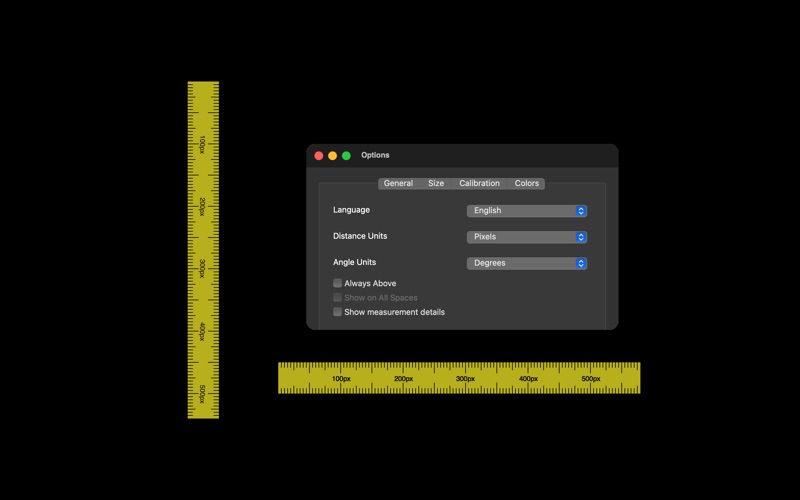
-   Work in pixels, centimeters, or inches, with angle readouts in degrees or radians.
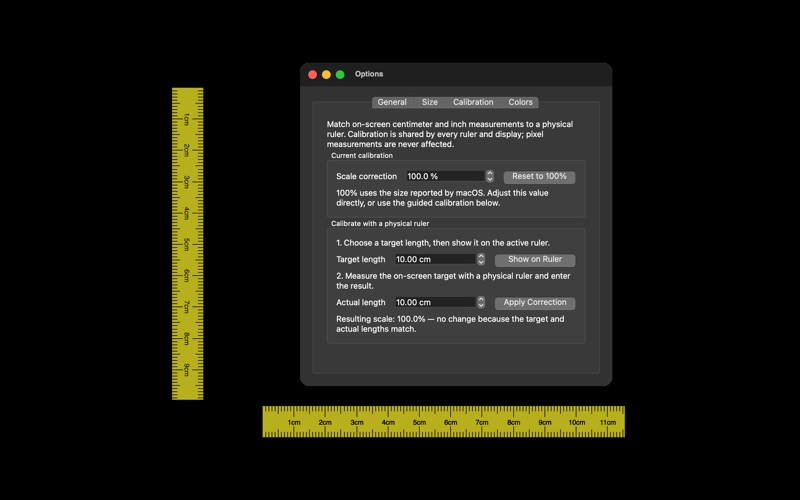
-   Use one global calibration scale for centimeters and inches across all rulers and displays.
-   Keep rulers on one macOS Space or show them across all Spaces and over full-screen applications.
-   Show live distance and angle readouts while measuring.
-   Display division markers, including quarter, half, and three-quarter positions.
-   Customize the background, line, and division marker colors.