LilDisplay — Turn your iPhone or iPad into a touchscreen Mac display
Give your Mac a second screen you can actually touch — and control
LilDisplay — Turn your iPhone or iPad into a touchscreen Mac display

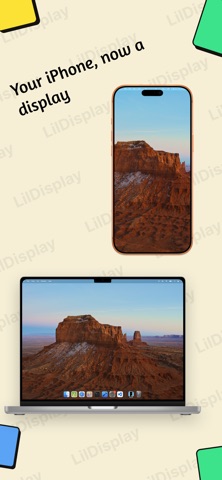
Give your Mac a second screen you can actually touch — and control. No extra hardware, no subscriptions. Just your device, a free Mac app, and you're set.

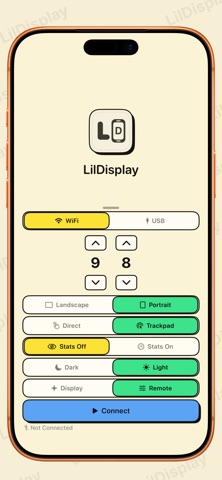
Blazing-fast — USB for 5–10ms latency, or Wi-Fi for wireless freedom.
Touch your Mac — Tap, scroll, and drag right on screen.
Take full control — Use your iPhone or iPad as a keyboard and mouse for your Mac. Even run it lid-closed, with your device as the only controller.
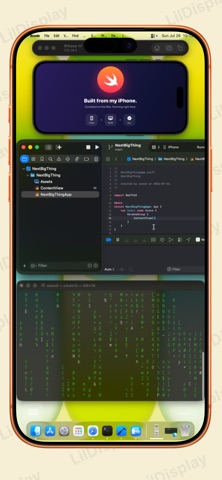
A true external display — Extend your desktop and run fullscreen apps.
Works everywhere — iPhone and iPad, back to iOS 15.

Download the free Mac app at lildisplay.app
Requires iOS/iPadOS 15+ and macOS 14 (Sonoma) or later.