PrintStack acts as a powerful virtual printer for your Mac, allowing you to capture, collect, and merge print jobs from any application into a single document
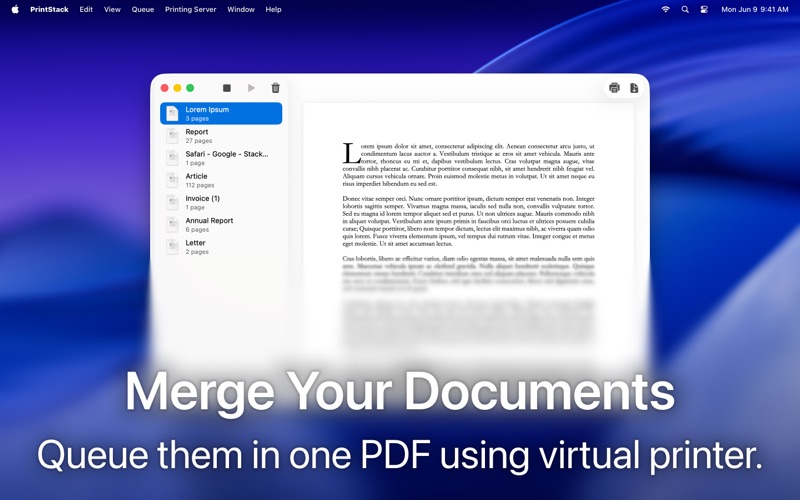
PrintStack acts as a powerful virtual printer for your Mac, allowing you to capture, collect, and merge print jobs from any application into a single document. Instead of printing files one by one, send them to PrintStack to organize them in a queue, then save them as a single PDF or print the entire stack to a physical printer.

Key Features:

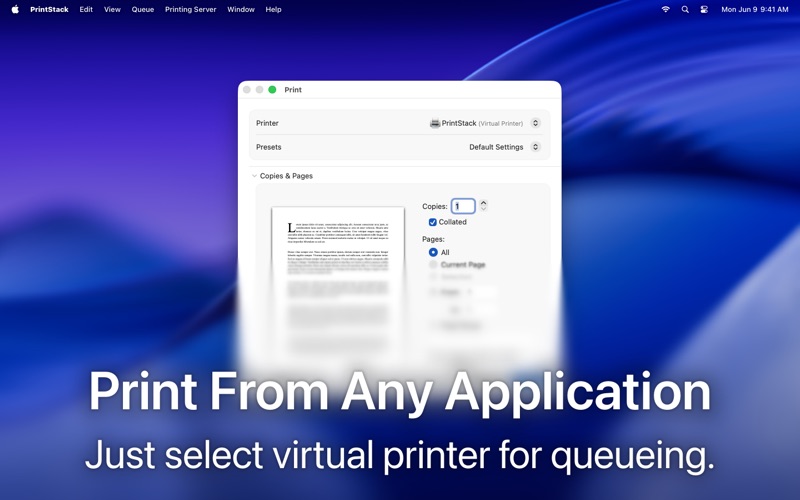
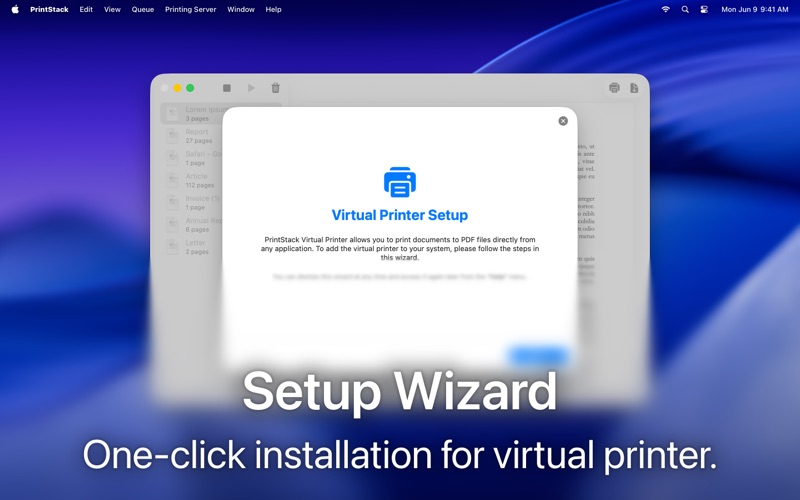
• Virtual Printer Server: Creates a virtual printer that accepts print jobs from any application on your Mac.
• Smart Print Queue: Review incoming print jobs in a unified list. Rename documents, check page counts, and remove unwanted items before they hit paper.
• Merge Documents: Automatically combines all queued documents into a single, continuous PDF file.
• Drag & Drop Import: Easily add existing PDF files to your print stack by dragging them directly into the app window.
• Queue Management: Reorder documents in the queue to ensure your final PDF or printout is organized exactly how you want it.
• Export or Print: Save your merged stack as a PDF file to your disk or send the consolidated job to a real printer.
• Advanced Logs: Troubleshoot connection issues or track printing history with a detailed, built-in log viewer.

PrintStack Pro: PrintStack is free to use for merging up to 5 documents at a time. Upgrade to PrintStack Pro to unlock unlimited document merging and handle large-scale printing tasks with ease.

Terms of Use: https://www.apple.com/legal/internet-services/itunes/dev/stdeula/
Privacy Policy: https://ismailcarlik.tr/printstack/privacy-policy-en.html