FileXplorer — The File Manager Mac Was Missing
Switched from Windows and miss the classic file explorer experience
FileXplorer — The File Manager Mac Was Missing

Switched from Windows and miss the classic file explorer experience?
FileXplorer brings the familiar, powerful file management you love —
rebuilt from the ground up for macOS.

FAMILIAR. FAST. NATIVE.
FileXplorer combines the intuitive layout Windows users know with the
speed and elegance of a true macOS application. No learning curve.
Just open and explore.

KEY FEATURES
- Dual-pane view — manage files side by side, just like Windows Explorer
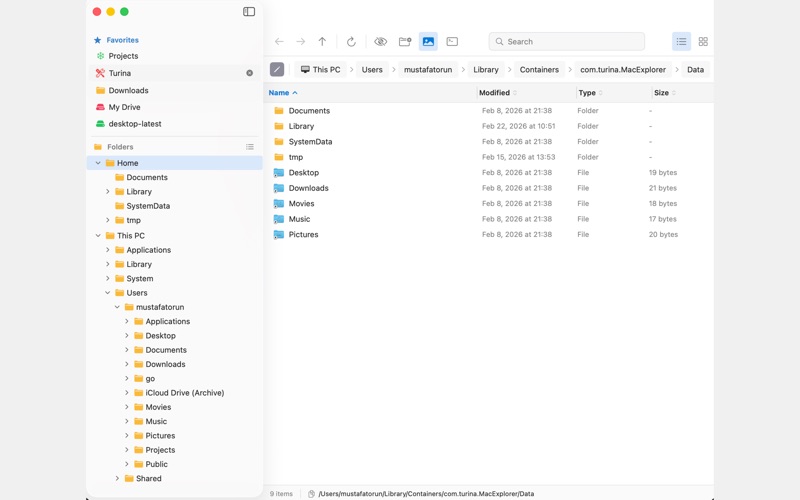
- Detailed list view with Name, Size, Date, and Type columns
- Folder Size Calculation — see exactly how much space each folder uses,
  toggle on/off whenever you need it
- Breadcrumb navigation bar — always know where you are
- Quick folder access: Desktop, Documents, Downloads, and more
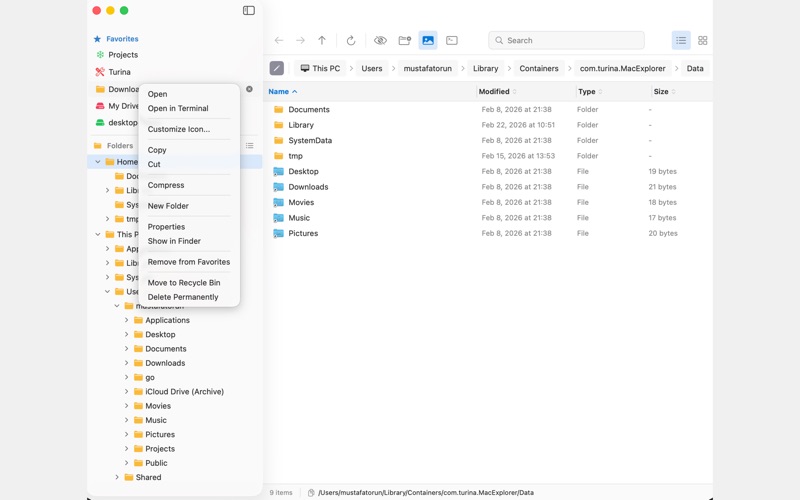
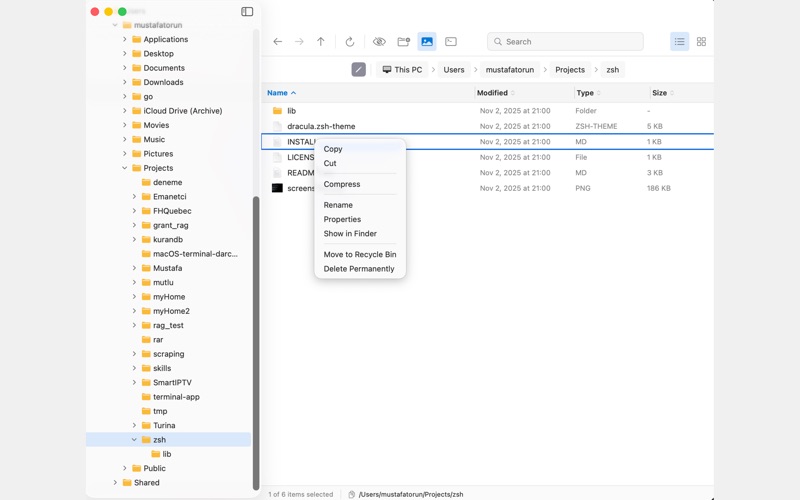
- Cut, Copy, Paste with full keyboard shortcut support (⌘X, ⌘C, ⌘V)
- Rename, delete, move files with ease
- Show/hide hidden files instantly
- Fast search across folders
- Clean, distraction-free interface

BUILT FOR macOS
FileXplorer is a native SwiftUI application — not a port, not a wrapper.
It respects macOS conventions while delivering the workflow Windows
users are accustomed to.

PERFECT FOR
- Windows switchers new to Mac
- Power users who need efficient file management
- Anyone who finds Finder limiting

Stop fighting Finder. Start exploring with FileXplorer.