ScanDat AI turns any flyer, poster, schedule, or screenshot into calendar events in seconds
ScanDat AI turns any flyer, poster, schedule, or screenshot into calendar events in seconds.

HOW IT WORKS
1. Scan - Take a photo, pick from your library, import a PDF, or paste text
2. Review - Edit the AI-extracted event details if needed (title, time, location)
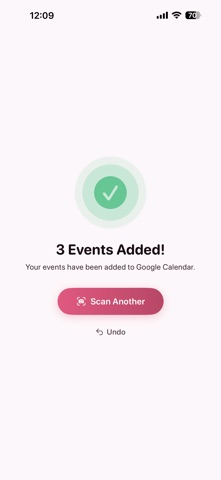
3. Add - Save to Apple Calendar or Google Calendar with one tap

FEATURES
- Multi event detection: Extracts multiple events from a single image
- Batch scanning: Scan up to 10 images at once
- PDF support: Import multi-page documents
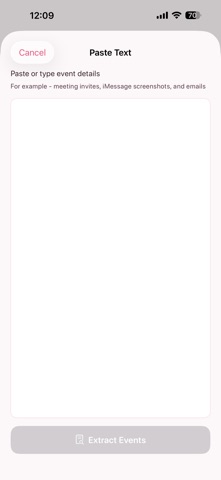
- Text input: Paste meeting invites, emails, or messages
- Smart calendar suggestions: Automatically picks the right calendar
- Recurring event detection: Warns before creating overlapping events
- Scan history: Browse and edit previously added events
- .ics export: Share events as calendar files
- Undo: Remove added events with one tap
- Dark mode: Full light and dark theme support
- Siri Shortcuts: "Hey Siri, scan with ScanDat"
- Home screen widget: Quick access to scanning
- Share extension: Scan images directly from Photos or Safari

Terms of Use: https://scandat.app/terms