The Easiest Way to Edit Text in Slides, Infographics, and PDFs!

Do you use Google NotebookLM, Canva, or other tools that generate slides and infographics as PDFs or images? If you need to edit, translate, or update the text on those files without starting from scratch, ImgTextEditor is the perfect companion.

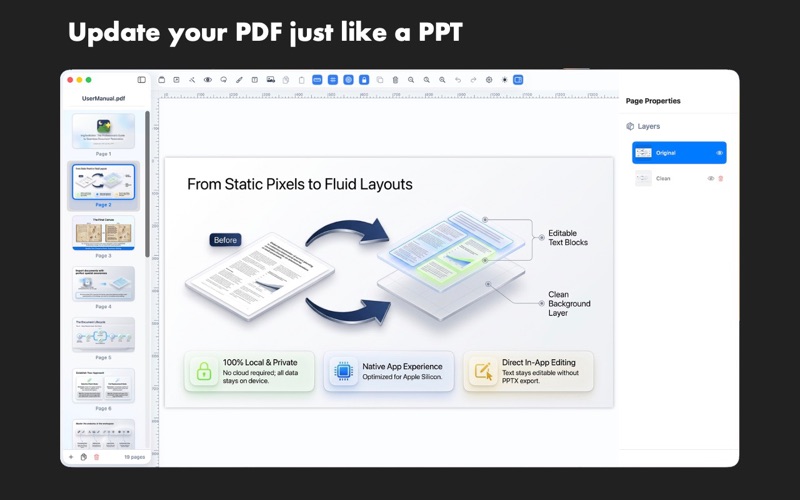
Instead of rebuilding the entire document, just open it in ImgTextEditor. With one click, the app erases the background text and turns it into editable text boxes in the exact same position.

HOW IT WORKS:

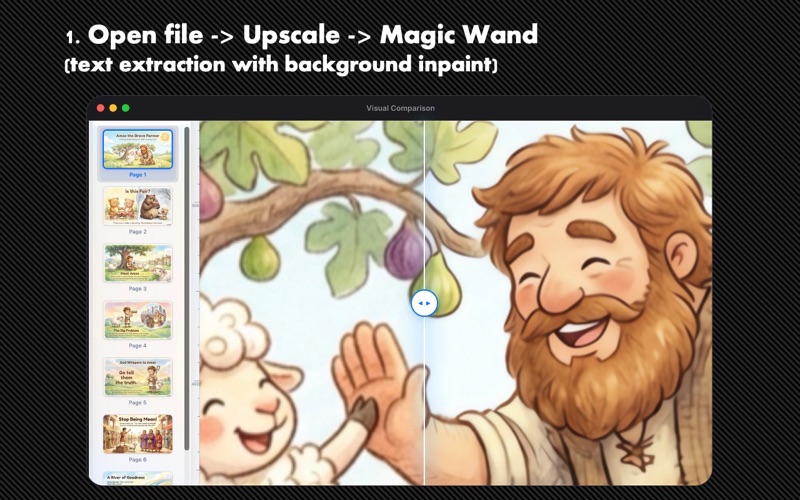
Import: Open any PDF page or image slide.
Erase & Extract: Erase text from the background while automatically extracting it as editable text blocks.
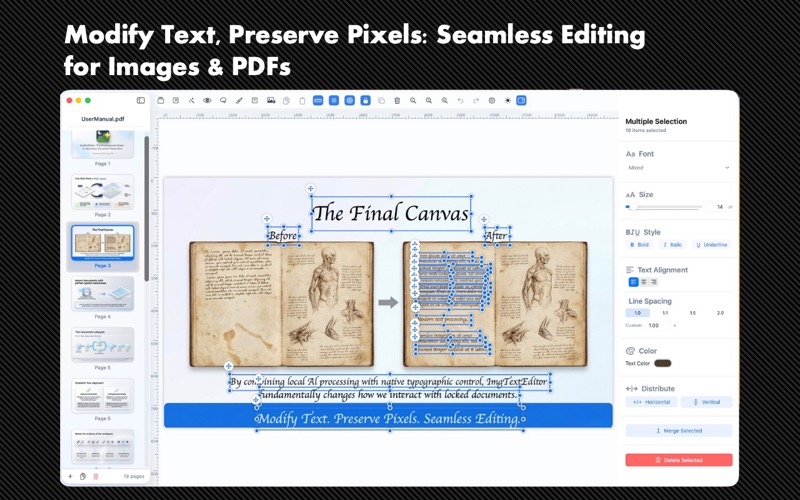
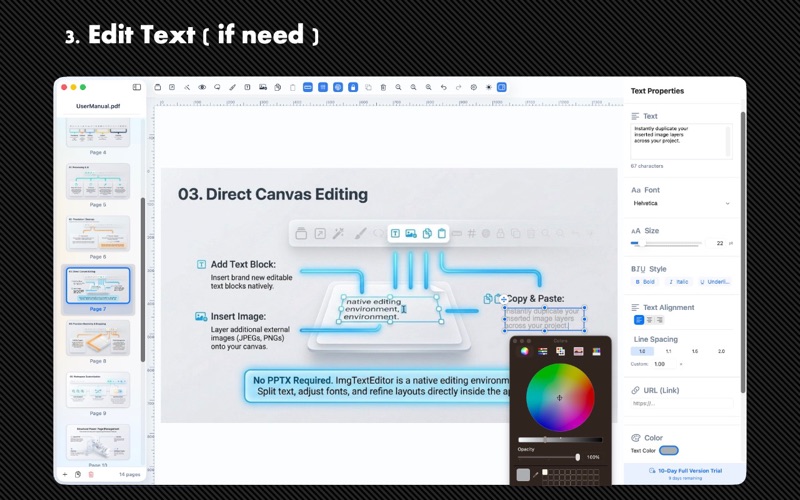
Edit & Customize: Double-click to edit text, change fonts, colors, and sizes. Copy styling between blocks, or rotate and warp text to fit your slide layout.
Export: Save as a clean PDF, a native editable PowerPoint (PPTX) deck, or a high-resolution image.
KEY FEATURES:

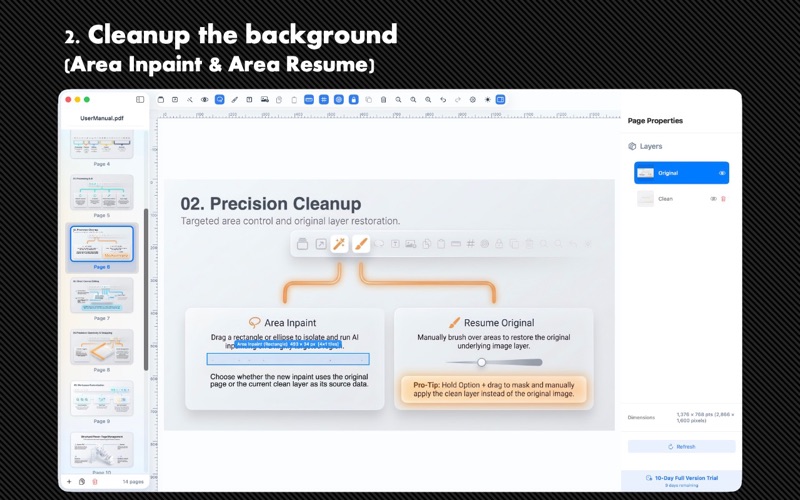
AI Background Erasing (Inpainting): Fills in the background under deleted text for a seamless, clean layer.
Direct Text Editing: Double-click and edit text inline right on the canvas. No PowerPoint required.
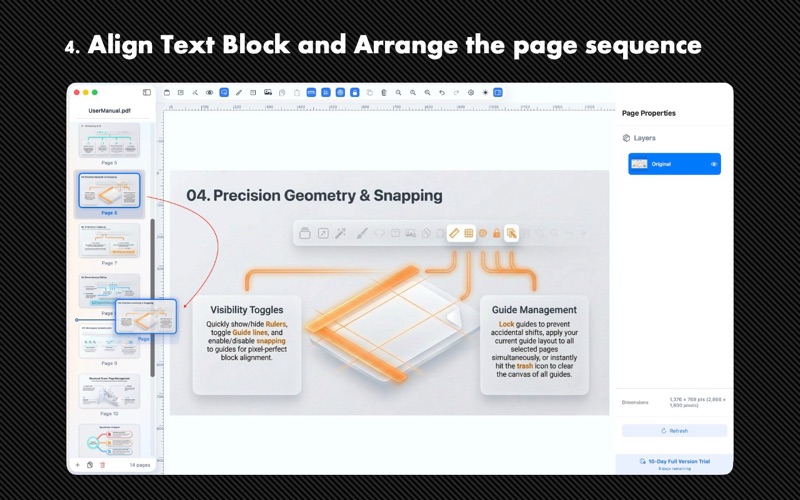
Transform & Warp: Rotate text to any angle or use 4-corner perspective handles to align text with slanted or curved slide elements.
Style Copy/Paste: Copy text formatting (font, size, alignment, outline, shadow) from one block and paste it to multiple other blocks instantly.
PowerPoint Export: Export projects directly to PowerPoint (PPTX) with native, editable text boxes.
Multi-Language Support: Localized interface in 12 languages and built-in OCR text extraction for 30+ languages.
TRIAL & EXPORT OPTIONS:

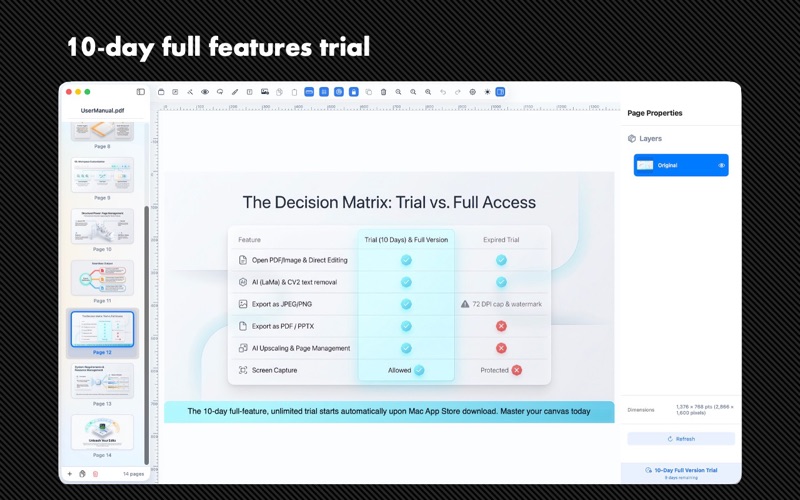
10-Day Full-Feature Trial: Get unlimited access to all professional features, upscaling, and high-quality exports free for 10 days.
Daily Free Premium Export: When the trial ends, you still get one (1) free high-quality export per day (PDF, PowerPoint, or high-res image/DPI). Low-resolution exports remain completely free and unlimited. Upgrade to the Full Version for unlimited premium exports.