




Description
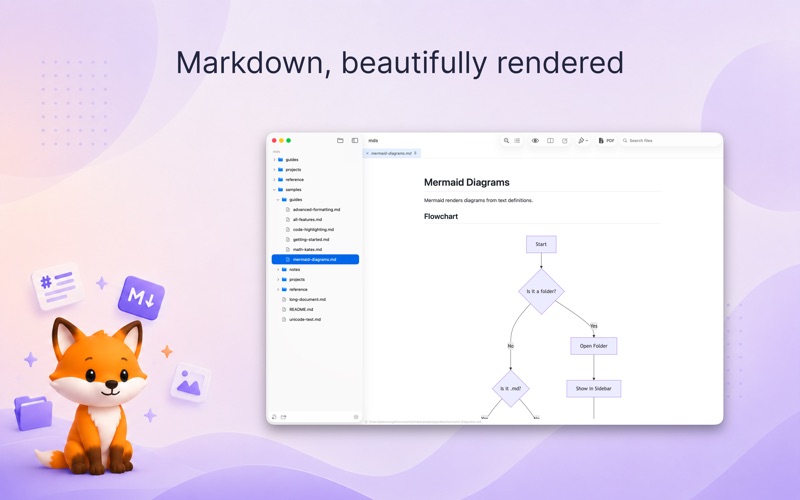
Moki is a fast, friendly home for your Markdown — a lovely place to read it, write it, and watch it come together
Moki is a fast, friendly home for your Markdown — a lovely place to read it, write it, and watch it come together.

**Reading is a pleasure**

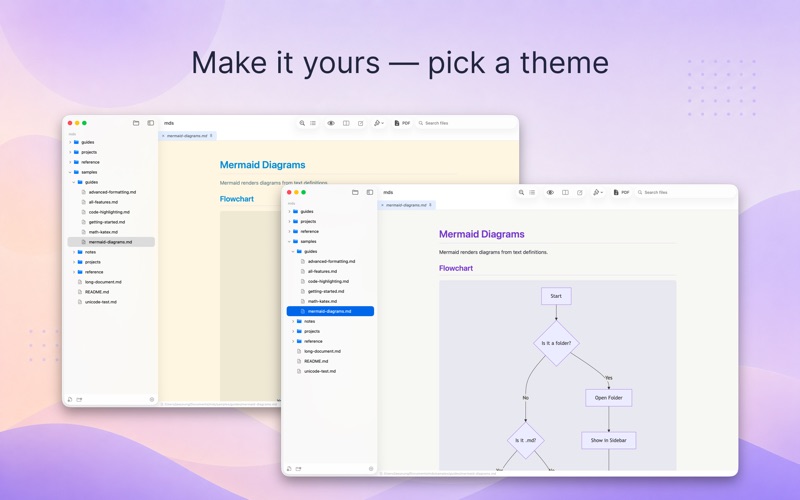
- Pick from 10 built-in themes and enjoy tables, checklists, and colorful code blocks
- Math and diagrams come to life, right from plain text
- A comfy, centered reading width keeps long lines easy on the eyes
- Light or dark, with a Table of Contents to hop between headings

**Writing feels easy**

- Watch your preview right next to the editor as you type
- A handy toolbar for headings, bold, lists, links, and more
- Find & Replace, plus search inside the rendered preview
- Lists keep themselves going, and the syntax colors stay gentle

**Made for Vibe Coding**

- Open a folder and all your Markdown shows up in the sidebar
- When a file changes on disk, it re-renders in a blink — so you can sit back and watch your notes, plans, and AI-written docs update live, all in one place
- Files open in preview tabs; double-click to open and pin in one go, and each tab remembers right where you left off
- Find files by name, and create, rename, delete, or drag them around with ease

**A quick peek in Finder**

- Just press Space on a .md file in Finder and QuickLook shows it instantly — no need to open the app

**Share a clean PDF**

- Turn any note into a tidy, paginated PDF (A4 or Letter) with neat page breaks — an easy-to-read document that's ready to share

**And there's more — beyond Markdown**

- Source code in living color in a dark editor — Swift, Python, JavaScript, JSON, and many more
- A built-in PDF viewer with page layouts and navigation
- An image viewer with zoom and animated GIFs, plus video playback
- Open a single file and it opens nice and focused, without the sidebar
- Take a peek at any other file type with QuickLook
- iCloud files download whenever you need them, with a clear indicator
- Open multiple windows for different projects
