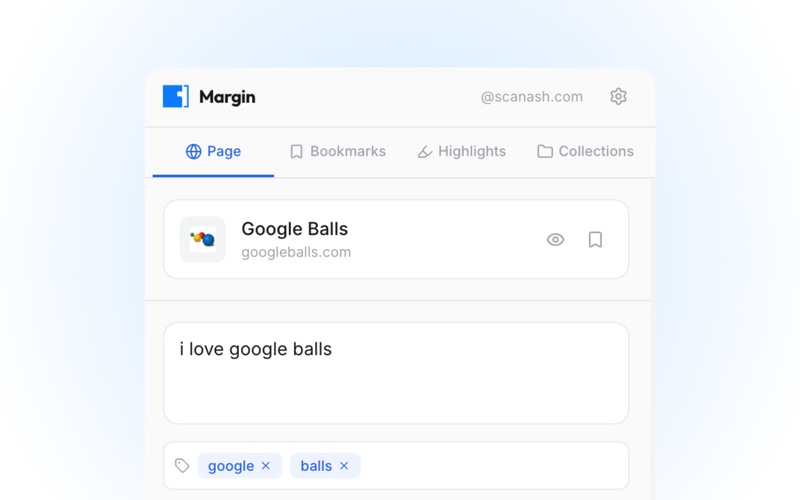
Annotate and highlight any webpage, with your notes saved to the decentralized AT Protocol
Annotate and highlight any webpage, with your notes saved to the decentralized AT Protocol.

Features:
- Bookmark: Save any page on the web and look back at it later
- Highlight: Mark important text you want to reference later
- Annotate: Add notes to anything on the web, like, reply, and view other users' annotations

Keyboard Shortcuts:
- Option+A: Annotate selection
- Option+H: Highlight selection
- Option+B: Bookmark page

How to use:
- Annotate or Highlight: Select text, right-click > Margin > Annotate or Highlight
- Popup: Click the Margin icon in your Safari toolbar
- Bookmark: Right-click anywhere > Margin > Bookmark this page

You need an AT Protocol account to use Margin.