Mini Calendar is a lightweight application that helps you quickly and easily access a monthly calendar
Mini Calendar is a lightweight application that helps you quickly and easily access a monthly calendar.

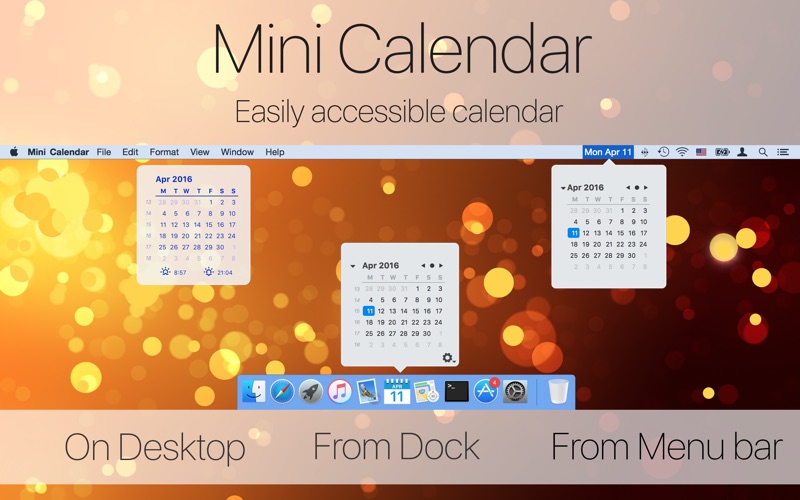
Choose the most convenient way to open the calendar:
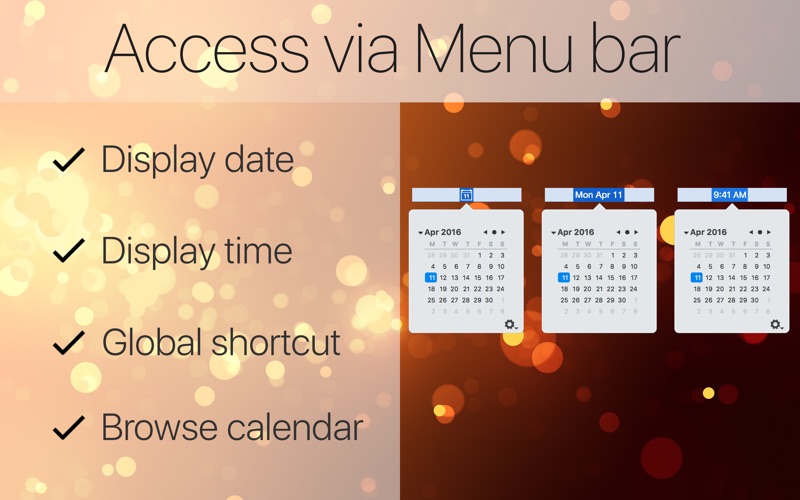
— Click on the menu bar icon
— Click on the Dock icon
— Use a configurable keyboard shortcut
— Add it as a Notification Center widget

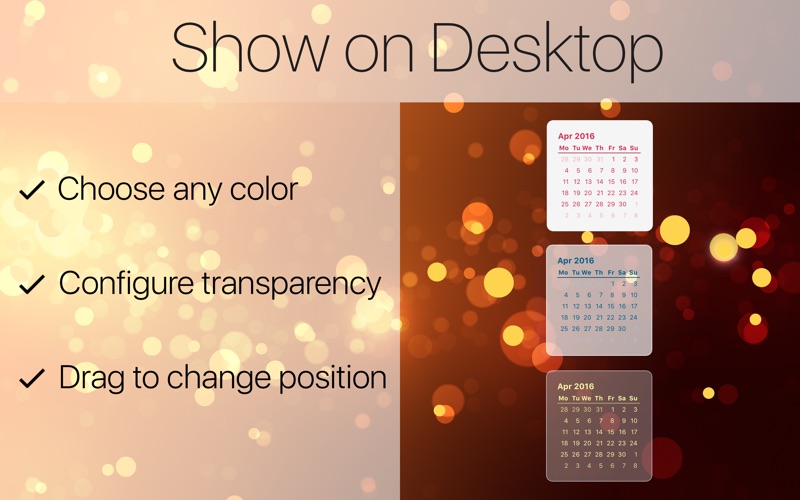
You can also enable an always-on-desktop calendar, which appears above the wallpaper.
Additional features:

— A configurable menu bar item that displays the date, time, day of the week, or just an icon with the date
— If the Dock icon is enabled, it always shows the current date and month
— A configurable global shortcut to display the popup calendar
— Customizable color options for the desktop calendar
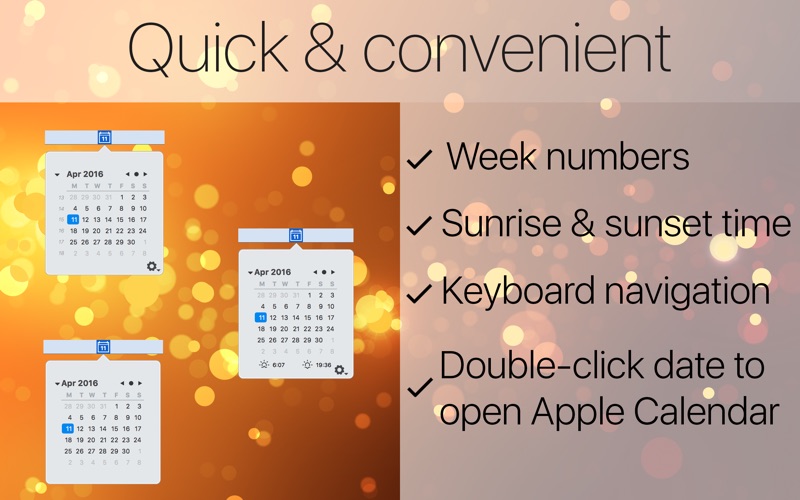
— Displays sunrise and sunset times

Hint: On macOS Sierra and later, you can reorder menu bar items by dragging them while holding the Command key.