Screenshot Master — Create high-converting App Store screenshots faster
Screenshot Master helps you design, localize, and optimize your App Store screenshots with precision
Screenshot Master — Create high-converting App Store screenshots faster

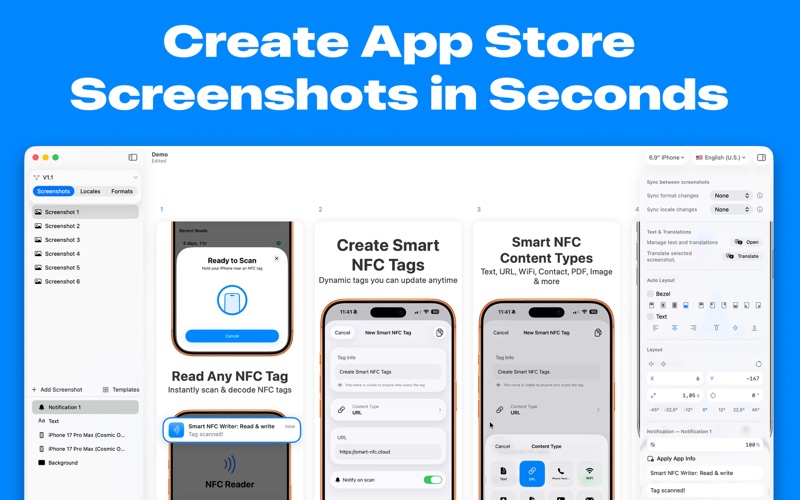
Screenshot Master helps you design, localize, and optimize your App Store screenshots with precision. Whether you’re launching a new app or improving conversions, everything is built to move faster without sacrificing quality.

A completely redesigned experience
The app has been rebuilt from the ground up with a cleaner, faster, and more intuitive interface. Focus on your designs, not your tools.

Design, iterate, and scale effortlessly

- New Canvas — A more flexible workspace for precise layouts
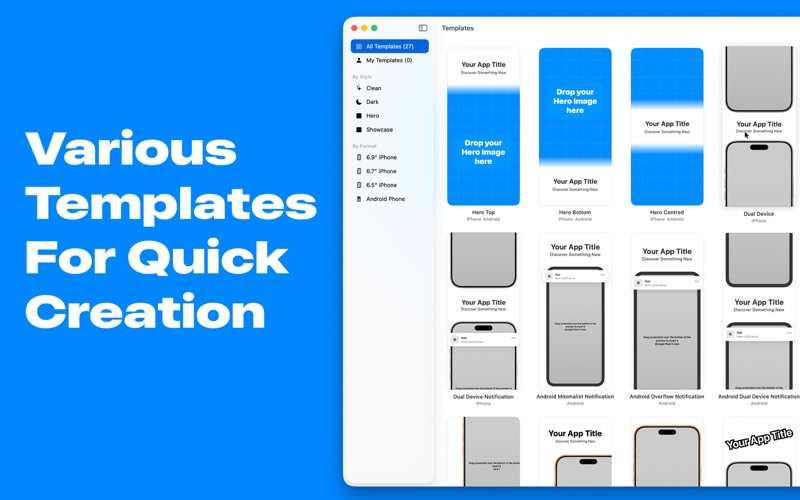
- Templates & Template Explorer — Start instantly with ready-to-use designs
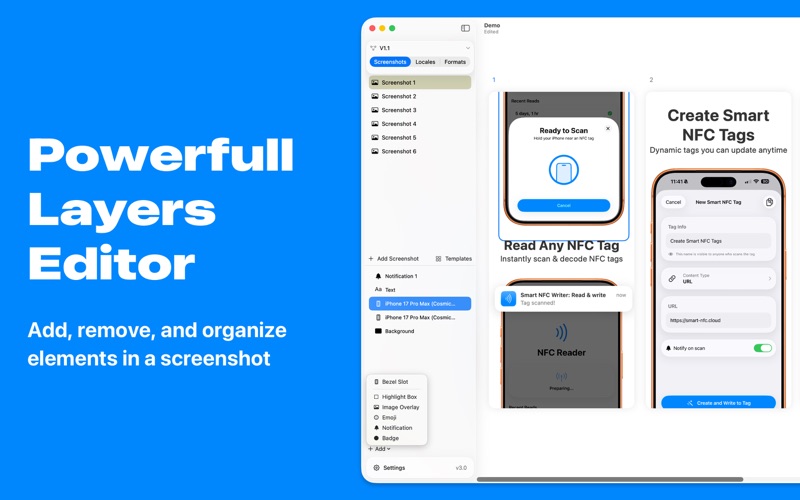
- Layers & Advanced Editor — Full control over every element
- Inspector — Fine-tune details with precision
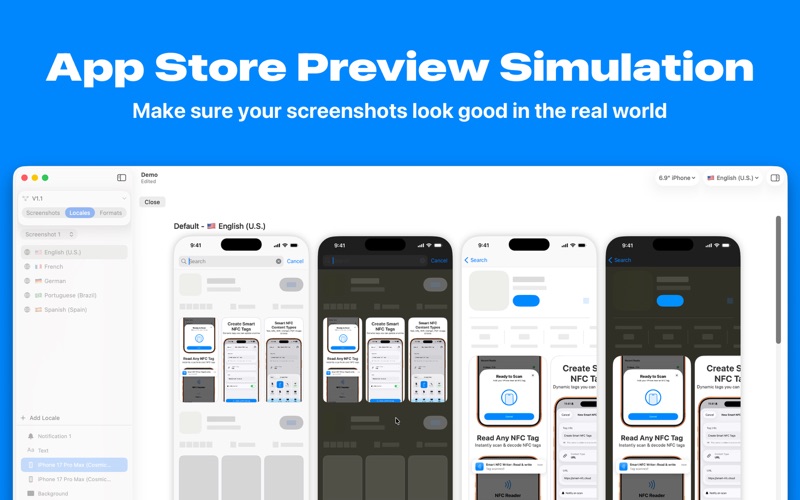
- Live Preview — See exactly how your screenshots will look

Built for localization and scale

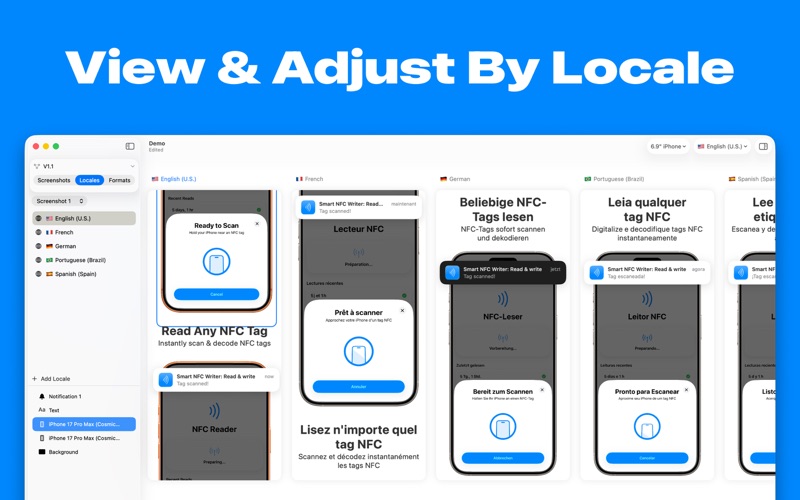
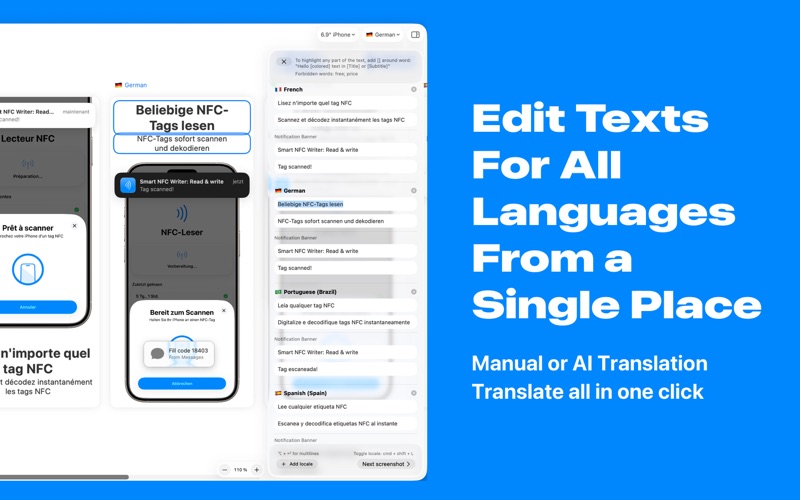
- Text & Translation Management — Update all languages from one place
- Per-Locale Design — Adapt visuals for each market
- Per-Format Design — Optimize for every device size

Optimize your App Store performance

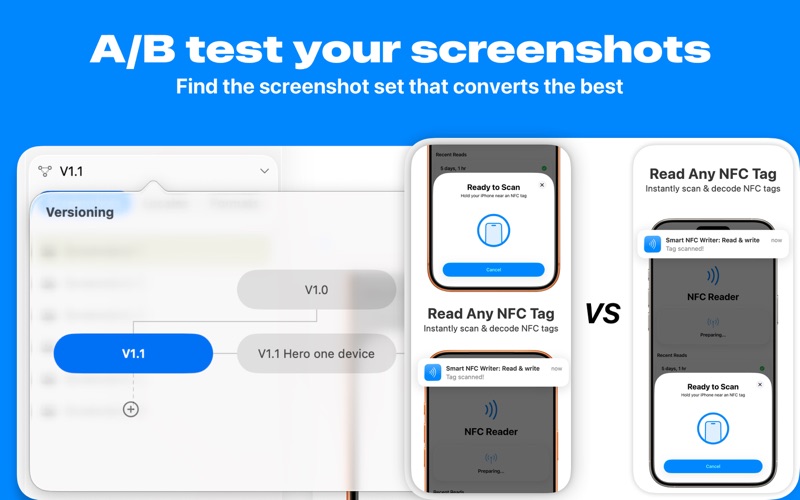
- Product Page Experimentation — Test and improve conversion rates
- Version Control — Track changes and iterate safely
- App Linking — Connect your app data seamlessly

Advanced workflow

- MCP Integration — Design your screenshots programmatically
- Liquid Glass Support — Modern visuals with the latest design standards

Create better screenshots, faster — and turn more views into downloads.


Privacy policy: https://screenshot-master.app/privacy
Terms of use: https://screenshot-master.app/terms