GitBar is a powerful menu bar tool designed to help developers manage pull requests efficiently across multiple platforms like GitHub, GitLab, and Azure
GitBar is a powerful menu bar tool designed to help developers manage pull requests efficiently across multiple platforms like GitHub, GitLab, and Azure. Stay on top of your PRs without switching between browser tabs. GitBar brings all your pull request actions into a streamlined, color-coded interface right in your macOS menu bar.

Key Features:

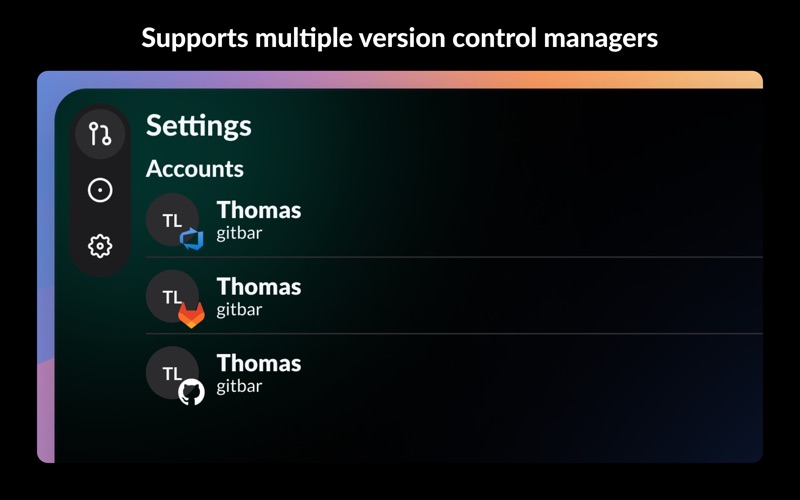
- Multi-Platform Support: Manage pull requests from GitHub, GitLab, and Azure, all in one place.
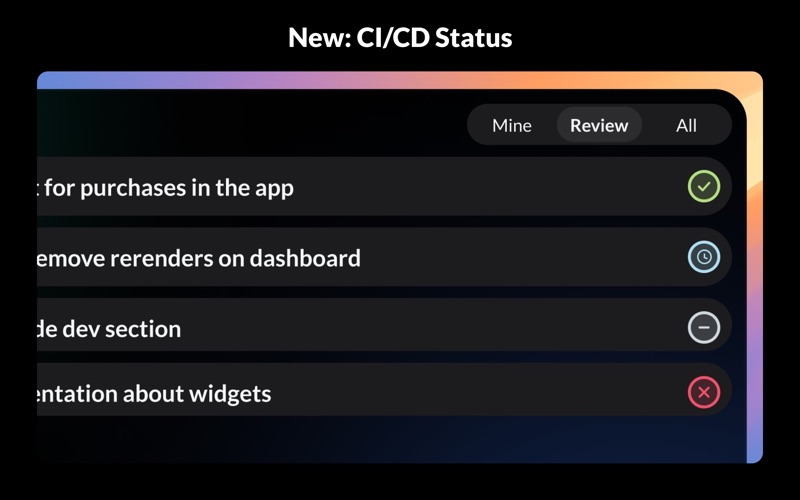
- At-a-Glance Status: See pipeline/CI state, approval status, merge conflicts, and draft status on every PR. No need to click through to find out if something is ready to merge.
- Reviewer Overview: Color-coded reviewer avatars instantly show who approved, who's waiting, and who requested changes.
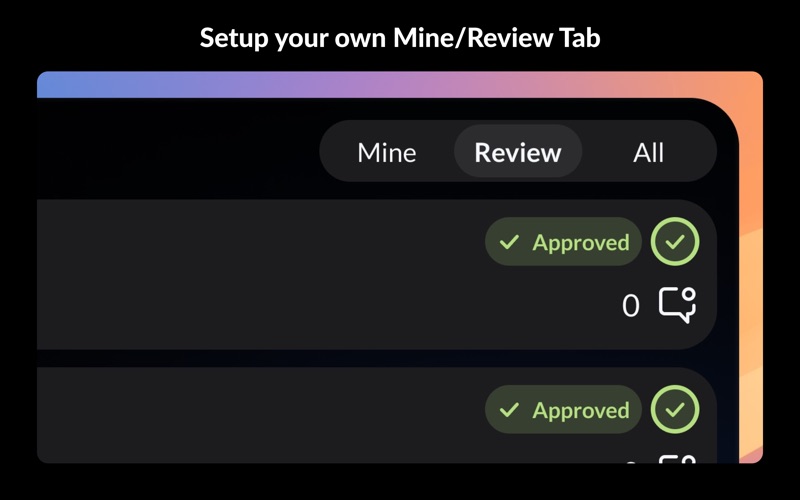
- Relevant PRs Tab: Filter out noise by hiding irrelevant PRs, and keep only the important ones in your custom "Relevant" tab.
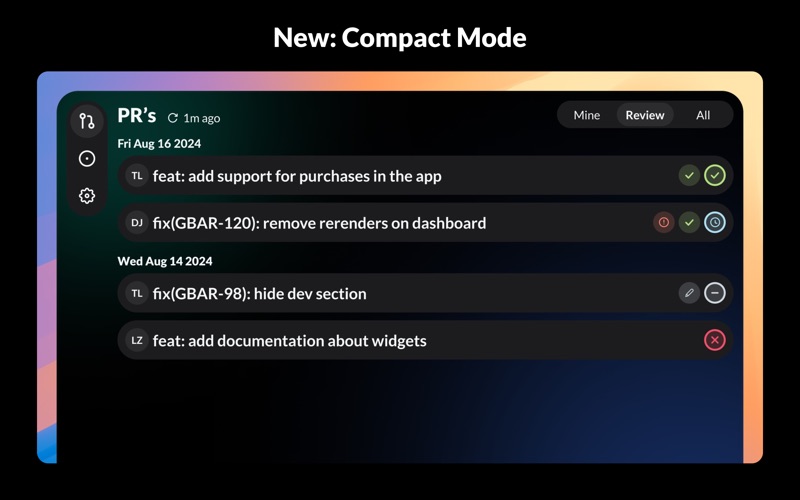
- Compact or Detailed View: Switch between a dense one-line-per-PR layout and the full card view, depending on how many PRs you're tracking.
- Issues: Get GitHub issues in your GitBar overview, from the ones you created to the ones on your project.
- Customizable Filters: Tune what appears in "Relevant" to focus on the PRs that matter most to you.
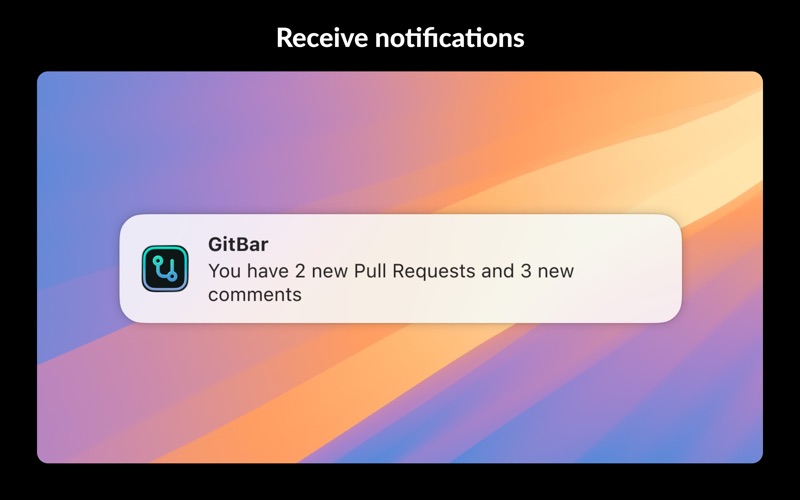
- Real-Time Notifications: Stay updated with notifications on new, updated, or merged pull requests.
- Launch at Login: Set GitBar to launch automatically at login, ensuring you're always connected to your PRs.

Simplify your pull request workflow, stay organized, and boost your productivity with GitBar, your go-to solution for PR management across platforms!