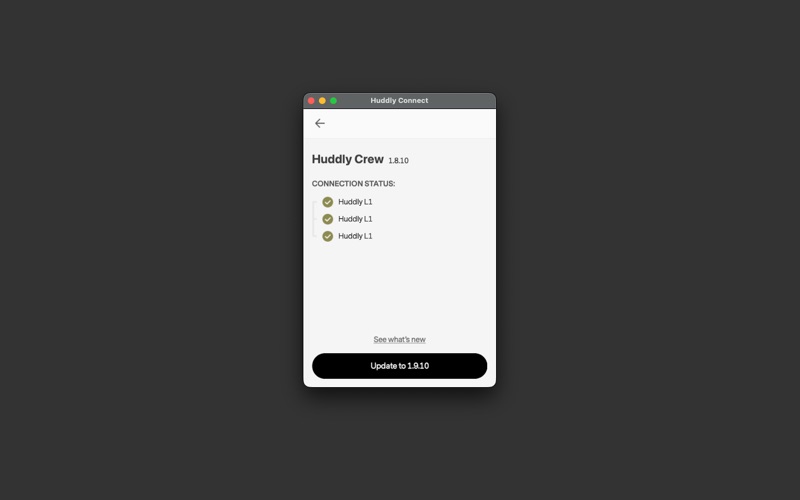
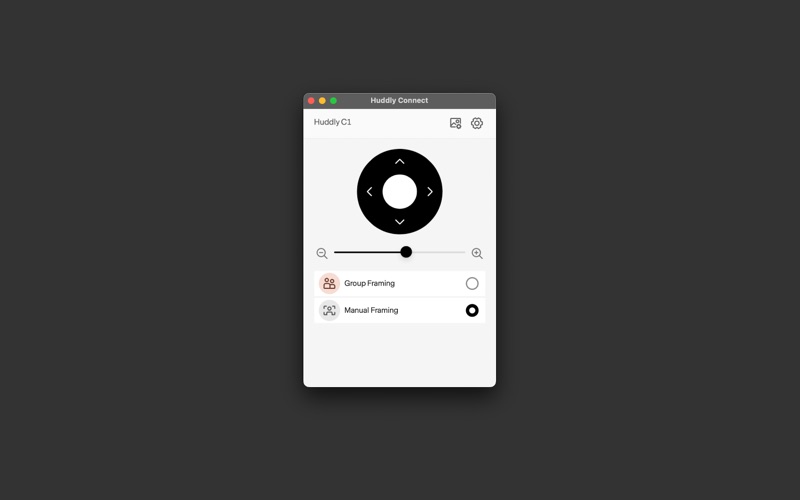
Huddly Connect is the companion app for managing and configuring your AI-driven Huddly cameras and multi-camera systems
Huddly Connect is the companion app for managing and configuring your AI-driven Huddly cameras and multi-camera systems. Use it to select framing modes, adjust image settings, install software updates, and send camera logs to support.

Use Huddly Connect to:
- Choose between AI-powered framing modes like Speaker Mode, Collaboration Mode, Gallery View, and Group Framing,  or set the frame manually for a fixed view
- Adjust image settings such as brightness and saturation to match your room conditions
- Enable Huddly Portrait Lighting to improve subject clarity and visibility in uneven lighting conditions
- Keep your devices up to date with the latest software features, performance improvements, and enhancements
- Send diagnostic camera logs directly to Huddly Support when troubleshooting is needed

Whether you're using a single camera or a Huddly Crew system, Huddly Connect helps you select the right video experience, tune your visual settings, and maintain a consistent setup across rooms.