Auto Image Batcher automates your image workflows — whether you're working solo or with a team
Auto Image Batcher automates your image workflows — whether you're working solo or with a team.

Watch any folder (local or shared) and automatically convert images as they appear. Resize, rename, compress, and export in the format you need — with zero clicks.

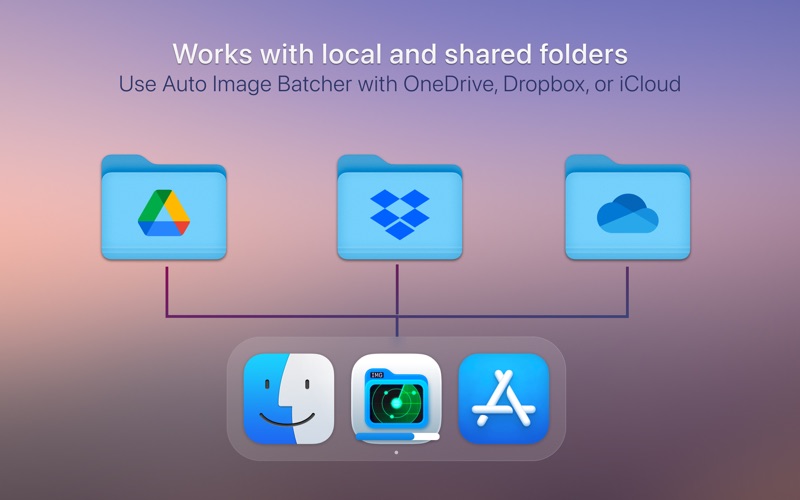
Use Auto Image Batcher for your personal photo pipeline, client projects, or collaborative folders synced via Google Drive, OneDrive, Dropbox, or iCloud in the Finder.

KEY FEATURES
• Auto-convert images from any folder
• Supports Input Formats: WebP, AVIF, PNG, JPEG, HEIC, TIFF, PDF, PSD & more
• Supports Output Formats: WebP, PNG, JPEG, HEIC, TIFF, PDF, PSD, BMP
• Create multiple “conversion projects” for different folder pairs
• Resize, compress, and rename on the fly
• Watch local folders or shared cloud folders (e.g. OneDrive)
• Progress indicators and desktop notifications
• Runs silently in the background

GREAT FOR
• Photographers and content creators
• Designers and web developers
• Teams sharing images in synced folders
• Anyone with repetitive image conversion needs


Automated. Flexible. Team-ready.