PDF Image Xtractor is the fastest, easiest, and most affordable way to get images out of PDF files on macOS
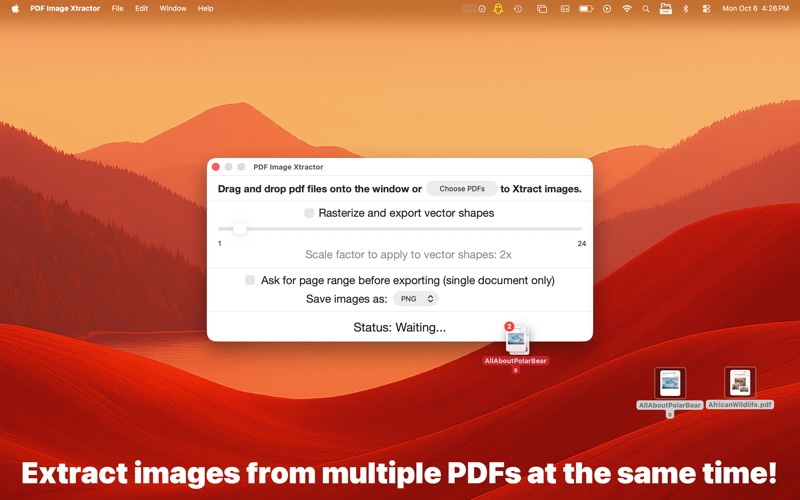
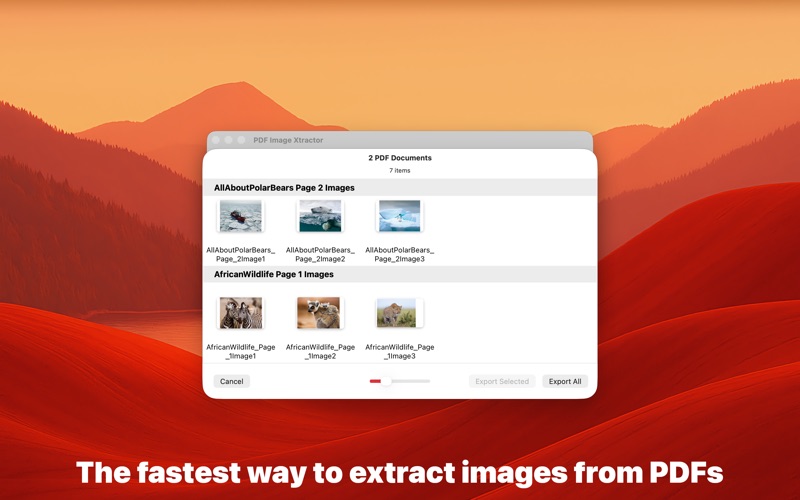
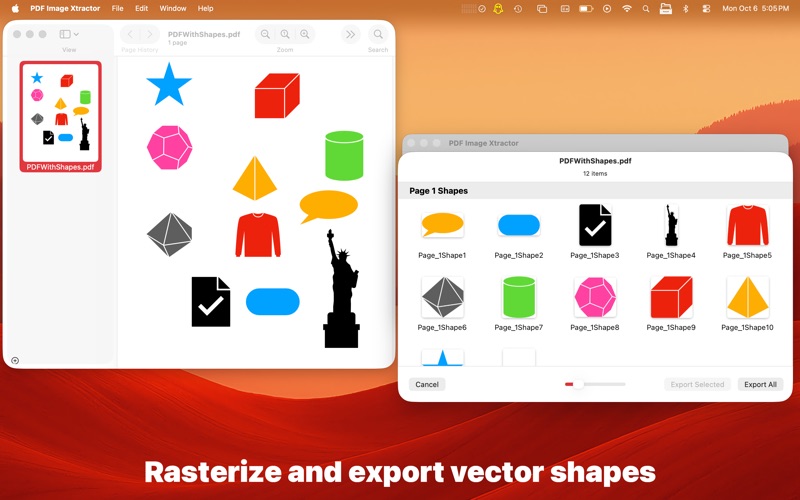
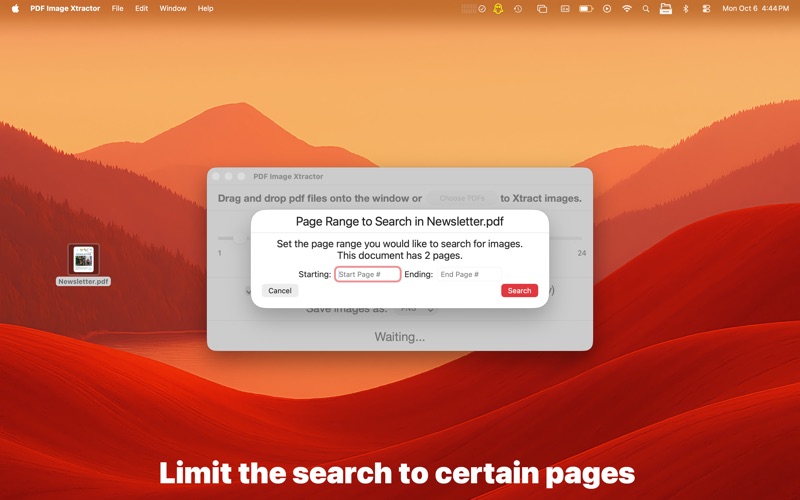
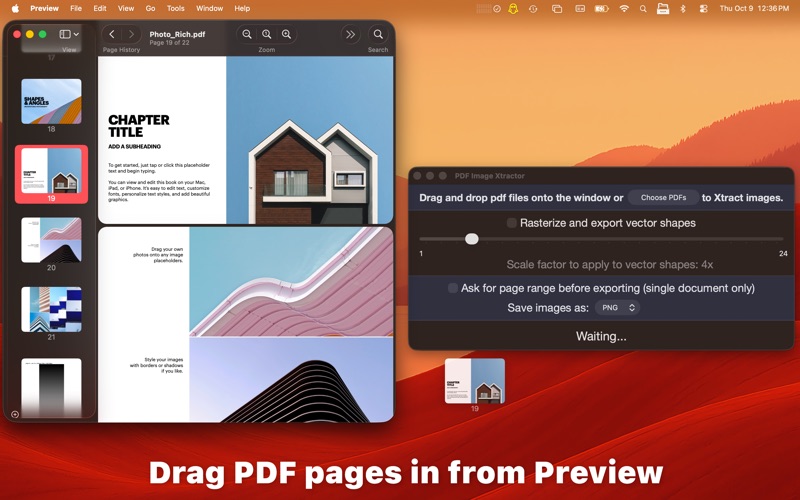
PDF Image Xtractor is the fastest, easiest, and most affordable way to get images out of PDF files on macOS. All you have to do is drag and drop PDF files onto the window and PDF Image Xtractor will go through each page and extract all the images out for you. You can set a custom page range if you are only interested in extracting images on certain pages. Starting in version 2, you can now have PDF Image Xtractor rasterize and export vector shapes embedded in PDF documents.

Features:
-Extract images out of PDF files.
-Extract images out of multiple PDF files in a single operation.
-Rasterize and export vector shapes.
-Extract images only on certain PDF pages by specifying a custom page range before extracting.
-Save the extracted images as PNG, JPEG, TIFF, or BMP.

Getting your images out of a PDF document has never been easier! So what are you waiting for? Get PDF Image Xtractor now!