Stop juggling context. Stash is a clipboard manager built for developers working with LLMs.

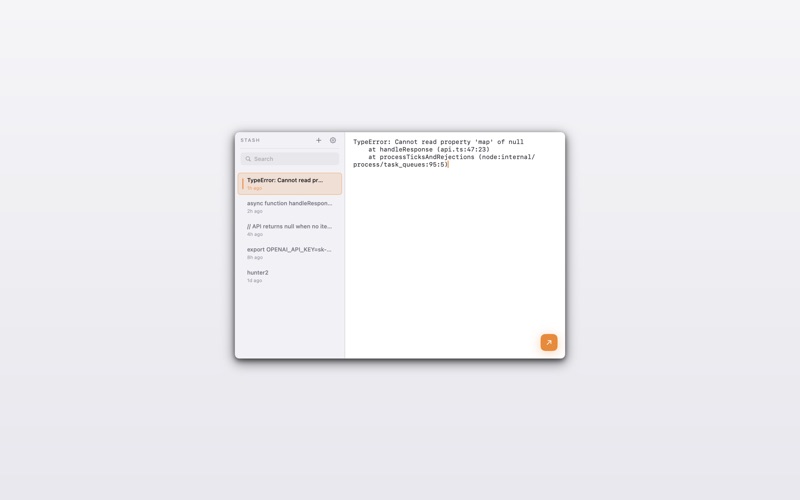
You're copying error logs from the terminal, stack traces from your browser, code snippets from your editor, redacting a few sensitive lines, and pasting it all into Claude or Cursor. Stash keeps everything in one place so you can edit before you paste.

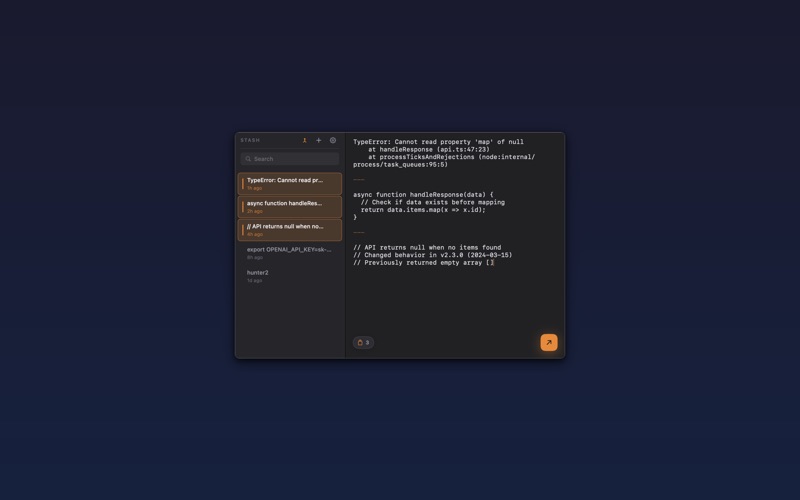
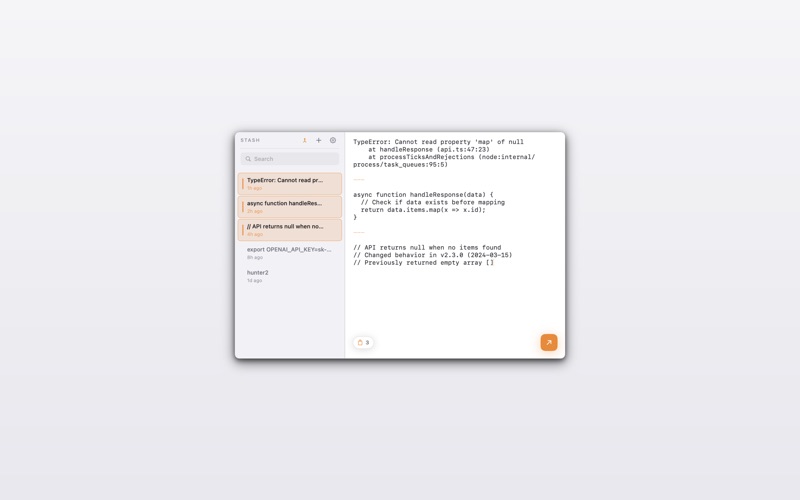
More than clipboard history, Stash gives you a workspace. Copy five different snippets, merge them together, redact what you don't need, and paste the whole thing in one shot. No more jumping between your clipboard, Notes, and your AI chat.

How it works:
Copy anything on your Mac. Stash captures it automatically. Press Cmd+Shift+V to open your workspace, edit or merge your clips, then Cmd+Enter to paste back into your previous app. Three keystrokes.

Built for developers:
  • Edit anything — Every clipboard item is fully editable the moment you capture it
  • Merge snippets — Select multiple items and combine them into one with Cmd+M
  • Build context — Gather logs, stack traces, and code for your LLM prompt
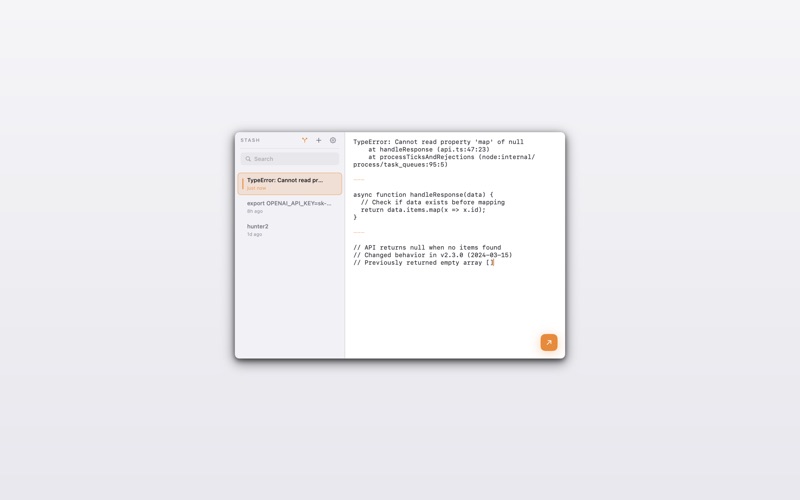
  • Split apart — Break merged content back into pieces using dividers
  • Paste directly — Cmd+Enter pastes to your previous app
  • Images too — Screenshots and diagrams live alongside your code
  • Auto-capture — Everything you copy is saved automatically
  • Auto-cleanup — Old items expire after 7 days

Replace your workflow:
Stop copying to Notes or scratch files. Stash sits one keystroke away, ready to collect and combine whatever you're debugging.

Privacy first:
All data stays on your Mac. No cloud. No sync. No tracking. Everything lives in your Application Support folder as plain JSON.

Keyboard shortcuts:
  • Cmd+Shift+V — Open Stash
  • Cmd+Enter — Paste to previous app
  • Cmd+M — Merge selected
  • Cmd+Shift+M — Split on divider
  • Cmd+N — New note
  • Esc — Close