Spantop creates a virtual monitor that your main device treats like a real physical display
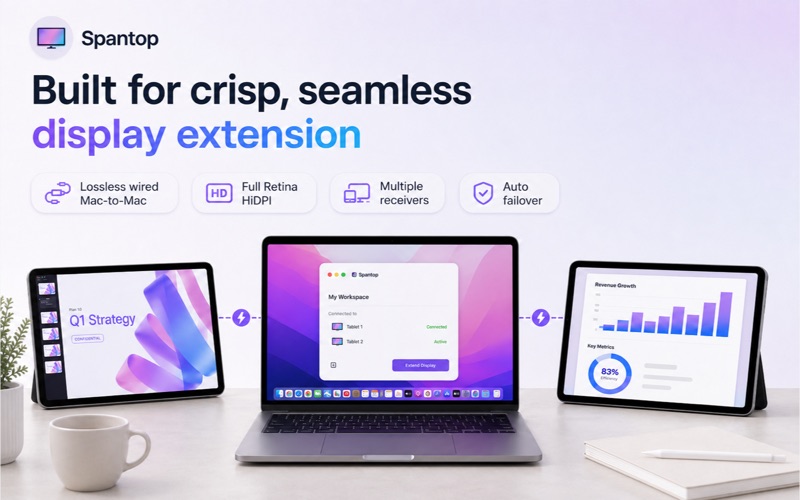
Spantop creates a virtual monitor that your main device treats like a real physical display. Your other laptop or tablet becomes an extended desktop — drag windows, use Spaces, and run fullscreen apps just like you would on a normal monitor.

FEATURES

• Extend your display to another laptop or tablet as a real second monitor
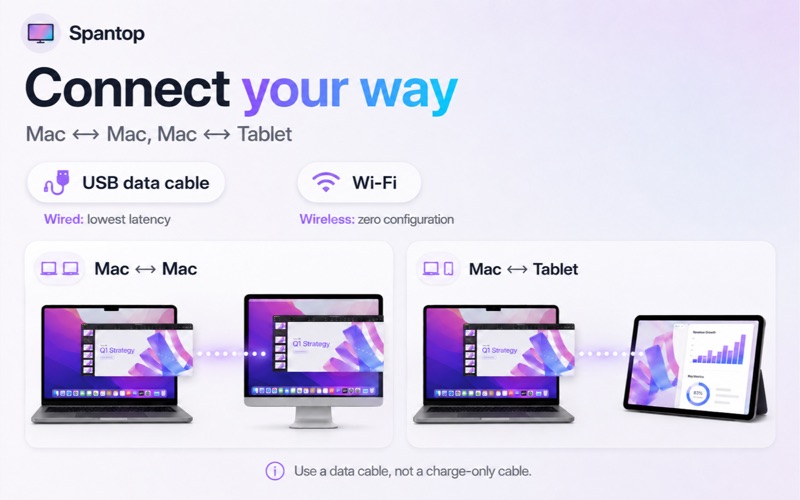
• Connect over Wi-Fi or a wired USB-C/Thunderbolt cable
• Sharp, low-latency picture over a wired connection
• Full Retina HiDPI support
• Multiple receivers supported simultaneously — each appears as an independent display
• Automatic failover between wired and wireless connections

HOW IT WORKS

Open Spantop on your main device in Sender mode
Open Spantop on the other laptop or tablet and switch it to Receive mode
Connect both devices with a USB-C data cable, or place them on the same Wi-Fi network
On your main device, tap Scan for Devices and select the receiver
Tap Connect — the other device Accepts your request and becomes your extended display

WIRED CONNECTION — RECOMMENDED

• A wired USB-C/Thunderbolt link gives the lowest latency at full Retina resolution
• Use a data cable, not a charge-only cable. Charge-only cables carry power but no data, so the connection will not work
• If the cable is unplugged, Spantop automatically fails over to Wi-Fi

WIRELESS CONNECTION

• Works over any shared Wi-Fi network
• Uses H.265 hardware encoding for smooth streaming
• Zero configuration — devices discover each other automatically

IMPORTANT NOTE

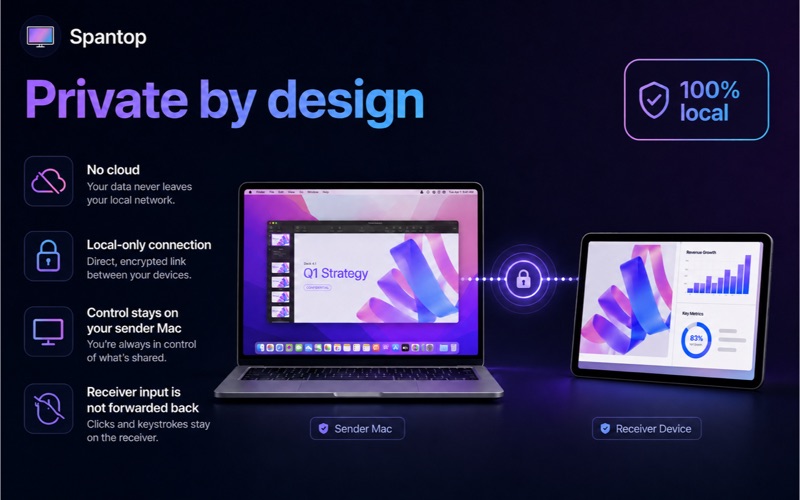
Spantop is a passive second-display app. The receiver device displays your main device's extended desktop. You control windows using your main device's keyboard and trackpad. Input from the receiver device is not forwarded back to the sender.

PRIVACY

Screen Recording permission is required to capture the virtual display. No screen data is saved, transmitted to any server, or shared with third parties. Frames are sent directly to the paired receiver device on your local network.