WhattaRAG lets you ask questions about your own documents and get answers drawn from them — without anything leaving your iPhone
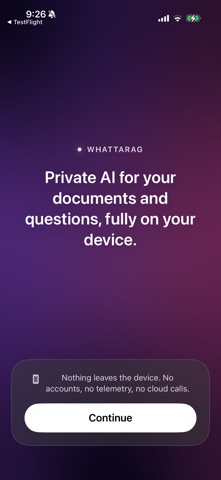
WhattaRAG lets you ask questions about your own documents and get answers drawn from them — without anything leaving your iPhone.

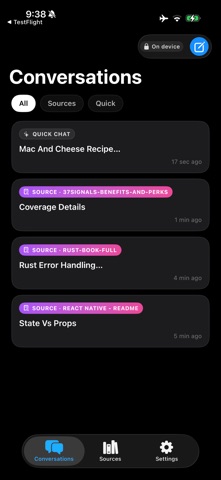
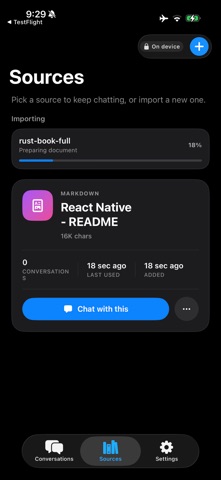
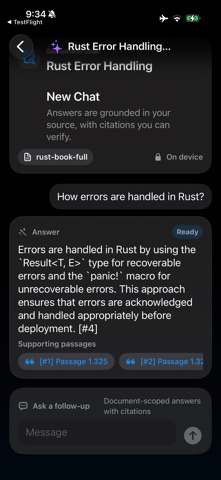
Import or paste your text and markdown documents, then start a conversation. WhattaRAG finds the passages that matter and uses Apple Intelligence to answer in plain language, with tappable citations back to the exact source.

Everything happens on-device. No accounts, no sign-in, no servers. Your documents, conversations, and everything the app generates stay in a private database on your Phone.
The app makes no network requests of any kind — there's nothing to opt out of, because there's nothing being collected.

How it works
  • Add a document by importing a text or markdown file, or by pasting text directly.
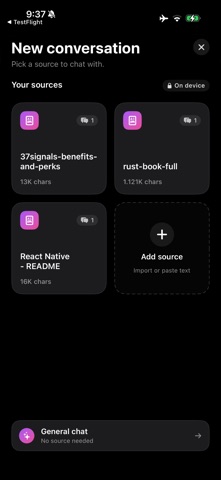
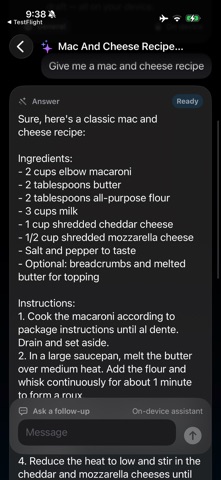
  • Start a conversation scoped to one document, or chat without a document.
  • Ask a question. WhattaRAG retrieves the relevant passages and answers from them.
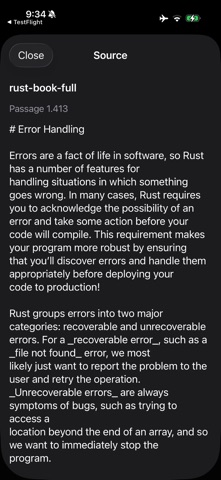
  • Tap a citation to jump straight to the source passage.

  Private by construction
  • All AI runs on-device using Apple Intelligence and Apple's Natural Language framework.
  • No analytics, no crash reporters, no advertising SDKs, no telemetry.
  • No accounts and no identifiers — nothing connects the app to you, because nothing reaches us.
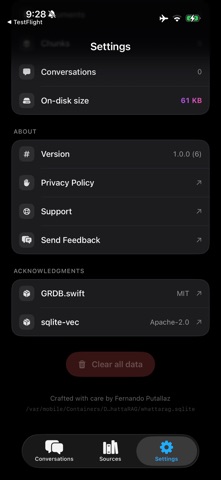
  • Clear everything from Settings at any time, or remove the app to erase its data completely.

Honest about the limits
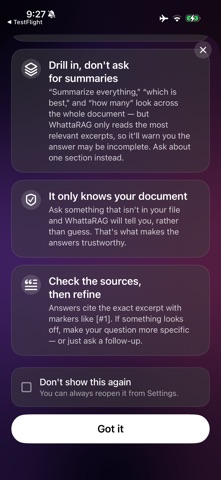
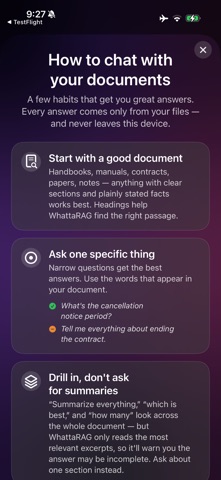
WhattaRAG answers from the most relevant excerpts of your documents, not your entire library at once. It's excellent at finding and explaining specific passages. It's not built to count, rank, or summarize a whole collection in a single answer — and it tells you when a question falls outside what retrieval can do well.

Requirements
WhattaRAG needs an iPhone with Apple Intelligence running iOS 26 or later (iPhone 15 Pro and newer). The on-device language model is provided by iOS; if your device or region doesn't support Apple Intelligence yet, the app will tell you.

v1 works with text and markdown documents (more formats coming next). Built by a solo iOS developer who cares about the details.