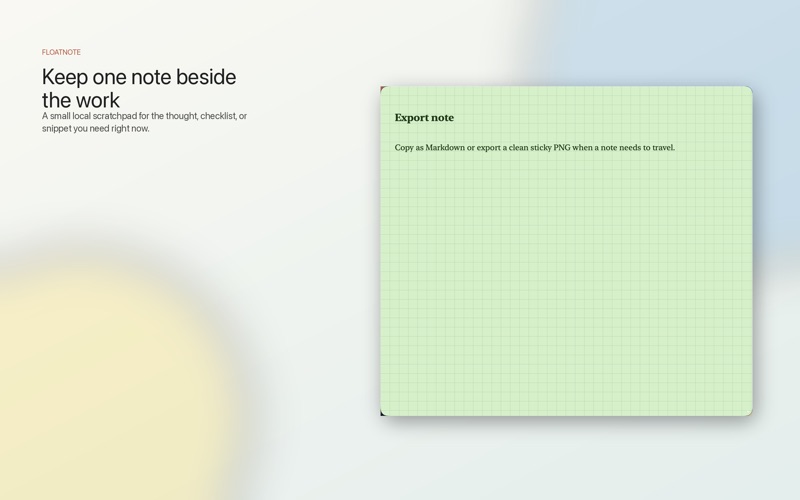
Floatnotes is a fast, local-first scratchpad for macOS. It gives you one calm floating note for the thought, checklist, or snippet that needs to stay beside your work.

Open a note from the menu bar, create a new one with a shortcut, or capture clipboard text without switching into a full notebook app. Floatnotes is built for the small working notes that are easy to lose and too useful to bury.

Write naturally with invisible Markdown. Headings, links, highlights, inline code, bullets, numbered lists, and checklists stay readable while Markdown remains ready to copy out.

Keep today's notes close with float-on-top, folding, translucency, pinned notes, color tags, paper textures, and fast search filters. Cycle through notes, find open tasks, and keep the current note visible while the rest of your workspace keeps moving.

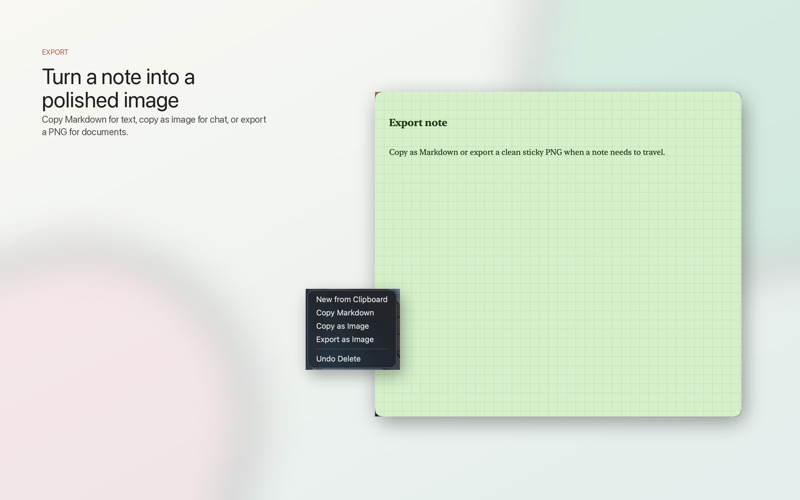
Your notes stay local on your Mac, stored as JSON in Application Support with automatic backup rotation and recovery from the newest valid backup. Copy a note as Markdown, copy it as a PNG, or export a polished sticky image when the note needs to travel.

Floatnotes is not trying to become your whole knowledge base. It is the quick local note that stays where the work is.

Highlights:
- Floating note window with fold, translucency, and float-on-top
- Menu bar actions for new notes, clipboard capture, search, export, and more
- Invisible Markdown editing with rich paste cleanup
- Checklists, headings, links, highlight, inline code, bullets, and numbered lists
- Pinned notes, color tags, custom tag names, and paper textures
- Search by title/body plus filters like pinned notes, tags, and open tasks
- Copy Markdown, copy as image, and export PNG
- Local JSON storage with automatic backups
- App Intents for Shortcuts workflows
- Support & Feedback link from the menu bar and Settings