



Description
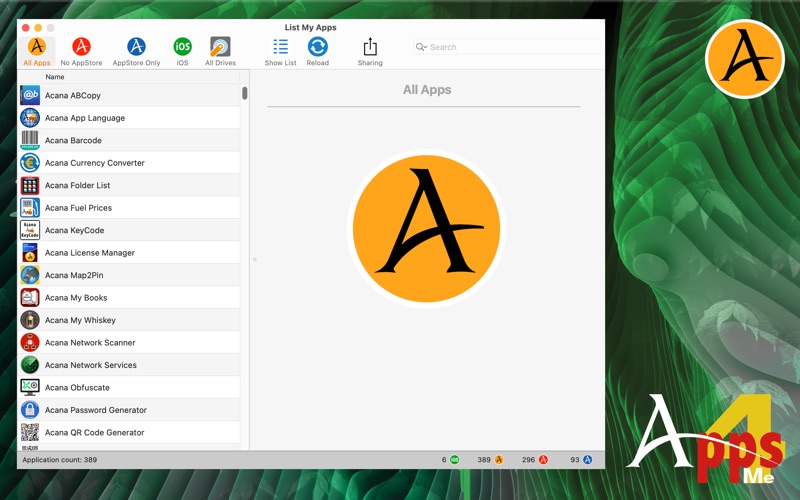
This app lists all purchased macOS® app from the Apple AppStore that are installed on your computer and if you wish all application from the folder "/Applications" (from macOS 10
This app lists all purchased macOS® app from the Apple AppStore that are installed on your computer and if you wish all application from the folder "/Applications" (from macOS 10.15 also /System/Applications). Furthermore, there is also the possibility to search all available drives for applicatrions.

Features:
• Show all applications from the folder «/Applications» (from macOS 10.15 also /System/Applications)
• Show all purchased "Mac OS X®" app from the Apple AppStore that are installed on your computer
• Show all applications located on all available drives
• Show the count of applications in the Dock
• Window with details about the selected application
  • Application name
  • Version
  • Date and time of purchase
  • Date and time of the last update
  • Copyright
  • Application category
  • Application folder
  • Application bundle information
  • Application bundle name
  • Minimum OS
  • Retina support
  • Application from AppStore
  • Manufacturer URL
  • Application Icon
  • Context menu with this features
  • Start application
  • Show app in Finder
  • Show details
  • Open manufacturer URL
  • Finder tags
  • Size
• Copy details to the clipboard
• Open details in TextEdit
• Context menu with the following functions
  • Start Application
  • Show App in Finder
  • Show details
  • Open Manufacturer URL
• You can start the application with a double click
• List of all applications with all details
  • Show all applications
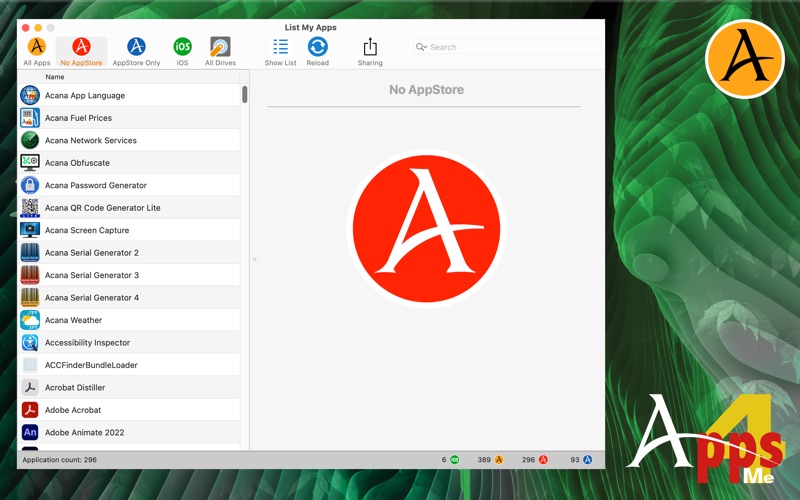
  • Show all applications that are not from AppStore
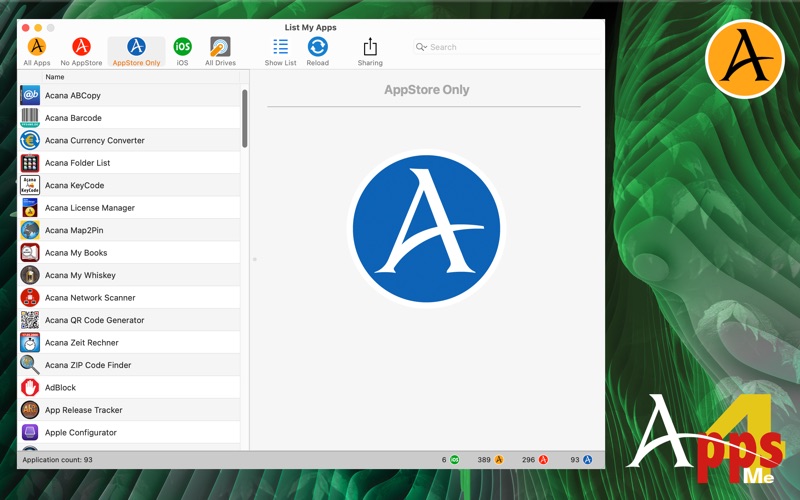
  • Show all applications from AppStore
  • Show all iOS applications (only available on Apple® M# CPU)
  • Copy all data to the clipboard (for further processing in Excel®, Numbers® or LibreOffice etc.)
  • Copy all data of the selected entries to the clipboard (for further processing in Excel®, Numbers® or LibreOffice etc.)
  • Export as CSV file
  • Export as Excel® XLSX file
