Face Blur+ makes it easy to blur out faces, license plates or objects in photos. The app features many types of blur effects as well as icons. No internet connection is required!

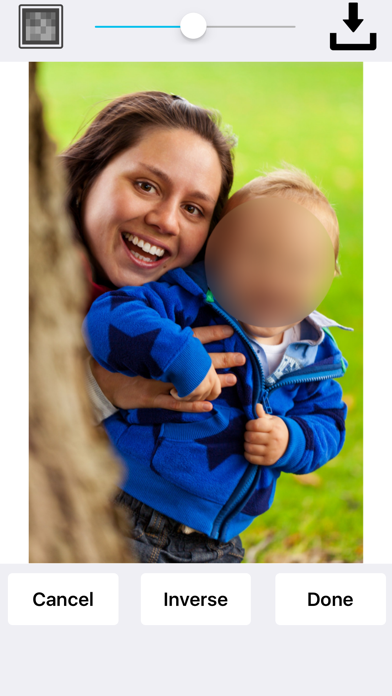
To blur your photo, simply highlight the area that you would like blurred using the selection tool and tap blur. At this point you will be able to select the type of blur that you want applied.

You can add a:

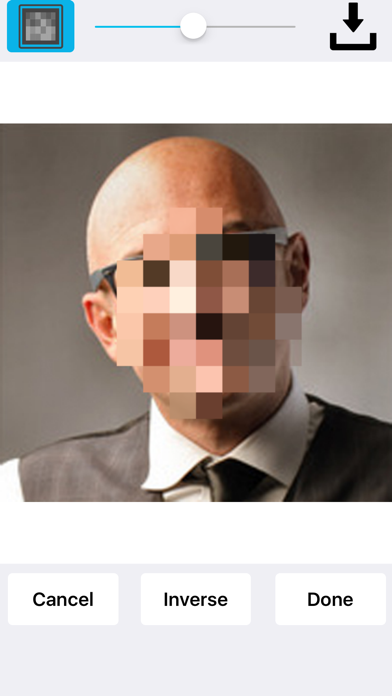
Standard  or pixelated blur effect.
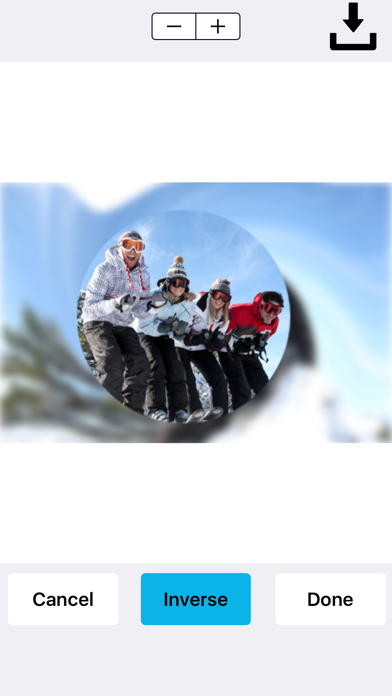
Radial/motion blur effect.
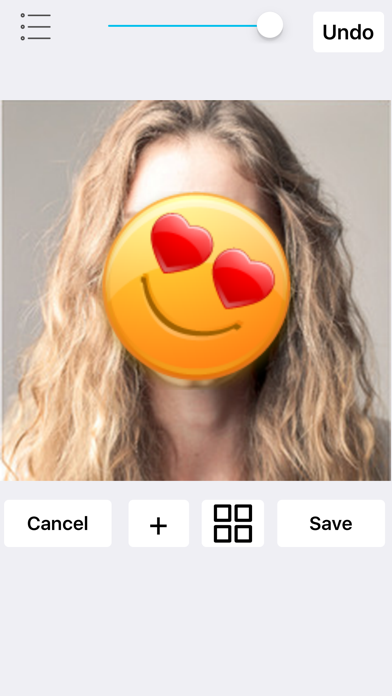
You can place stickers over your photos such as emoticons, flags, censored labels, food, animals, sport balls and more.

Face Blur+ is also capable of:

Blurring out multiple areas/sections in a photo.
Applying overlapping blur effects.
Performing inverse blur effects.

The inverse effect applies a blur around the selected area rather than inside the selected area. So if you're looking to blur out the background of an image and/or applying a radial blur to the background of an image, the inverse effect is capable of doing this.

Once you've finished blurring out your photo(s), you can save it to your photos or share the photo(s).