
Best OCR - How to scan PDF with Image Recognition

Best OCR - How to scan PDF with Image Recognition

1.0 194.22MB 1 Free
Version 1.0 Updated 2016-10-02 Developer Nattapon Kittisuphat
  • Best OCR - How to scan PDF with Image Recognition screenshot
  • Best OCR - How to scan PDF with Image Recognition screenshot
  • Best OCR - How to scan PDF with Image Recognition screenshot
  • Best OCR - How to scan PDF with Image Recognition screenshot
Best OCR - How to scan PDF with Image Recognition screenshot

Description

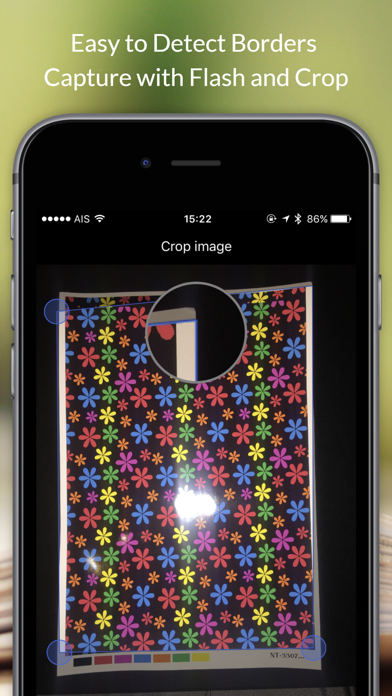
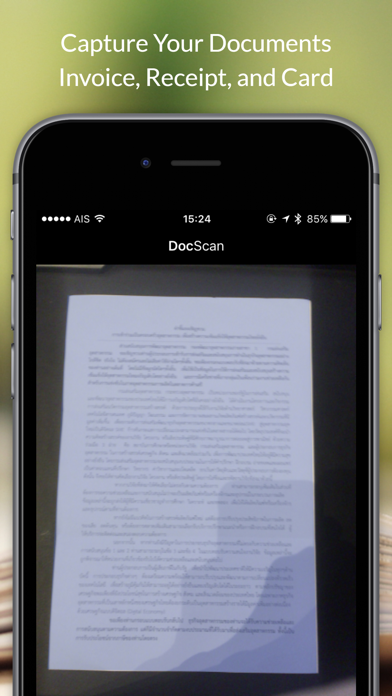
Capture document and detect border

Capture document and detect border. Make your life simply with OCR Image Reader
Increase Productivity. Scan documents and Business Card

Feature :

-Easy to use
-Clean Design
-Detect Border
-Crop Image
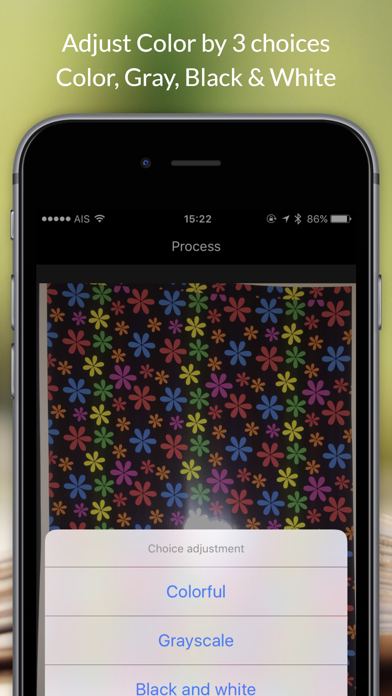
-Change Color
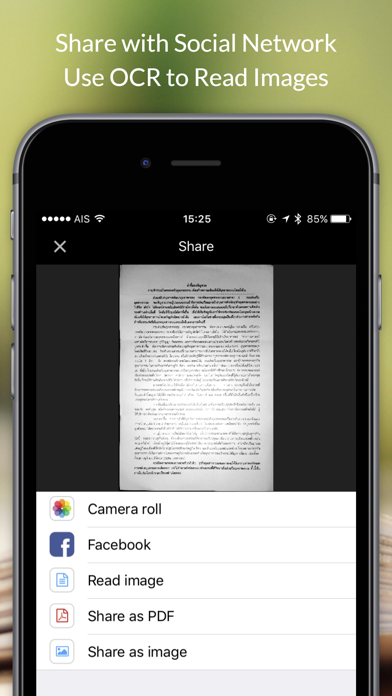
-Share to Social
-Save Photo
-OCR 
-Support iOS 10
-Support iPad
Category: Business(160056) Version: 1.0 BundleId: com.hon.scan Developer: Nattapon Kittisuphat Updated: 2016-10-02

In-App Purchases

1 items 1 currencies
1 中国

Item

¥ 0 CNY