Trimster is the easy way to trim MPEG-4 videos with precision. Set “in” and “out” points, then save the clip. It’s that simple.

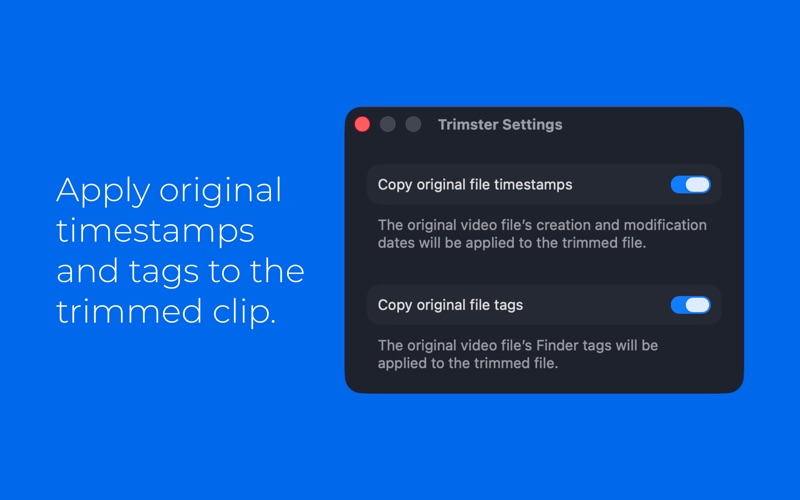
You can use Trimster to split a long video into shorter clips, remove scenes you don’t want, or just trim a little off the top. Trimming MPEG-4 videos is quick and easy but oh-so-precise: set your exact “in” and “out” frames, then save the clip as a new video. Trimster doesn’t convert or re-encode movies, so saving trimmed clips is easy and fast. If you want, the new clip can even retain the created/modified dates and Finder tags from the original file.

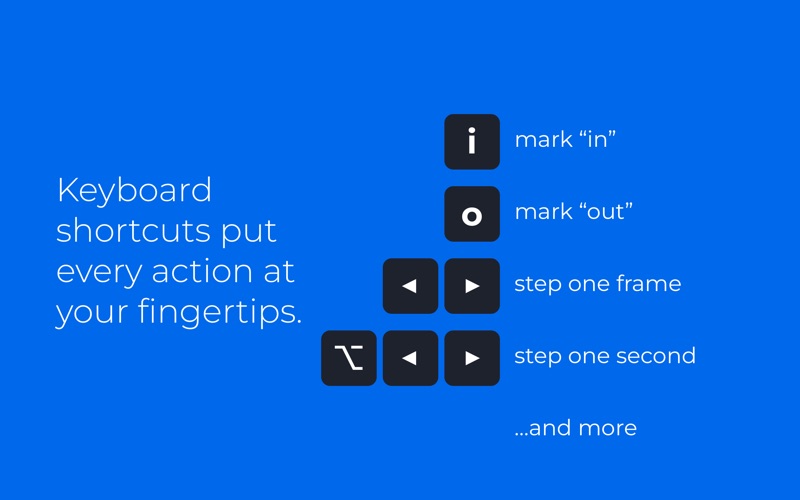
Use standard movie player controls and menu items to mark your desired in/out clip points, or take advantage of convenient keyboard shortcuts:
– Step frame-by-frame using the left/right arrows keys for precise trimming
– Step second-by-second using Option + left/right arrow keys
– Mark in/out points with I and O keys
– Other keys let you jump to the beginning/end of the video or marked clip

Trimster works with any unprotected, exportable MPEG-4 movie. Compatible file extensions include MP4, M4V, MPG, MPEG, and MOV. Trimster doesn’t work with MPEG-2 files or other video formats, but if you use another utility to convert them to MP4, you can then trim them with Trimster.