
Replayer: Music Slow Downer
0.0 1.18MB 0 ¤68.00
Version 1.1.4
Updated 2021-11-05
Developer Lukasz Adamczak


Description
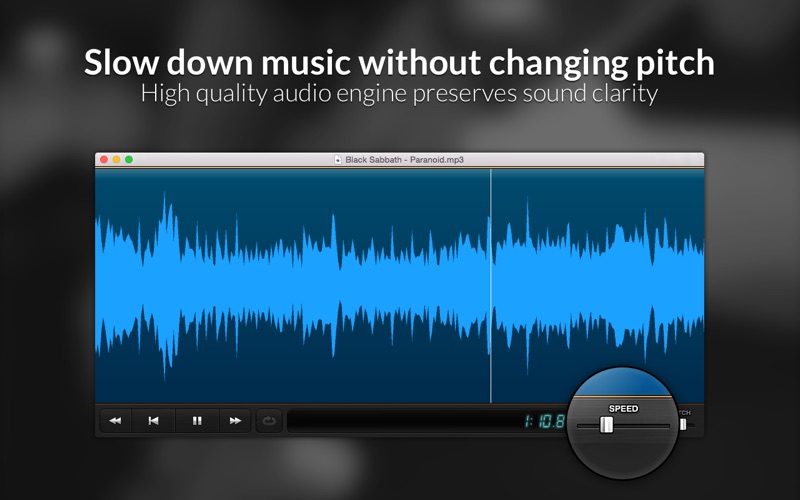
Replayer is the simplest audio player for any practicing musician * Slow down music without changing the pitch * Zoom in and isolate parts of the file * Loop selected region of the song * Adjust pitc
Replayer is the simplest audio player for any practicing musician

* Slow down music without changing the pitch
* Zoom in and isolate parts of the file
* Loop selected region of the song
* Adjust pitch to match your instrument's tuning
* Use simple keyboard shortcuts for effortless practice

Features:

- Adjust playback speed between 25%-175% without affecting pitch
- Adjust pitch from -2 semitones to +2 semitones
- Playback of any OS X-supported audio file
- Drag and drop of audio files onto the app window
- Drag and drop files from iTunes
- Play only a selected portion of the file
- Automatic looping of the range
- Use mouse scroll wheel to zoom in and out
- One-handed keyboard operation

Keyboard shortcuts:

space - play/pause
return - play from beginning of the range
left arrow - rewind 2 seconds
right arrow - skip forward 2 seconds
+ - increase speed by 5%
- - decrease speed by 5%
0 - reset speed to 100%
] - increase pitch by 1 semitone
[ - decrease pitch by 1 semitone
A - set current range beginning at cursor position
Z - set current range ending at cursor position
X - reset range to entire file
L - toggle looping on/off
Category: Music(31849)
Version: 1.1.4
BundleId: pl.czak.replayer
Developer: Lukasz Adamczak
Updated: 2021-11-05
