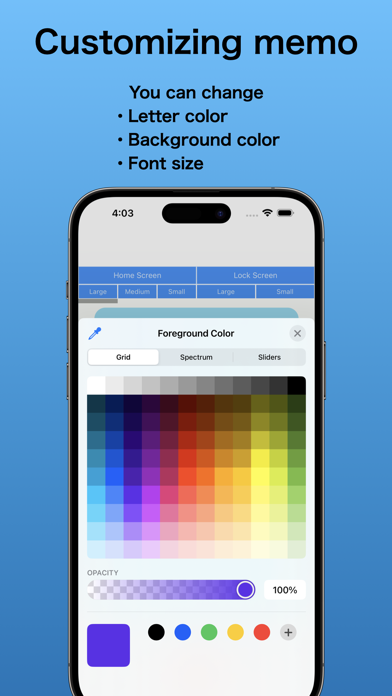
This app lets you take notes by speaking without touching your iPhone/iPad. You can place the memos as widgets on your home screen or lock screen for quick access and launch.

◆ Types of memos
For home screen: 3 sizes - large, medium, small
For lock screen: 2 types - square and single-line
※ For lock screen, Only available on iOS 16

◆ How to add widgets
[Home screen]
1. Long-press the home screen
2. Press the "+" button and search for "Voice Widget Memo" widget
3. Add the desired widget size - large, medium, or small

Tapping the added widget will launch the app. Saving the memo will reflect on the widget.

[Lock screen / Square widget]
1. Long-press the lock screen
2. Customize → Lock Screen
3. Tap the square area below the clock
4. Select and add the "Voice Widget Memo" widget

[Lock screen / Single-line widget]
1. Long-press the lock screen
2. Customize → Lock Screen
3. Tap the narrow area above the clock
4. Select and add the "Voice Widget Memo" widget

◆ Features and characteristics
* Easily create voice memos
* Place memos on home screen or lock screen
* Simple
* Minimal features required
* Fast launch
* Only 5 types of memos available
* Completely free with no additional charges

Terms of Use: https://mozkzki.github.io/apps/koe_memo/terms_and_conditions/english
Privacy Policy: https://mozkzki.github.io/apps/koe_memo/privacy_policy/english