Perfect projector alignment for large-scale art projects - murals, canvas paintings, and more
Perfect projector alignment for large-scale art projects - murals, canvas paintings, and more.

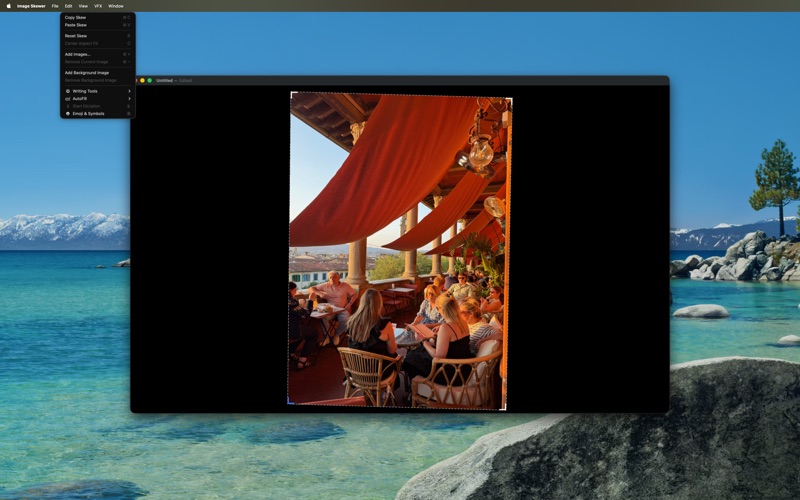
Getting consistent, precise alignment with a projector is challenging, especially across multiple working sessions. Image Skewer eliminates the guesswork and tedium, making professional-quality projection setup simple and repeatable.

Key Features:
 • Multi-layer support - Load multiple images per document and cycle through color separations without losing your alignment
 • Precision corner controls - Use mouse, trackpad, or keyboard shortcuts to fine-tune perspective correction beyond basic keystone
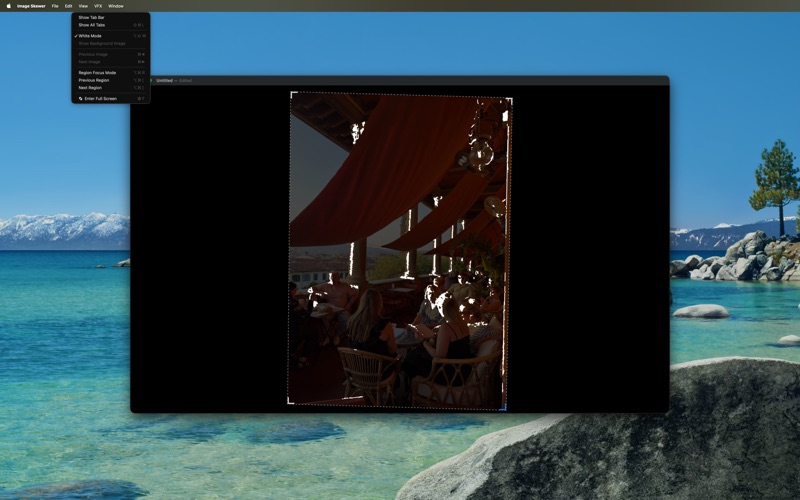
 • White mode - Convert all opaque pixels to white while preserving transparency - essential for overlapping color layers
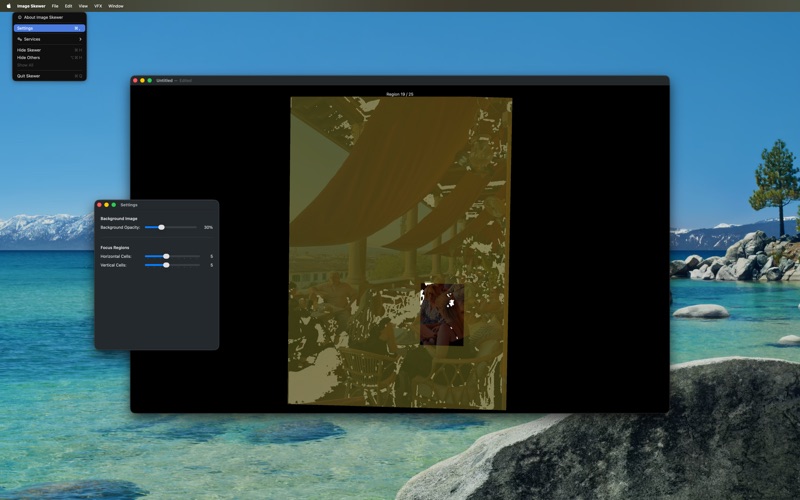
 • Real-time VFX modes - Enhanced visibility options including radar sweep, pulse, and scanline effects for better edge detection
 • Save & sync settings - Copy/paste alignments between documents and save configurations for consistent multi-session projects

Pro Tips:
 - Use in full-screen mode for best results
 - Add small circular guide targets to your surface for sub-divided projection areas
 - Perfect for artists working beyond their projector's native keystone correction capabilities

Transform your large-format art workflow with precision digital alignment.