ScreenVeil helps you hide sensitive parts of your screen and place useful overlays on top of any app on macOS
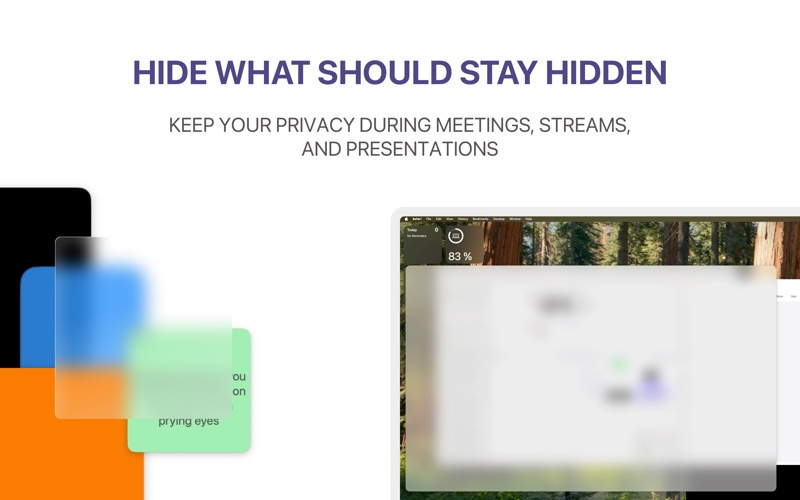
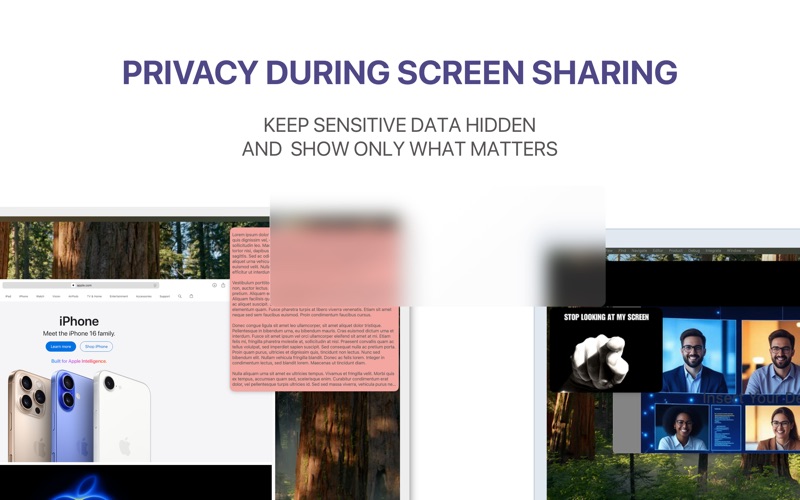
ScreenVeil helps you hide sensitive parts of your screen and place useful overlays on top of any app on macOS. It’s built for screen sharing, presentations, live streams, recordings, and everyday work when you need full control over what stays visible.

With ScreenVeil, you can add floating panels in seconds, adjust their size, position, and transparency, and save complete setups as presets. It’s a simple way to protect private information, keep notes visible, highlight content, or prepare reusable on-screen layouts for meetings and demos.

What you can do with ScreenVeil:
• hide sensitive information during screen sharing
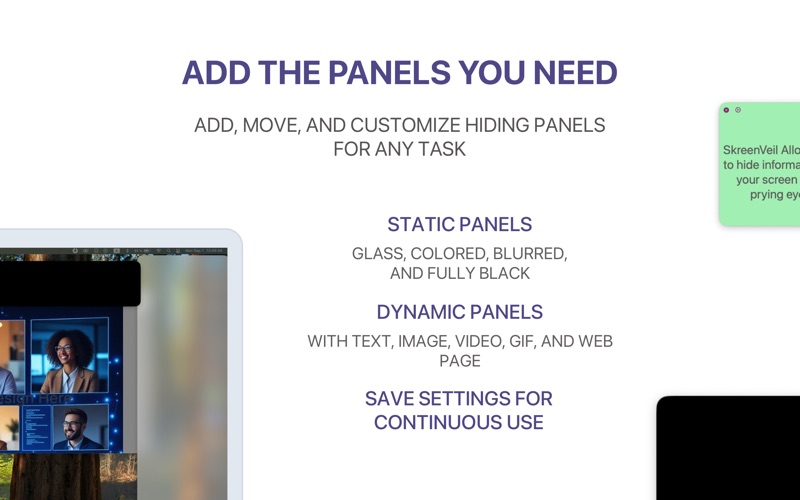
• place text, images, GIFs, videos, and web content on top of any app
• use static panels such as black, blur, glass, and color overlays
• save and restore presets for recurring workflows
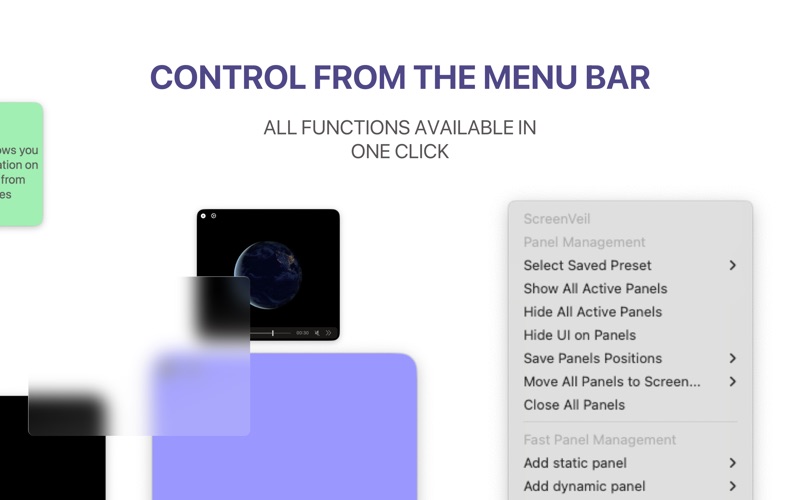
• control panels directly from the menu bar
• move all panels across displays
• assign keyboard shortcuts for core actions
• use it for presentations, teaching, streaming, and productivity

Great for:
• meetings and demos
• presentations and online teaching
• creators and streamers
• anyone who wants more privacy and control on Mac

ScreenVeil makes it easy to show only what matters.

Privacy Policy: https://screenveil.netlify.app/privacy
Terms of Use (EULA): https://www.apple.com/legal/internet-services/itunes/dev/stdeula/