Clippin is the clipboard history manager you’ve been missing for Mac — simple, fast, and designed for a seamless experience
Clippin is the clipboard history manager you’ve been missing for Mac — simple, fast, and designed for a seamless experience.

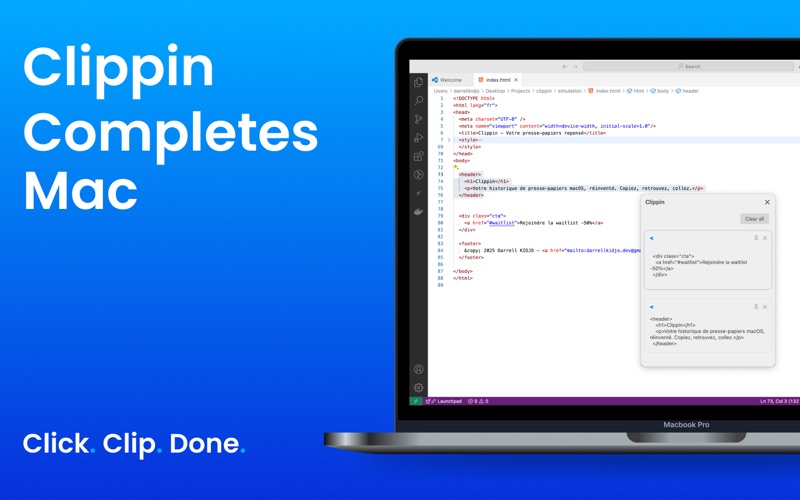
Access everything you’ve copied with a single shortcut " ⌘ + ⇧ + v ", no matter which app you’re in, even in full-screen mode. Clippin appears right next to your cursor, so you stay focused on what you’re doing — no more digging into the menu bar.

Key features:

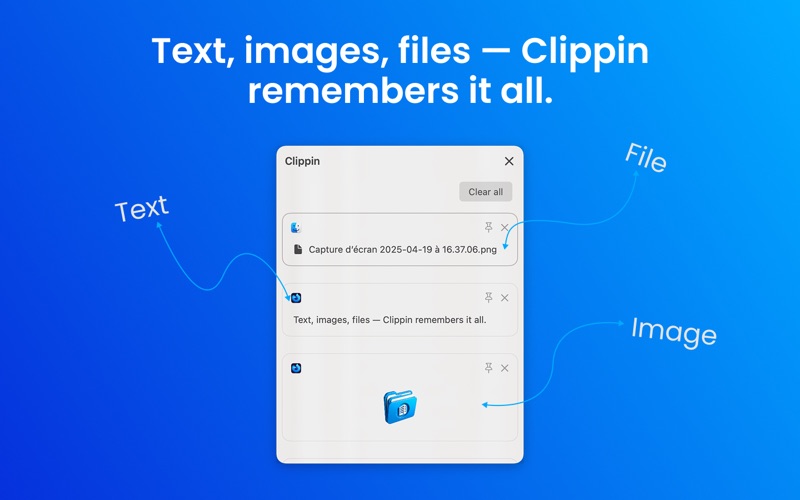
    Clipboard history that follows you – Instantly view and reuse previously copied text, images, files, and more.

    Pin your essentials – Keep your most important clips always accessible.

    Exclude sensitive apps – Choose which apps Clippin should ignore for full control.

    Clear all in one click – Manage your history easily with a single action.

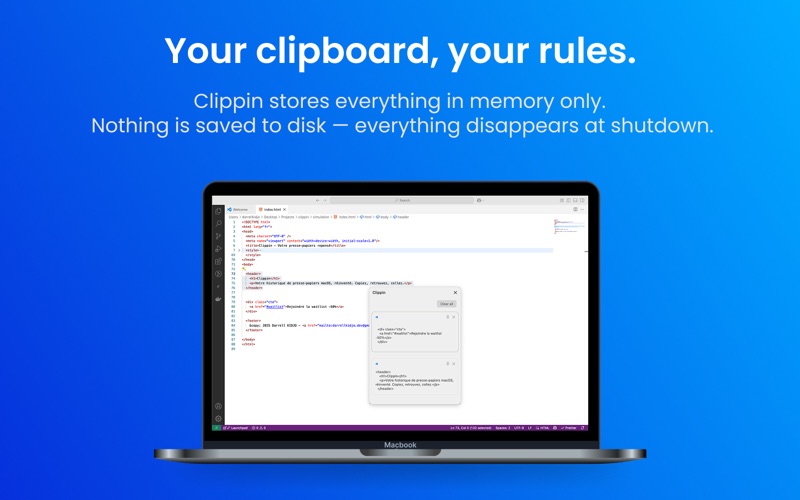
    Privacy first – All data is stored in memory only and wiped automatically on shutdown.

Clippin is designed to be fast, lightweight, and invisible until you need it.
Once you try it, you’ll wonder how you ever lived without it.