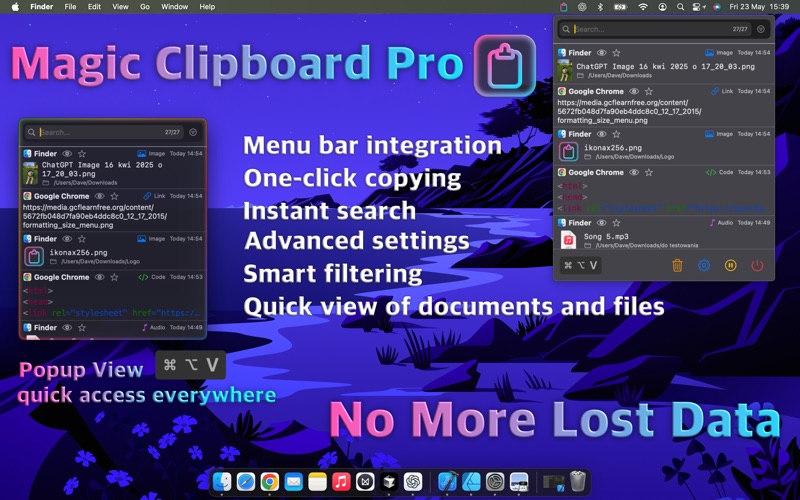
Ever copy text and later forget what it was? Magic Clipboard Pro puts an end to that! Our app automatically saves everything you copy and gives you lightning-fast access to your entire clipboard history.

INSTANT ACCESS
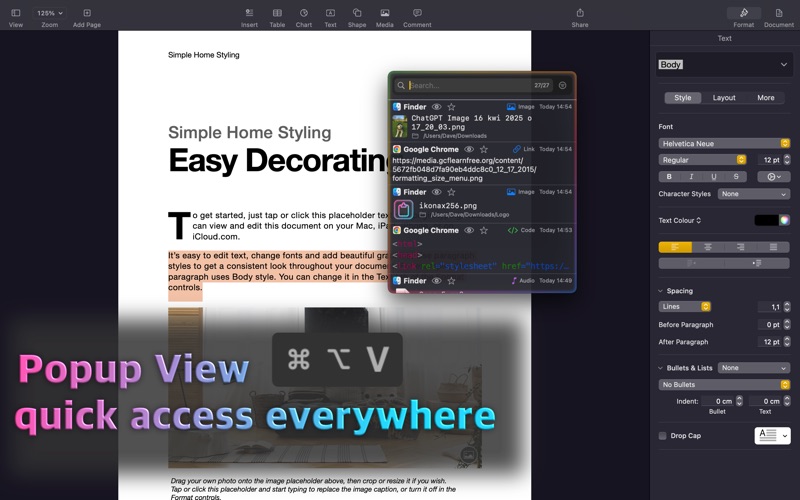
Press ⌘+Shift+V anytime to open an elegant popup with your clipboard history. No app switching, no losing focus. Find and paste what you need in seconds!

KEY FEATURES:
• Automatically saves all copied items
• Intelligent content type recognition (text, images, files, PDFs)
• Advanced search and filtering
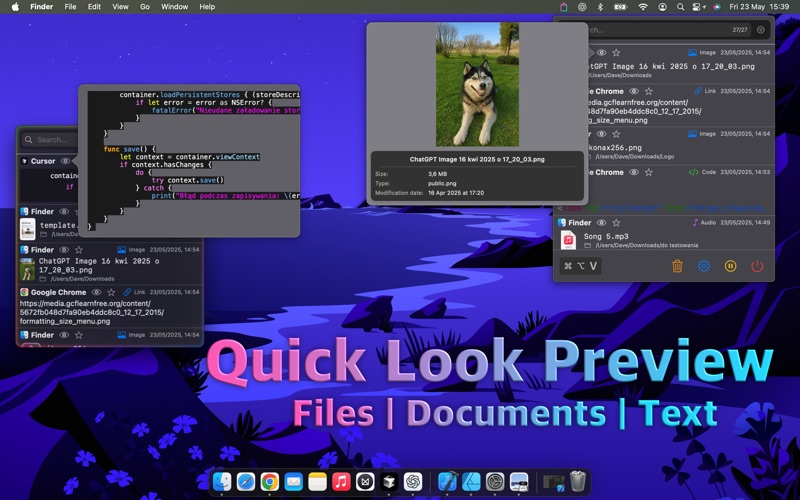
• Content preview without opening files
• Favorites system for important items
• Source application tracking
• Rich text formatting preservation
• File group support
• Colorful, animated interfaces

SMART SEARCH:
• Filter by application (VS Code, Safari, Mail, etc.)
• Filter by content type (text, images, documents)
• Search within content and file names
• Show favorites only

MAGIC CLIPBOARD PRO:
Unlock the app's full potential with Pro subscription:
• Unlimited clipboard history (vs 10 in basic version)
• Up to 100 items in popup (vs 5 in basic version)
• Advanced customization options
• Priority technical support

INTERNATIONAL APP:
Full support for 10 languages: Polish, English, German, French, Spanish, Italian, Japanese, Chinese, Portuguese, Korean.

MODERN DESIGN:
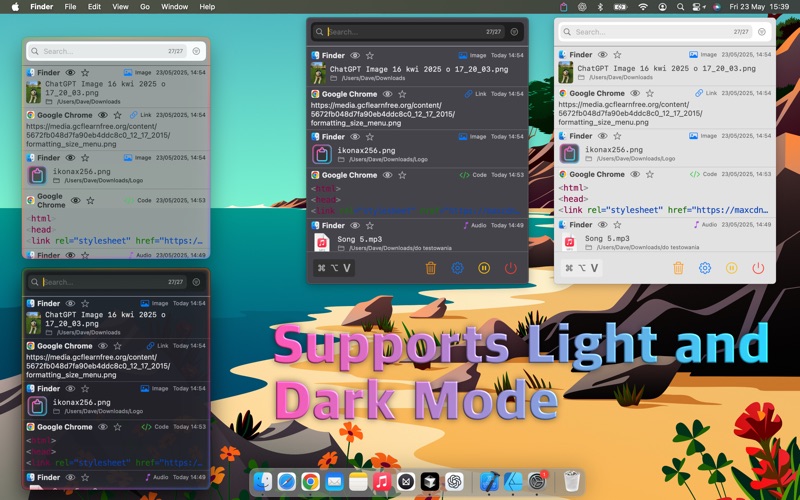
• Automatic Dark/Light mode
• Colorful, animated borders
• Glassmorphism effects
• Smooth animations and transitions
• Optimized for macOS Big Sur and newer

PRIVACY & SECURITY:
• All data stored locally on your Mac
• Full macOS App Sandbox integration
• No data sent to the internet
• Secure file access

TECHNICAL REQUIREMENTS:
• macOS 13.0 or newer
• Apple Silicon and Intel support
• Auto-launch at system startup
• Minimal memory and battery usage

USE CASES:
• Developers - copying code snippets
• Designers - managing images and assets
• Writers - organizing quotes and notes
• Students - collecting study materials
• Everyone - who wants to be more productive!

WHY MAGIC CLIPBOARD PRO?
Unlike macOS's standard clipboard that only remembers the last item, Magic Clipboard remembers everything. You no longer need to remember what you copied earlier - just press ⌘+Shift+V and have everything at your fingertips!

TRY FOR FREE!
Download today and start using basic features at no cost. Upgrade to Pro anytime to unlock unlimited possibilities.

Join thousands of satisfied users who have already boosted their productivity with Magic Clipboard Pro!

Your productivity. Your way. Your Magic Clipboard Pro.

Terms of Use (EULA): https://www.apple.com/legal/internet-services/itunes/dev/stdeula/