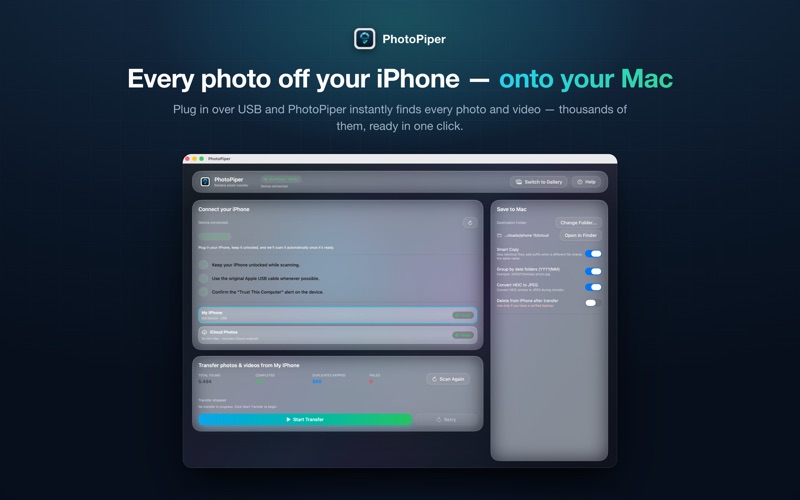
PhotoPiper is the reliable way to move every photo and video from your iPhone or iPad to your Mac — in full original quality, verified file by file, straight into the folder you choose
PhotoPiper is the reliable way to move every photo and video from your iPhone or iPad to your Mac — in full original quality, verified file by file, straight into the folder you choose. No iCloud account required, no forced import into the Photos app. And now PhotoPiper even reaches the originals that "Optimize iPhone Storage" keeps in iCloud — not just the files on your phone.

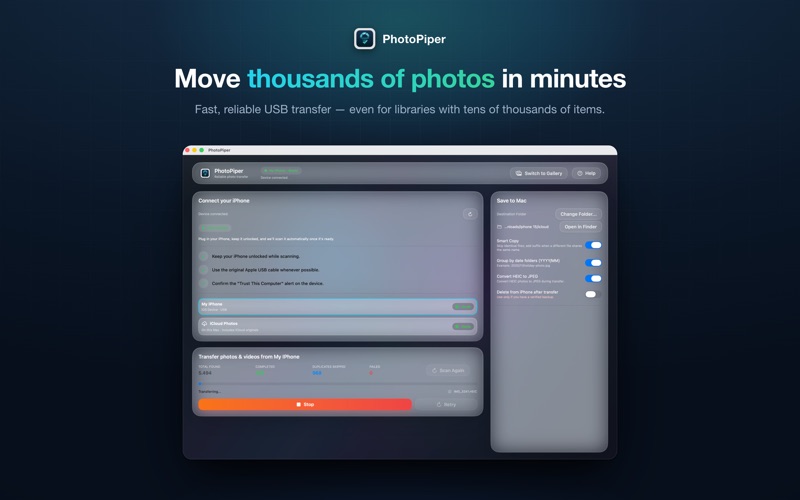
Transfer large libraries quickly and predictably, then browse them right in the app to make sure nothing is missing.

TWO WAYS TO TRANSFER YOUR MEDIA
- Over USB — Connect your device and PhotoPiper copies the originals stored on it. No iCloud account, no internet.
- From iCloud (new) — Using "Optimize iPhone Storage"? Then most of your full-resolution originals live in iCloud — where no USB tool, not even Apple's Image Capture, can reach them. PhotoPiper now pulls those originals directly from your Mac's iCloud Photo Library. Just choose "Load from iCloud," approve the usual macOS prompt from Photos, and get every file at maximum quality. It's optional and permission-based: nothing happens with iCloud without your consent.

SCAN FIRST
Connect your device or choose your iCloud library and start a scan. PhotoPiper catalogs every item, shows what's already on your Mac, and isolates only the new additions — so you never waste time re-importing.

TRANSFER WITH PROOF
Copy into any folder, including external drives. Every file is validated with a checksum and logged, so you know exactly what was saved and what was skipped.

RESUME SAFELY
With built-in duplicate detection and resumable transfers, you simply pick up where you left off after an interruption — no starting over.

FULL VISIBILITY
Live progress, clear counts, and detailed summaries make sure every photo and video is accounted for.

SEE WHAT YOU TRANSFERRED
Once your photos land in a folder, browse them right inside PhotoPiper — no import into the Photos app. A familiar gallery organizes everything by Recents or Years, moves from year to month, filters by photos or videos, and opens any shot in a full-screen viewer with zoom and video playback. Finally, an easy way to confirm your photos arrived — without learning a new Mac tool.

SAFE AND PRIVATE
PhotoPiper is read-only — it never deletes or changes your originals, and your photos never leave your Mac.

FREE TO TRY, NO SUBSCRIPTION
The free version gives you the same rock-solid workflow in smaller daily batches; a single one-time purchase unlocks unlimited daily transfers.

Ideal for photographers, creatives, marketers, and archivists who want full control over their iOS media on the Mac — an alternative to Image Capture that actually gets the job done.

NOTE ON "MISSING" PHOTOS
Over USB, PhotoPiper — like Apple's Image Capture and every other USB tool — only sees the photos physically stored on your iPhone. If a scan finds fewer than expected, "Optimize iPhone Storage" is probably on and your originals are in iCloud. Use the "Load from iCloud" source to fetch them via your Mac, or first switch your iPhone to Settings → Photos → "Download and Keep Originals."