Clipaste - All-New Clipboard

Clipaste - All-New Clipboard

0.0 15.34MB 0 Free
Version 1.0.4 Updated 2026-07-21 Developer NTWIND, MChJ
  • Clipaste - All-New Clipboard screenshot
  • Clipaste - All-New Clipboard screenshot
  • Clipaste - All-New Clipboard screenshot
  • Clipaste - All-New Clipboard screenshot
  • Clipaste - All-New Clipboard screenshot
  • Clipaste - All-New Clipboard screenshot
  • Clipaste - All-New Clipboard screenshot
  • Clipaste - All-New Clipboard screenshot
  • Clipaste - All-New Clipboard screenshot
Clipaste - All-New Clipboard screenshot

Description

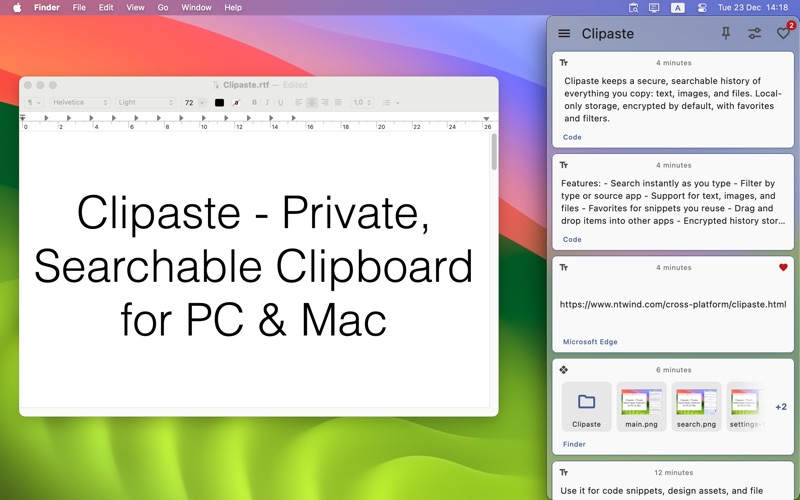
Clipaste keeps a private, searchable history of everything you copy: text, images, and files

Clipaste keeps a private, searchable history of everything you copy: text, images, and files. It is built for speed and privacy with local-only storage, so that your data never leaves your device and it is encrypted by default. To open your clipboard history, click the Clipaste's menubar icon or press the keyboard shortcut Cmd+Shift+C (adjustable in the Settings).

Key features:
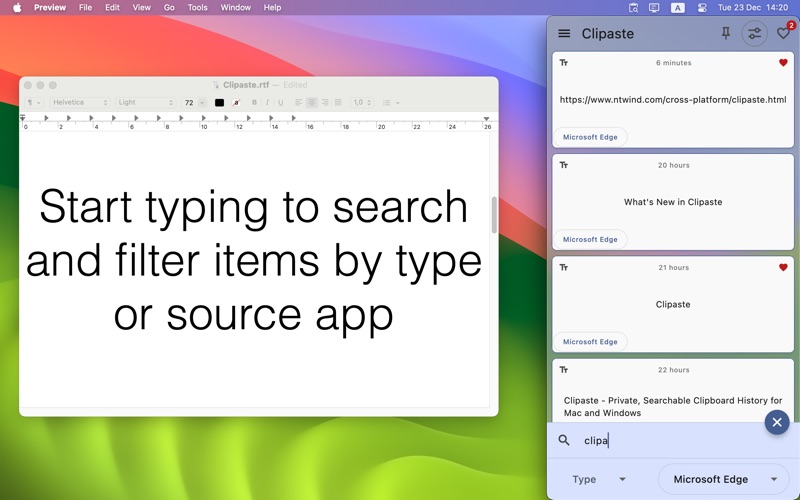
- Search as you type, with filters by type or source app
- Favorites for frequently used snippets
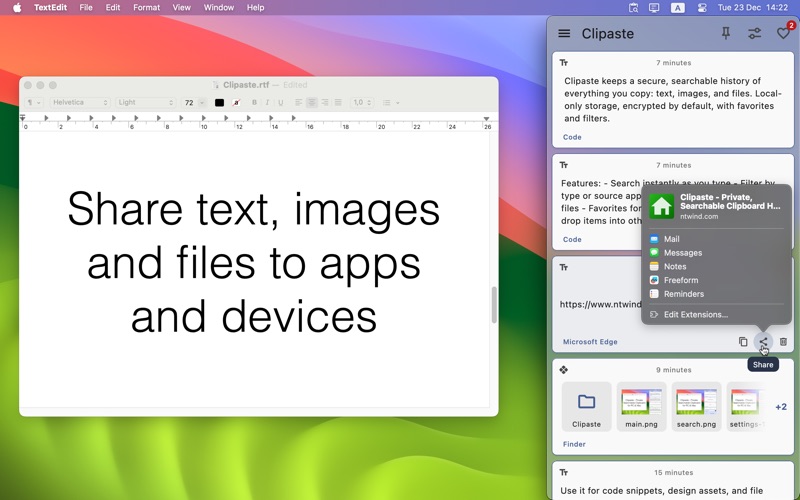
- Drag and drop items into other apps
- Hotkeys for opening Clipaste and pasting previous items
- Encrypted history stored locally by default

Use it for code snippets, screenshots, design assets, and file paths. Pin favorites, keep Clipaste on top while dragging, and paste sequentially with hotkeys.
Category: Productivity(96543) Version: 1.0.4 BundleId: com.ntwind.clipaste Developer: NTWIND, MChJ Updated: 2026-07-21

In-App Purchases

1 items 1 currencies
1 中国

Item

¥ 0 CNY
;