BrowserPort acts as your Mac's default browser so you decide where every link opens
BrowserPort acts as your Mac's default browser so you decide where every link opens.

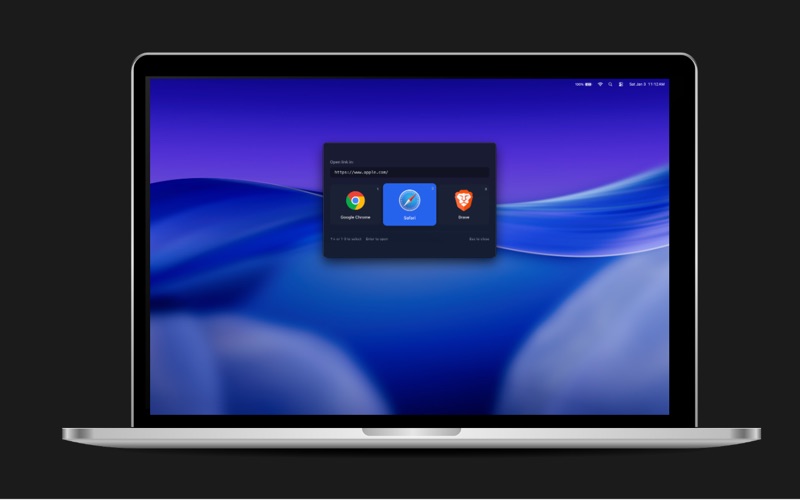
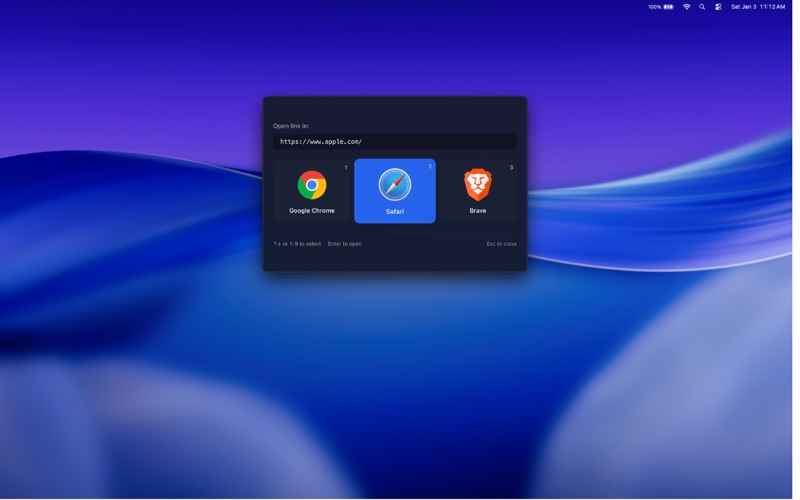
Instead of sending every link to the same browser, BrowserPort shows a small floating picker and lets you choose — or routes the link automatically using rules you set.

CHOOSE INSTANTLY The picker appears the moment you click a link. Arrow keys, number keys 1–9, or a click. Return opens, Escape cancels. It never gets in the way.

RULES THAT DO THE CHOOSING FOR YOU Send matching links straight through without showing the picker. Match on the site, on part of the path, or on which app the link came from — so links from Slack or Mail can open somewhere different from everything else. Hold Option while picking to turn any choice into a rule.

EVERY BROWSER YOU HAVE BrowserPort asks macOS which apps can open links, so it finds every browser you have installed, including developer and beta channels and browsers kept outside your Applications folder.

CLEANER LINKS Optionally strip tracking parameters such as utm_source, fbclid and gclid before the page opens.

BUILT FOR MACOS Written in Swift as a native Mac app. It sits quietly in the menu bar, uses around 15 MB of memory, and downloads in under 4 MB.

PRIVATE BY DESIGN BrowserPort collects nothing and sends nothing anywhere. It contains no analytics and no networking code at all. Your rules stay on your Mac.

Requires macOS 14 or later.