Remove .DS_Store and __MACOSX junk from every zip you send. One drag, one right-click, done.

Your Mac quietly adds invisible files to every zip you create. The person on the other end, whether a Windows client, a Linux grader, or an IT manager, opens the archive and sees a folder full of system files they never asked for. You look sloppy. CleanZip fixes that.

WHAT IT REMOVES

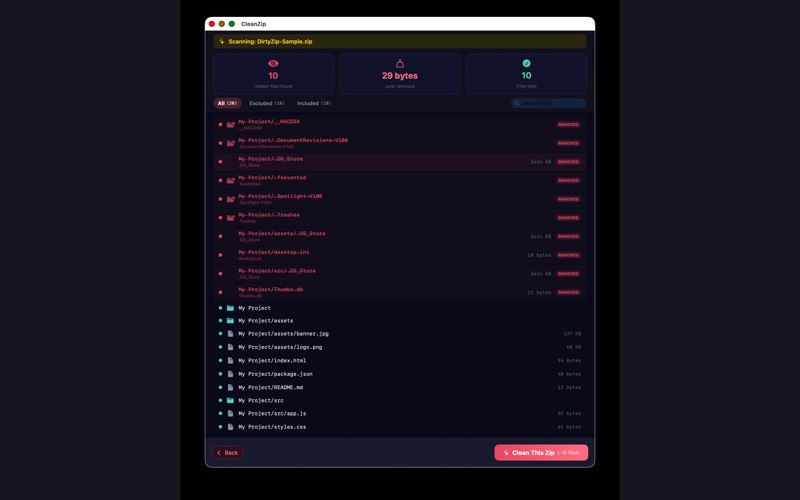
Mac junk: .DS_Store, __MACOSX, .Spotlight-V100, .fseventsd, .Trashes, .localized, .AppleDouble.

Windows junk: Thumbs.db, ehthumbs.db, desktop.ini.

Dev junk: .git directories, node_modules, .env files, __pycache__, and .DS_Store buried in nested folders.

This is the stuff you cannot see on your Mac but your recipient sees immediately.

TWO WAYS TO USE IT

Create a clean zip. Drag any folder onto CleanZip, or right-click it in Finder and choose "Clean Zip," and it writes a new archive with all junk stripped out. The original folder is untouched.

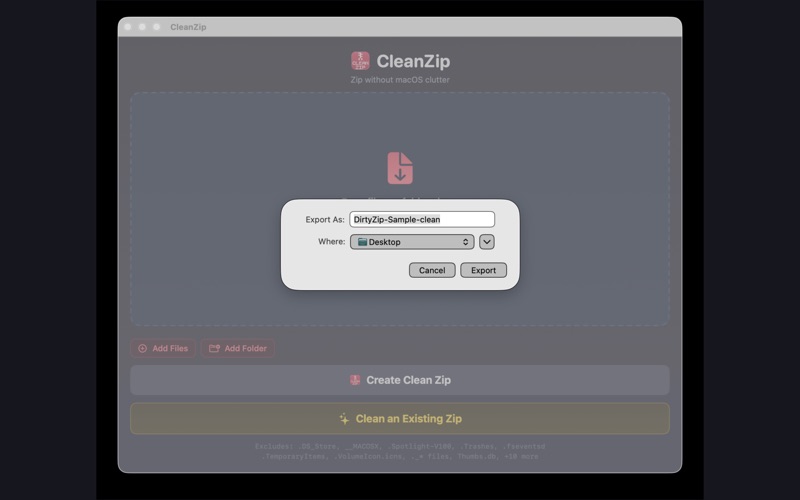
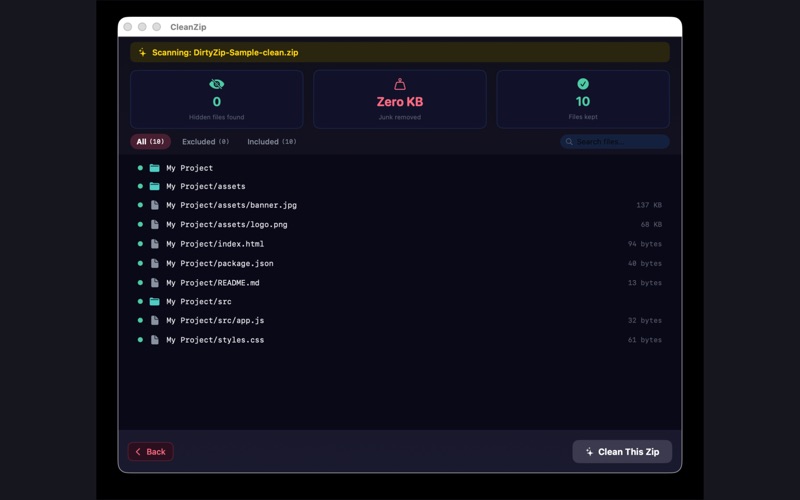
Clean an existing zip. Already have a zip you need to send? Right-click it and choose "Clean This Zip." CleanZip opens it, removes every hidden file, and writes a clean replacement. Run "Scan for Hidden Files" first if you just want to see what is inside.

Both modes work from Finder's right-click menu. No app switching, no Terminal, no Automator setup.

BUILT FOR

Designers sending final assets to Windows clients who should not see .DS_Store sitting next to the logo files.

Developers packaging source code or build artifacts, where .git, node_modules, and .env have no business being in a deliverable.

Students submitting assignments to Windows or Linux graders who expect a clean folder.

Anyone who cares how their work looks when it lands on someone else's machine.

TRUST

$1.99 one time. No subscription, no in-app purchases, no upgrade tiers.

Fully sandboxed. Your files never leave your Mac. Zero network access. App Store privacy label: Data Not Collected.

Works entirely offline.

CleanZip does one job. It does it from Finder, costs $1.99 once, and your zips come out looking right on any computer.