You unplug your MacBook from your desk, commute to the office, join a Zoom call — and there's no audio
You unplug your MacBook from your desk, commute to the office, join a Zoom call — and there's no audio. Your Mac is still trying to send sound to the monitors you left at home.
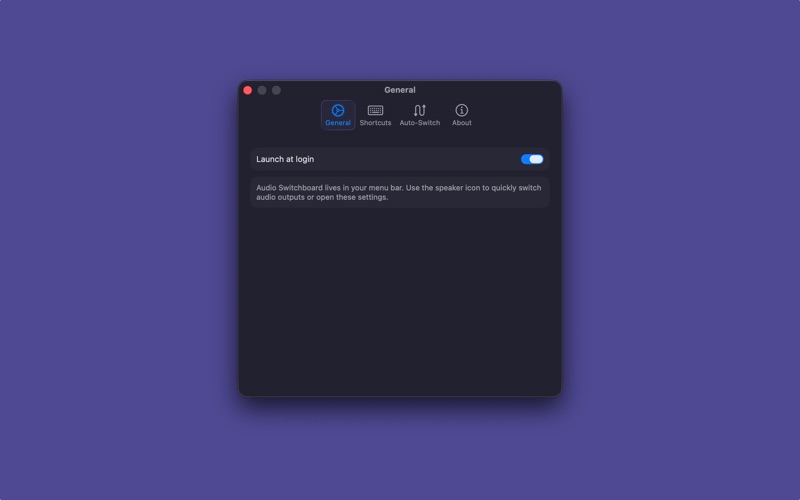
Audio Switchboard fixes this. It lives in your menu bar and automatically routes audio to the right output based on what's connected. Set your priorities once, and it handles the rest.
SWITCH FASTER

One click from the menu bar — skip the trip to System Settings
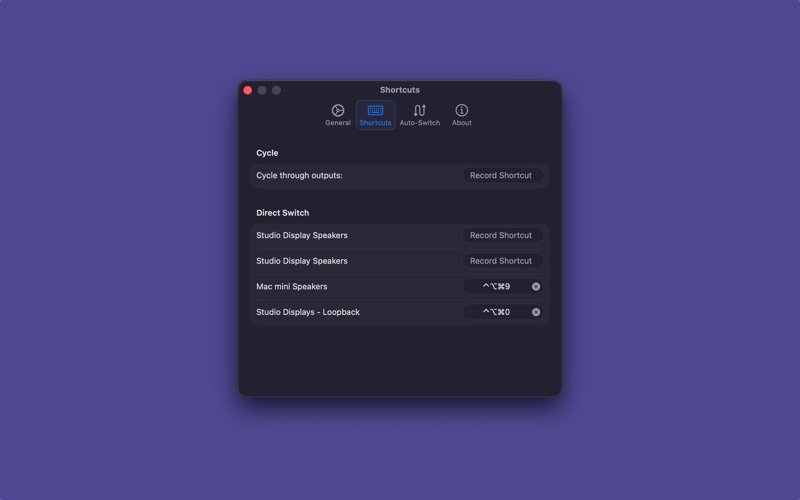
Global keyboard shortcuts to cycle outputs or jump directly to a specific device
On-screen notification so you always know where your audio is going

SET IT AND FORGET IT

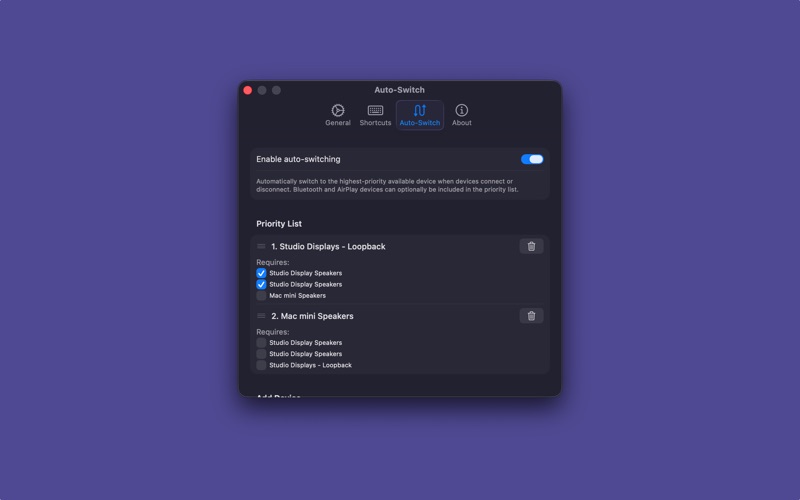
Priority-based auto-switching — Switchboard picks the best available output when devices connect or disconnect
Device dependency rules — only switch to a device when specific other devices are also connected (perfect for Loopback or aggregate setups)

Audio Switchboard is lightweight, native, and runs entirely in your menu bar with no dock icon. Built in Swift and SwiftUI for macOS Sonoma and later.