




Description
Flyman is a REST client built from the ground up for macOS
Flyman is a REST client built from the ground up for macOS. No Electron wrappers, no mandatory cloud accounts — just a fast, native tool that respects your privacy and your workflow.

DESIGNED FOR macOS
Flyman is a true SwiftUI application. It launches in under a second, uses minimal memory, and feels right at home alongside your other developer tools. Dark mode, system keyboard shortcuts, and native macOS controls — everything works exactly as you'd expect.

COMPLETE REST CLIENT
Send requests with any HTTP method — GET, POST, PUT, PATCH, DELETE, HEAD, OPTIONS. Build request bodies in JSON, XML, form-data, URL-encoded, or raw text with full syntax highlighting and line numbers. Inspect responses in JSON, XML, HTML, raw, hex, or Base64 formats.

ENVIRONMENTS & VARIABLES
Create global or collection-scoped environments with {{variable}} substitution across URLs, headers, and bodies. Switch environments in one click. Secret variables are automatically protected from version control.

COLLECTIONS & ORGANIZATION
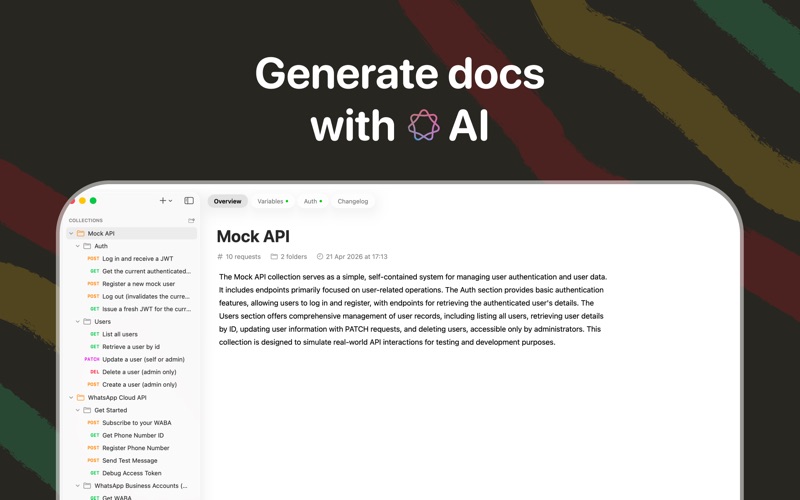
Organize your API workspace into collections, folders, and nested hierarchies with custom icons and colors. Attach inline Markdown documentation to any collection or folder. Search across all your requests instantly.

GIT-READY WORKSPACE
Every request, collection, and environment is stored as a human-readable JSON file on disk. Initialize a Git repository right from the app, generate commit messages with Apple Intelligence, and version-control your entire API workspace. Flyman automatically creates a .gitignore to keep your secrets safe.

IMPORT YOUR EXISTING WORK
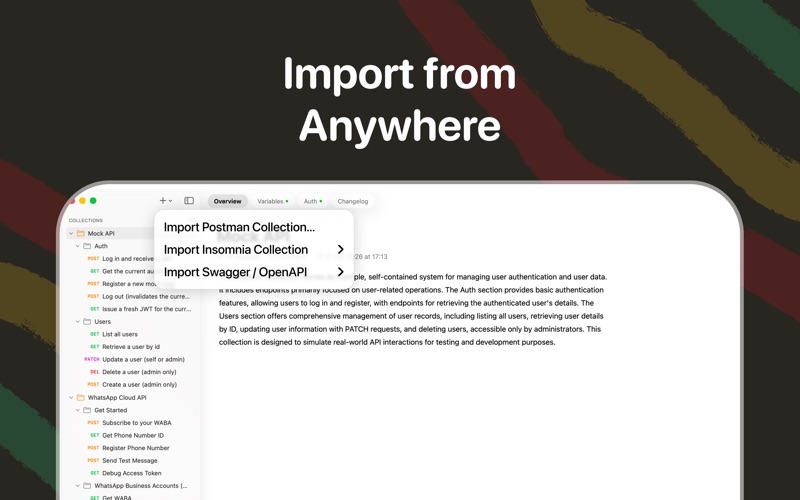
Bring your Postman collections with one click — requests, folders, environments, auth headers, and documentation are all preserved. Paste a cURL command into the URL bar and Flyman parses it into a full request automatically.

AI-POWERED WORKFLOW
Flyman uses Apple Intelligence to auto-generate descriptive request names and conventional commit messages from your changes — so your workspace stays organized without extra effort.

PRIVACY FIRST
Your data never leaves your Mac. No accounts, no telemetry, no cloud sync. Everything lives on your disk, under your control.
Category: Developer Tools(4119)
Version: 1.2.1
BundleId: duca.flyman
Developer: Igor Duca
Updated: 2026-05-06
