


Description
Capture text from anywhere on your screen, instantly
Capture text from anywhere on your screen, instantly. Press a global hotkey, drag to select any region, and the text is on your clipboard.

Need more than a screenshot? Drag and drop a PDF, image, or handwritten note, and ZenOCR turns it into clean Markdown.

It all runs on your Mac. Nothing is ever uploaded to a server.

KEY FEATURES

• Two capture modes: Fast (Apple Vision) for instant text, AI (on-device model) for complex layouts, tables, and math
• Configurable global hotkeys: trigger a capture from any app, no mouse needed
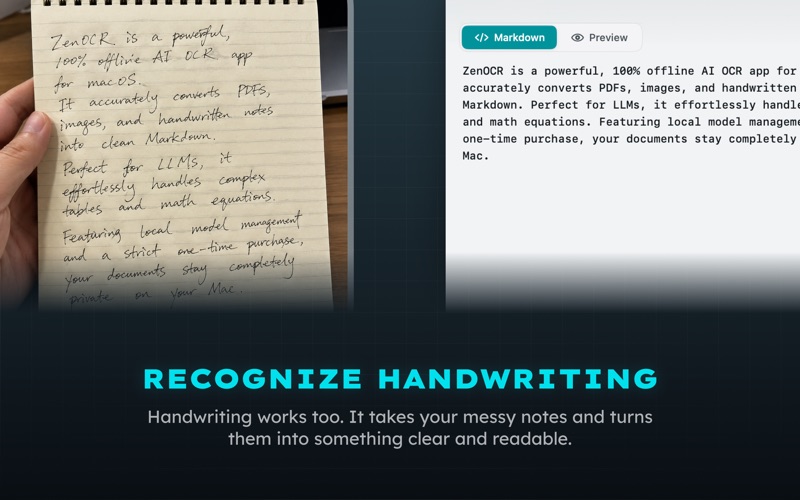
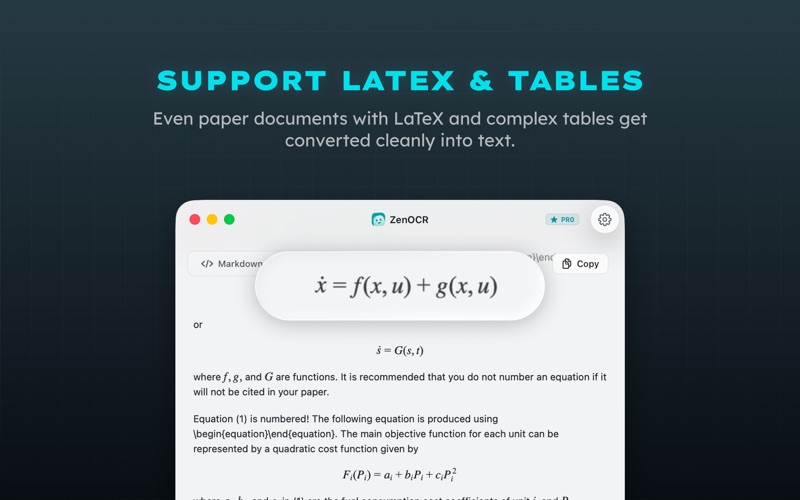
• Structured Markdown: tables, multi-column pages, math equations, and handwriting all come through clean
• Copy anywhere: straight into your editor, your notes app, or an LLM prompt
• Fully offline: after a one-time model download, it never needs the network again

PRIVATE BY DESIGN

ZenOCR collects zero data. The first launch downloads an OCR model once; after that, everything runs offline. Perfect for confidential contracts, research papers, medical documents, and anything you'd rather not upload to a third party.

ONE-TIME PURCHASE

Try ZenOCR free. Unlock lifetime Pro access for a single $12.99 payment. No subscription, no recurring fees, ever.

Need help? Reach us at [email protected]
