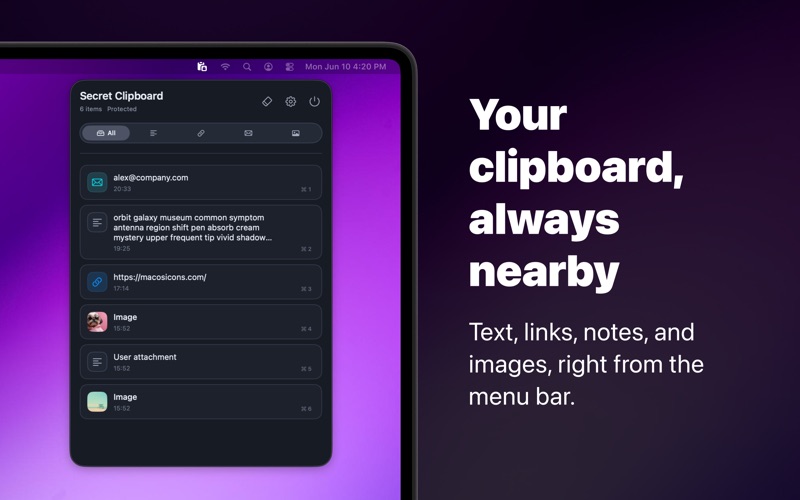
Secret Clipboard is a small macOS menu bar clipboard manager for people who copy important text, links, tokens, notes, and images throughout the day
Secret Clipboard is a small macOS menu bar clipboard manager for people who copy important text, links, tokens, notes, and images throughout the day.

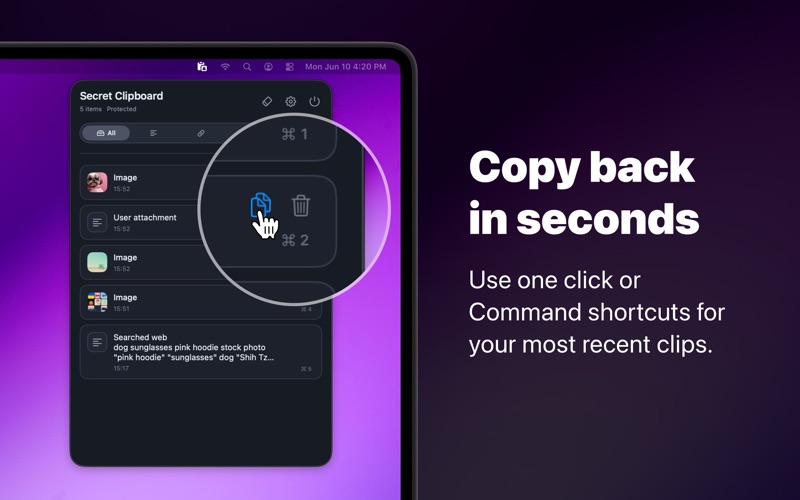
Open it from the menu bar, scan your recent clipboard history, and copy a previous item back in one click or with Command+1 through Command+0 for the first visible entries.

Everything is built around local control. Your history stays on this Mac. Secret Clipboard does not use accounts, cloud sync, analytics, advertising SDKs, or intentionally transmit clipboard contents to external servers.

What you can do:
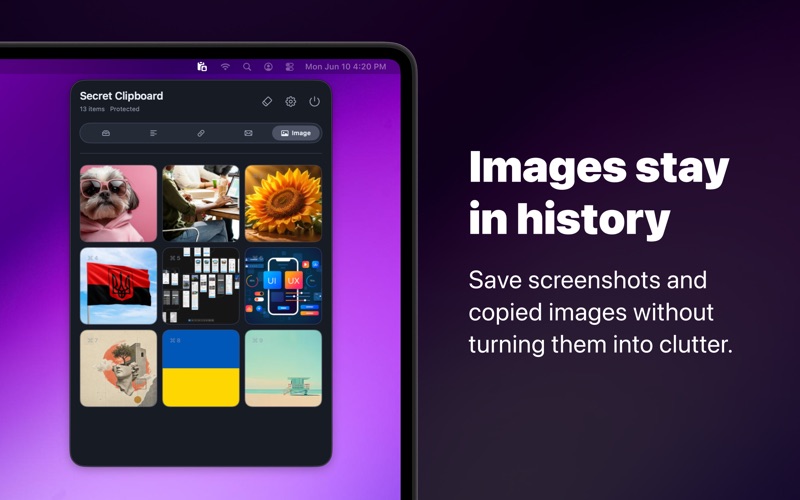
• Keep local history for text, URLs, emails, and images
• Filter recent items by type
• Copy or delete individual clips quickly
• Save history between relaunches
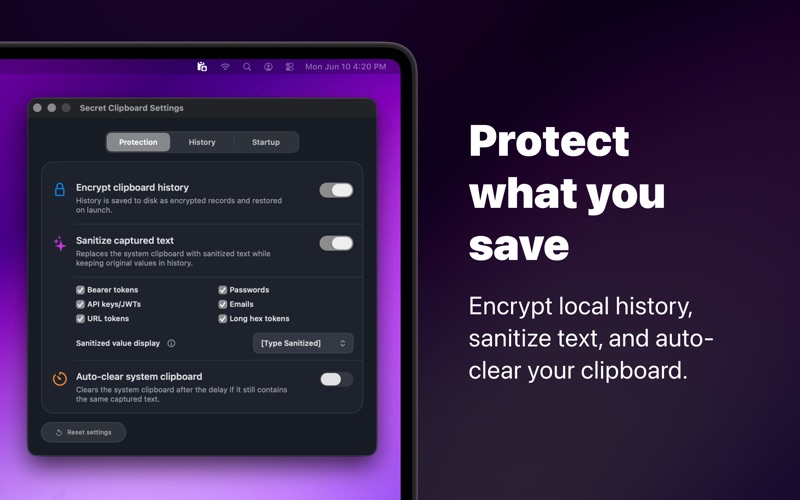
• Turn on encrypted saved history with a Keychain-backed key
• Sanitize copied text for common secrets before paste
• Auto-clear unchanged clipboard content after a chosen delay
• Choose how much history to keep and how much to show
• Use light, dark, or system appearance
• Start at login if you want it always nearby

Privacy note: clipboard managers can see what you copy while they are running. Secret Clipboard is designed to make that explicit: saved history is local, plaintext storage is shown clearly when encryption is off, and protection features can be enabled or disabled from Settings.