Moving files between your phone and computer should not be a project.

Use SEYFR when:

• Email says your photo or video is too large.
• You do not have the right USB cable.
• You want to move Android photos to a Mac.
• You need iPhone files on a Windows PC.
• You want to skip uploading everything to a cloud drive first.

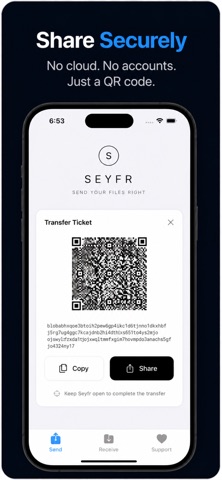
Choose the files or folder, show the QR code or share the transfer code, then receive them on the other device.

SEYFR works with iPhone, iPad, Android, Mac, Windows and Linux.

WHAT YOU GET

• Send photos, videos, folders and documents.
• Keep the original file quality. SEYFR does not shrink or reformat your files.
• No SEYFR account needed.
• No USB cable needed.
• No cloud-drive upload step.
• No fixed file-size limit in the app. Your device, storage and connection still set the practical limit.
• Free to download and use today.

Both devices need SEYFR. The file is sent for your transfer and is not stored in a SEYFR cloud drive.

Built by JITPOMI.