Run the meeting while you're still in it.

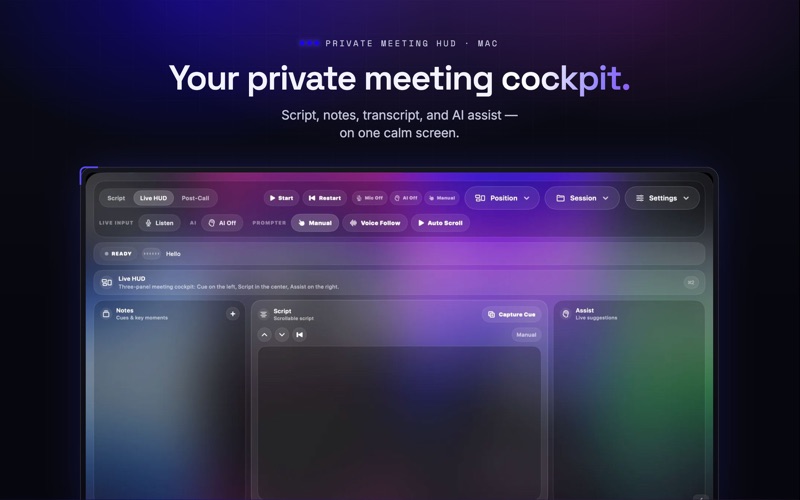
CueHUD is a private meeting HUD for Mac that keeps your script, notes, transcript, and AI assist on one calm screen — so you stay on message, capture what matters, and leave every call with a summary.

Most meeting tools only help after the call. CueHUD helps during it.

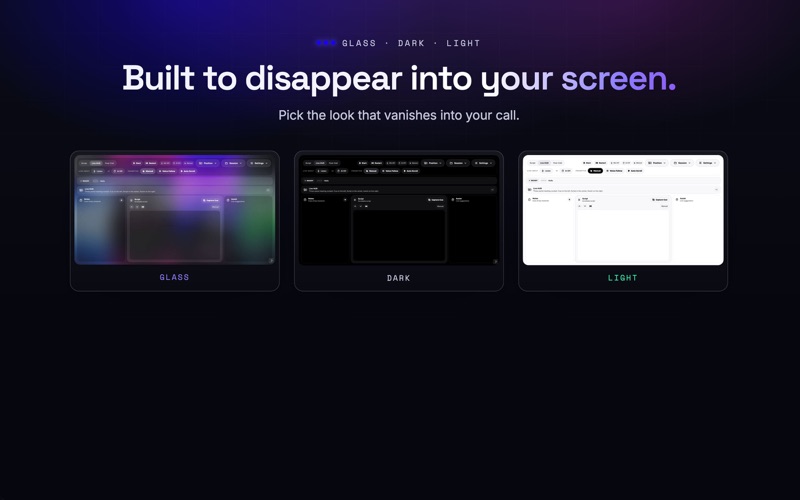
THE THREE-PANEL COCKPIT
Your screen, split the way you think:
- Left — Notes: jot a thought or capture a key moment without breaking eye contact.
- Center — Script: your talking points, large and focused on the current line.
- Right — Assist: live AI suggestions, off until you turn them on.

STAY ON MESSAGE
- Load a script, agenda, or talking points.
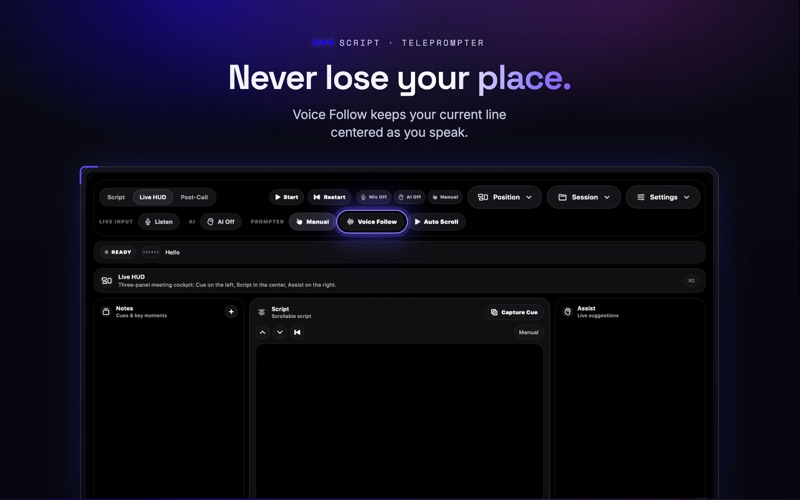
- Voice Follow keeps your current line centered as you speak.
- Auto Scroll turns any script into a calm teleprompter.
- Manual controls, restart, and text-size adjustment.

CAPTURE WHAT MATTERS
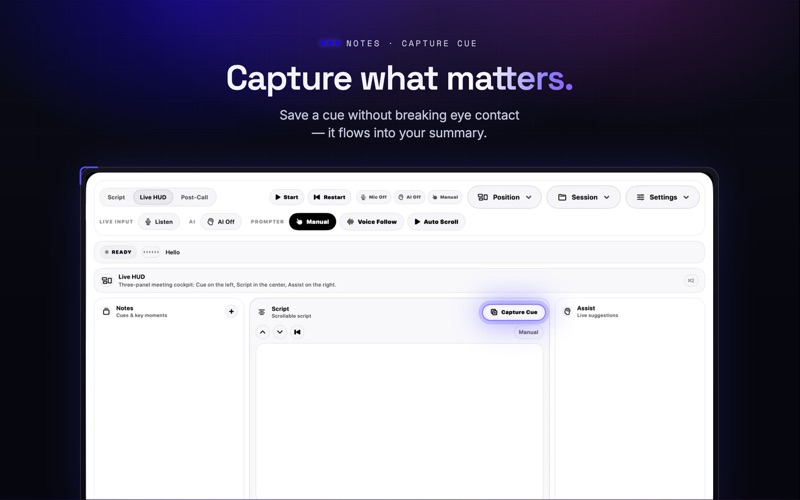
- Add a quick note or capture a cue in one tap.
- Keep your personal meeting context organized.
- Everything you capture flows into your post-call summary.

LISTEN & TRANSCRIBE
- Turn on Listen to transcribe what your microphone hears.
- Your transcript persists through the session.
- Clear, permission-aware status at every step.

AI ONLY WHEN YOU ASK
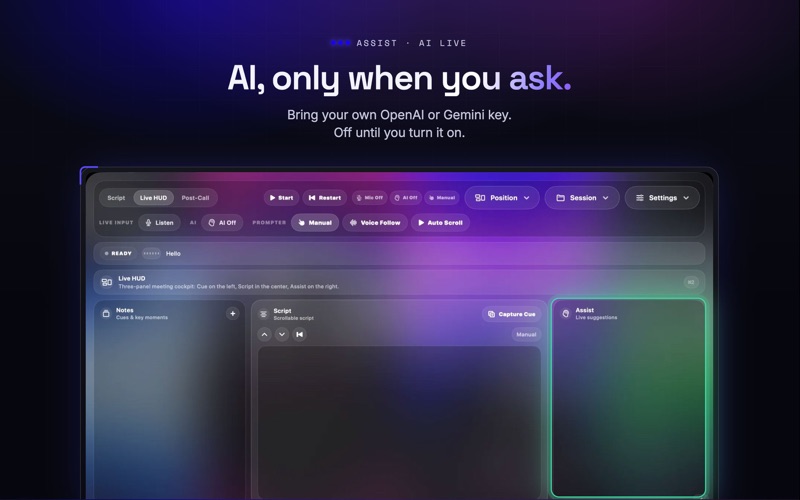
- AI Live stays off by default.
- Switch it on for in-the-moment suggestions drawn from your transcript, notes, and script.
- Bring your own AI key — you choose the provider and stay in control.

LEAVE WITH A SUMMARY
- Generate a post-call summary from your transcript, script, notes, and captured cues.
- Review, copy, or export when the call is done.

COMPACT MODES
- Lens Bar: a discreet prompt bar that never covers your screen.
- Camera Bridge: keeps your prompts near the webcam line so you stay natural on camera.

PRIVATE BY DEFAULT
CueHUD starts with Mic Off, AI Off, and Manual mode. It doesn't listen, generate AI suggestions, or send a bot to your call until you decide it should. No bot ever joins the meeting — CueHUD is your private layer, invisible to everyone else on the call.

BUILT FOR REAL MEETINGS
Sales calls, interviews, client meetings, demos, coaching calls, investor updates, presentations, webinars, and any conversation where you need to stay present and remember what mattered.

Use CueHUD as a private teleprompter on its own, or connect AI when you want live suggestions and summaries.

Speak clearly. Capture what matters. Leave with a summary.

Terms of Service:
https://cue.hue.network/terms

Privacy Policy:
https://cue.hue.network/privacy

Have feedback? Contact us at:
https://cue.hue.network/support

We use the Standard Apple EULA:
https://www.apple.com/legal/internet-services/itunes/dev/stdeula/