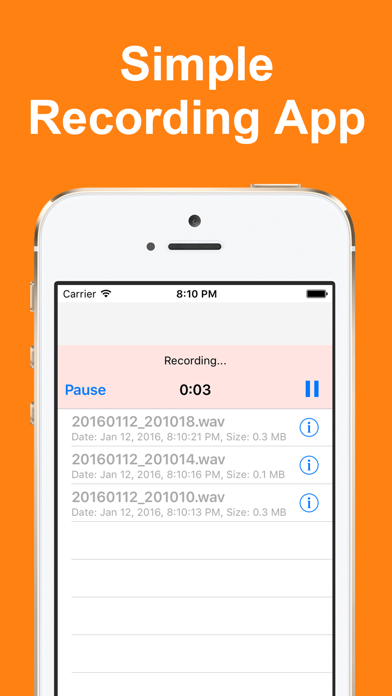
Voice Recorder is designed for simple, intuitive operation.
Your recordings can be transcribed on the spot. Revisit the content of meetings or lectures later as text.
(※ Transcription is available on iOS 26 or later, on Apple Intelligence-compatible devices)

■ Transcription
Transcribe your recordings, with the matching section highlighted as it plays back.
Tap any word to start playback from that exact point.
All processing happens entirely on your iPhone.
The content of your recordings is never sent to a server, so you can use the app even without an internet connection.

■ Key Features
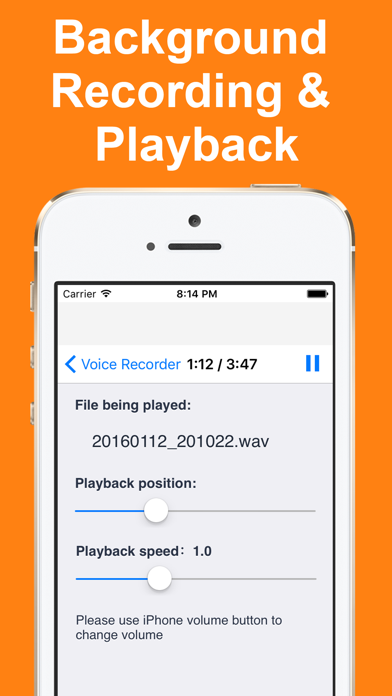
・Background recording and playback
・No ads are shown while recording
・Choose your recording format (AAC: high quality with a smaller file size / uncompressed WAV, suited to editing)
・Deleted recordings stay in the trash for 7 days and can be restored
・Select multiple recordings in edit mode to delete or share them all at once
・Check recording and playback status from the Lock Screen or Control Center
・Adjustable playback speed (0.5x to 2.0x)
・Resume playback from where you last left off
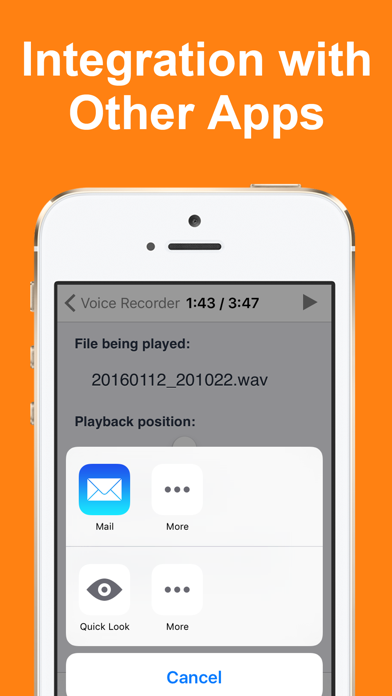
・Import audio files from other apps or the Files app
・Open in another app (send to iCloud, Dropbox, and more)
・Rename your recordings

■ Recording Format
・Default: AAC (keeps high audio quality while reducing file size to about 1/5)
・Uncompressed WAV is also available for editing
・Sample rate: 44,100 Hz