



Description
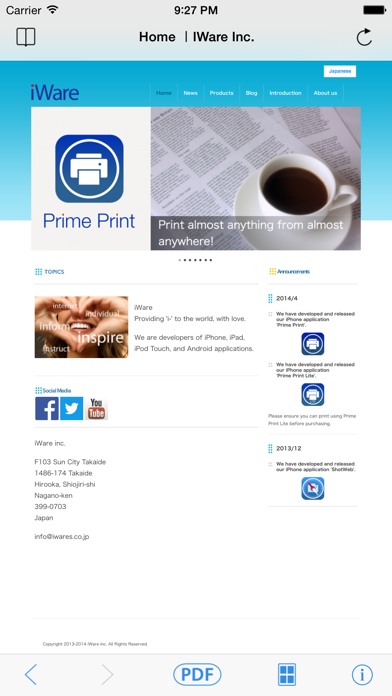
ShotWeb converts web pages to a PDF file
ShotWeb converts web pages to a PDF file.
You can even turn an entire web page such as the Twitter timeline or recipes into a PDF file.

There are two PDF layouts available: "Print layout" and "Display layout".

- Print Layout
Place a large web page onto a single sheet.
It can put the contents of about 9 web pages in one A4 page.
It provides you a comfortable reading layout when printed out and saves paper.

-Display Layout
It converts the web page into a single page PDF without splitting.
There are no page breaks when reading on iPhone.

Once you create a PDF file, you cannot only save the contents but also use AirDrop to share or send by mail in iOS.

The converted PDFs:
- can be viewed with iBooks and other readers.
- can be printed out with a decent layout.
- can be read even if you are offline or have weak connection. No hustle to read Web pages.
- provide you web pages to read even with the Wi-Fi only iPad when you are not connected.

Of course, you can copy and paste the sentences on a PDF.
PDF files will be saved in ShotWeb, however they can also be opened with external apps by using the iOS features.
Category: Lifestyle(133806)
Version: 1.2.2
BundleId: jp.co.iwares.ios.ShotWeb
Developer: iWare Inc.
Updated: 2023-12-12
