Style

Screenshots
6 screenshots Grid- Version
- 2.0
- Size
- 8 MB
- First release
- May 21, 2026
- Category
- Productivity
Description
from the App Store listingWhether you're cramming for a test, diving deep into research, or just collecting great quotes, this highlighter's got your back.
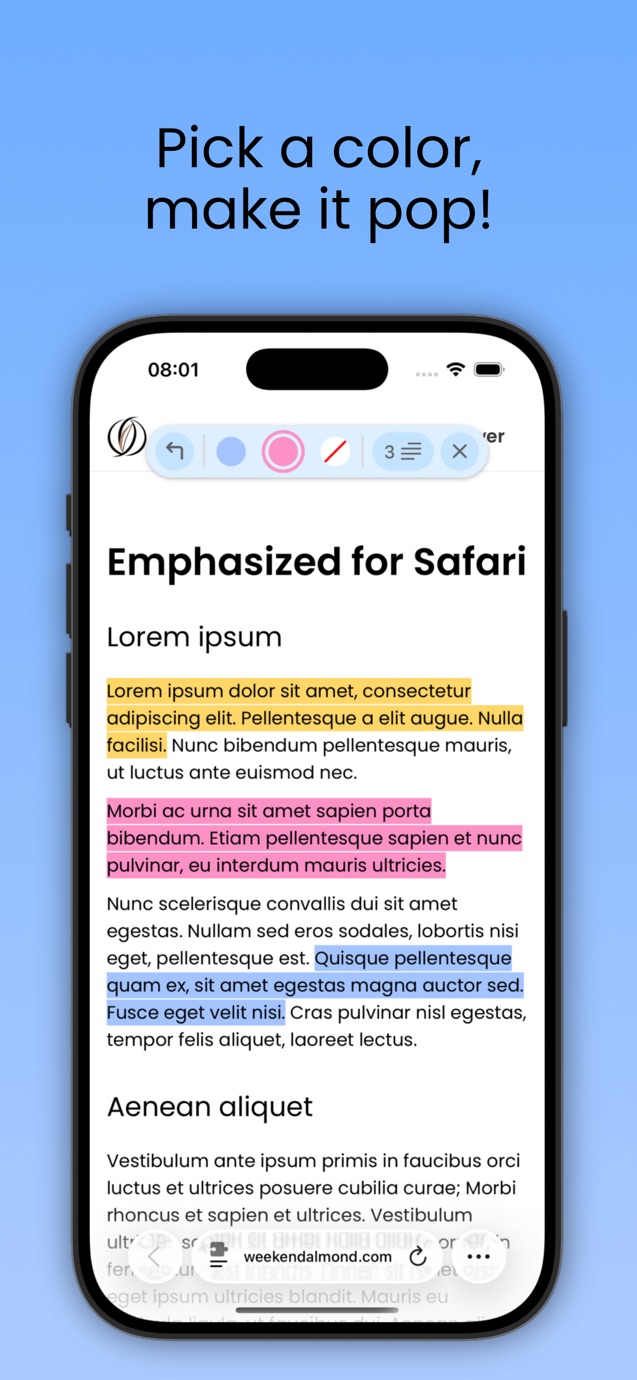
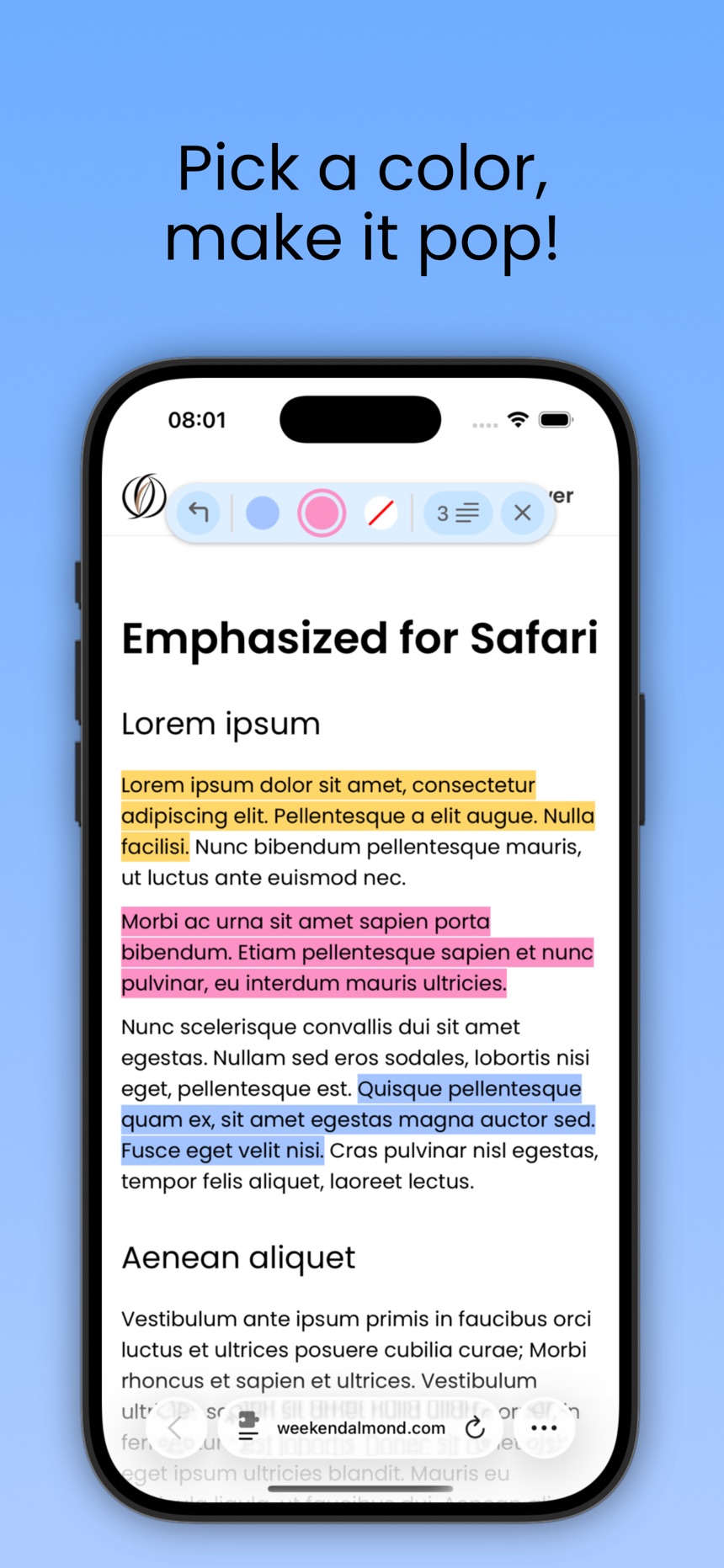
Highlight text on any webpage—no sign-in, no fuss. Everything's saved automatically on your device and neatly grouped by page or tag, so you can always pick up where you left off. Change colors, tweak and tag highlights, and export them all when you're ready to share or review.
Highlighting
• Highlight text on webpages
• Use multiple colors
• Change the color of existing highlights
• Delete highlights you no longer need
• Split or merge existing highlights
• Easily undo highlighted text with a single tap
Tags
• Create tags with custom colors to categorize your highlights
• Assign or change tags on any existing highlights
• Select an active tag to automatically apply it while highlighting
Selection Modes
• Characters: grab just the letters you want
• Words: select full words even if selecting mid-word
• None: disable highlighting while keeping existing highlights visible
Auto-Save
• Highlights are saved locally on your device
• Automatically restored when you revisit the same webpage
• No account or sign-in required
Organized View
• Browse highlights by webpage
• Browse all highlights by tag across every website
• Quickly find and review your saved content
Exporting
• Export highlights as a clean, shareable PDF
• Export as plain text or JSON
• Share directly via the system share sheet
Other Features
• Reposition the toolbar if it gets in the way
• Boost productivity with keyboard shortcuts for highlighting and switching tags (requires physical keyboard)
• See your active highlight settings, all keyboard shortcuts, and support links in the Settings page
Works on iPhone, iPad, and Mac.
What users say
0 written reviewsNo written reviews yet
Share cards #
Instagram / Weibo / RED open the system share sheet with the generated card image
Emphasized
Productivity
$22.00
iOSAppGallerywww.iOSAppGallery.com


Emphasized
Productivity
$22.00
Scan to view
iOSAppGallery · iOSAppGallery.com
Discover iOS apps & games
Emphasized
Productivity
$22.00
Scan to view
iOSAppGallery · iOSAppGallery.com
Discover iOS apps & games
Emphasized
Productivity
$22.00
iOSAppGallerywww.iOSAppGallery.com


{"@context":"https://schema.org","@graph":[{"@type":"SoftwareApplication","name":"Emphasized","applicationCategory":"Productivity","operatingSystem":"iOS","url":"http://www.iosappgallery.com/en/share/6739074373","image":"https://is1-ssl.mzstatic.com/image/thumb/Purple211/v4/05/19/c3/0519c3d1-b4e5-dbf7-ff20-ed36de5a3e13/AppIcon-0-0-1x_U007epad-0-1-sRGB-85-220.png/512x512bb.jpg","aggregateRating":null,"offers":{"@type":"Offer","price":22.000,"priceCurrency":"CNY"}},{"@type":"BreadcrumbList","itemListElement":[{"@type":"ListItem","position":1,"name":"Apps","item":"/"},{"@type":"ListItem","position":2,"name":"Productivity"},{"@type":"ListItem","position":3,"name":"Emphasized"}]}]}