Style

Screenshots
10 screenshots Grid- Version
- 26.5
- Size
- 107 MB
- First release
- May 15, 2026
- Category
- Productivity
Description
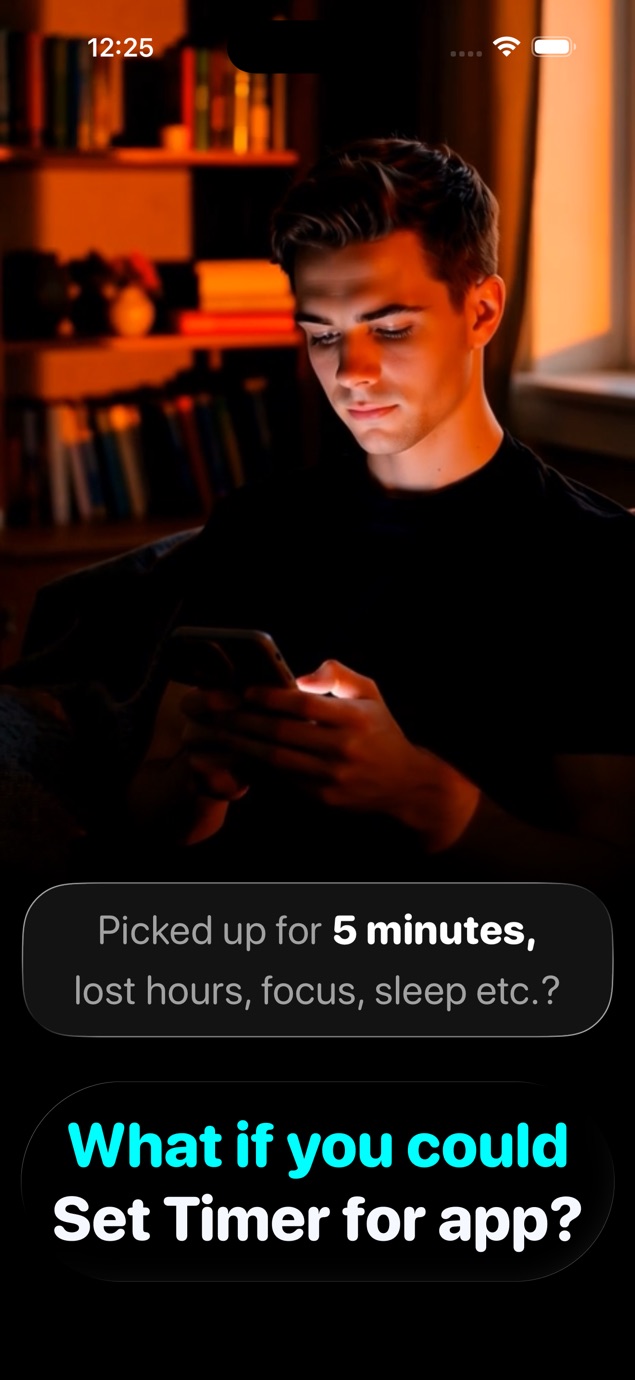
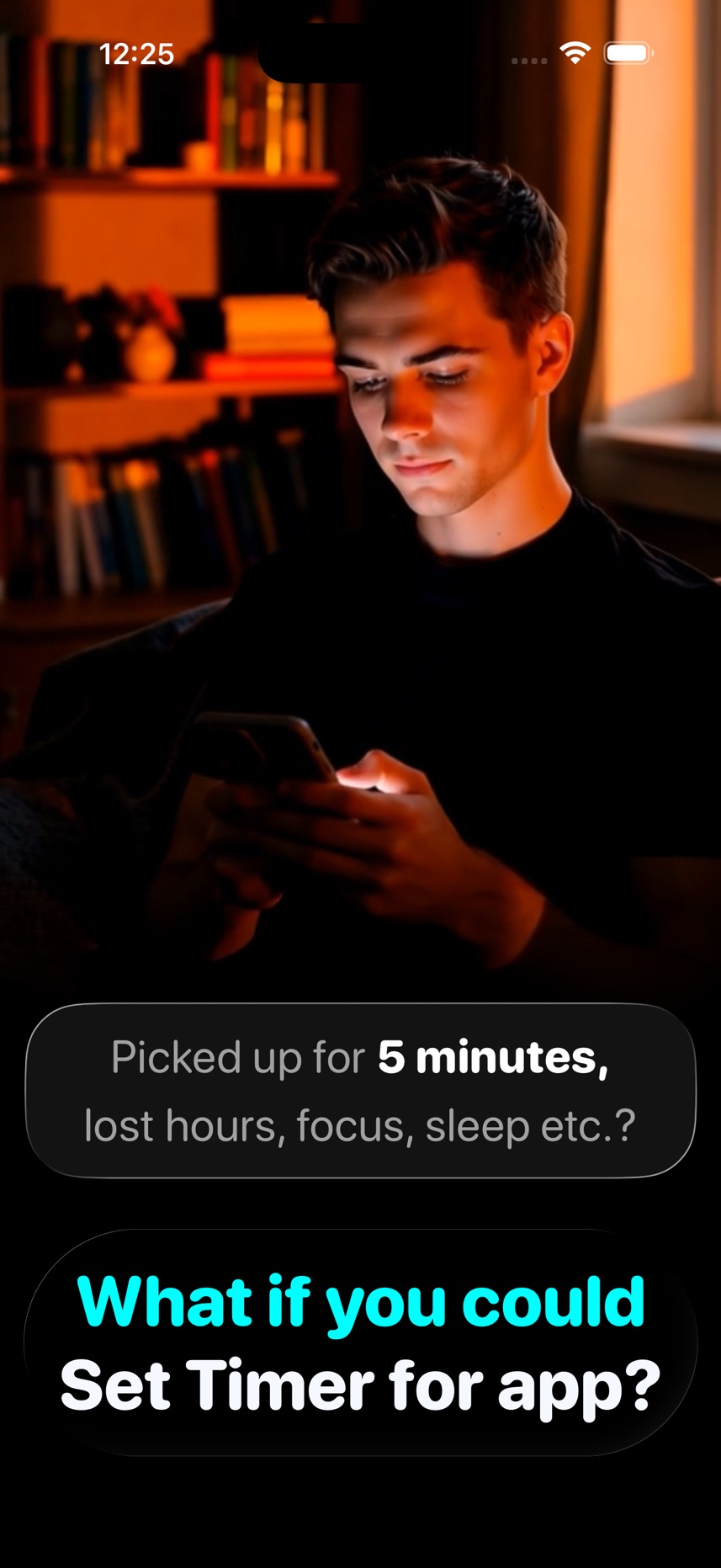
from the App Store listingEver opened a social media app planning to spend just 5 minutes—only to lose hours?
A kitchen timer prevents overcooking your food.
ScreenTimer prevents overusing your apps.
ScreenTimer helps you stay in control of your screen time and stick to your intentions.
Why ScreenTimer?
- Unlike other screen time apps, ScreenTimer lets you set a time limit right before you use any app—no complicated setup, shortcuts, or automations.
- You don’t even need to switch back to the main app—set the timer directly while using the app you want to control.
Key Features
- Daily Screen Time Budget – Define your overall daily allowance and stay balanced.
- App Usage Timer – Set a limit before opening any app.
- Stay on Track – Manage both per-app time limits and your daily screen time budget.
- Break Passes – Pause all blocks for urgent needs (30 min, 24 hours, or 1 week).
- Shield Overlay – Once time is up, apps are blocked with an enforced screen shield.
- Smart Reminders – Get a notification 1 minute before your timer ends.
Pro Features
- AI Buddy* - Allow AI to control when to allow app usage
- Unlock Delay – Add a pause before apps open to reduce impulsive checks.
- Max Unlocks per App – Control how many times each app can be opened daily.
- Night Allowance – Set customized screen time limits at night.
- Per-App Limits – Assign daily time limits to individual apps.
- Session Limits – Restrict how long each session can last.
Subscription & Purchases
Free Trial – Try all Pro features for free.
Monthly & Yearly Plans – With or without trial.
Lifetime Purchase – One-time payment for permanent Pro access.
*AI Buddy — Requires Apple Intelligence supported device & iOS 26 or newer.
ScreenTimer helps you spend less time on screens, block distractions, and reclaim your focus.
Terms of Service: https://www.apple.com/legal/internet-services/itunes/dev/stdeula/
Privacy: https://getscreentimer.com/privacy/
What users say
0 written reviewsNo written reviews yet
Share cards #
Instagram / Weibo / RED open the system share sheet with the generated card image
ScreenTimer Use App with Timer
Productivity
Free
iOSAppGallerywww.iOSAppGallery.com


ScreenTimer Use App with Timer
Productivity
Free
Scan to view
iOSAppGallery · iOSAppGallery.com
Discover iOS apps & games
ScreenTimer Use App with Timer
Productivity
Free
Scan to view
iOSAppGallery · iOSAppGallery.com
Discover iOS apps & games
ScreenTimer Use App with Timer
Productivity
Free
iOSAppGallerywww.iOSAppGallery.com


{"@context":"https://schema.org","@graph":[{"@type":"SoftwareApplication","name":"ScreenTimer Use App with Timer","applicationCategory":"Productivity","operatingSystem":"iOS","url":"http://www.iosappgallery.com/en/share/6747777738","image":"https://is1-ssl.mzstatic.com/image/thumb/Purple211/v4/75/0e/55/750e55f3-39de-7690-0070-47716dba8919/Icon-0-0-1x_U007epad-0-1-sRGB-85-220.png/512x512bb.jpg","aggregateRating":{"@type":"AggregateRating","ratingValue":5.0,"ratingCount":2,"bestRating":5},"offers":{"@type":"Offer","price":0.000,"priceCurrency":"CNY"}},{"@type":"BreadcrumbList","itemListElement":[{"@type":"ListItem","position":1,"name":"Apps","item":"/"},{"@type":"ListItem","position":2,"name":"Productivity"},{"@type":"ListItem","position":3,"name":"ScreenTimer Use App with Timer"}]}]}