Style

Screenshots
9 screenshots Grid- Version
- 1.2.1
- Size
- 93 MB
- First release
- Sep 22, 2026
- Category
- Developer Tools
Description
from the App Store listingSiliconShip is a native app for Apple's open source container runtime. Start the engine, pull images, launch containers, follow logs, open a shell inside one, and create K8s clusters — without leaving the window, and without installing anything else. The engine ships inside the app, and so does kubectl.
Every container runs in its own lightweight virtual machine on Apple silicon, using the same Virtualization framework macOS itself provides. Isolation is the default, not an option. A cluster's nodes are virtual machines in the same way.
CONTAINERS AT A GLANCE
One list with status, uptime, CPU, memory, published ports and IP address. Start, stop, restart, kill, delete, inspect and export from the toolbar or the context menu.
A PROPER RUN SHEET
Pick an image, publish ports, mount folders and volumes, set environment variables and resource limits — and see the exact command line it amounts to before you run it.
K8s CLUSTERS
Create a cluster with a control plane and up to 64 worker nodes, each one a virtual machine of its own, and see every node's state, address and ports in one outline. Start, stop and delete a cluster as a unit; a worker that went down is brought back by Start. Save the cluster's kubeconfig anywhere, or let the app keep your ~/.kube/config current and switch the context from the menu bar. kubectl ships in the app.
LOGS THAT KEEP UP
Follow output live, search by substring or regular expression, and get a clear marker when a container restarts. The boot log has its own tab for when a container never starts at all.
AN EMBEDDED SHELL
Open a shell inside a running container in a real terminal emulator. Resize the window and full-screen programs reflow.
LIVE CPU AND MEMORY
Sparklines for the containers you are actually looking at, sampled every two seconds.
IMAGES, VOLUMES, NETWORKS, MACHINES
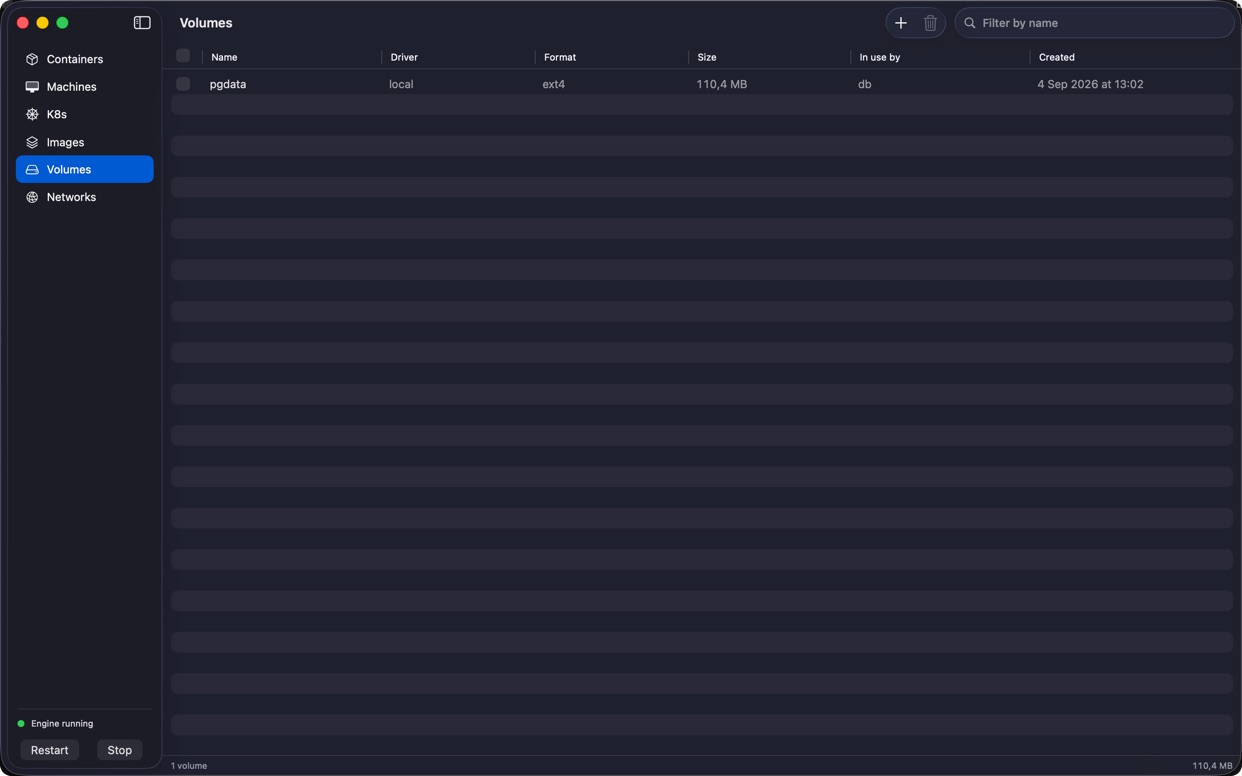
Pull, push, tag, save, load and prune images with byte-level progress. Create volumes and see which containers use them. Create isolated networks with the subnet you choose. Keep long-lived VMs around and shell into them.
KERNEL UPDATES YOU CAN SEE
When the runtime starts recommending a newer kernel, the app says so and offers to fetch it. Settings shows which kernel is installed and which one is recommended. Containers you already have keep the kernel they were created with.
THE COMMAND LINE, WHEN YOU WANT IT
The container command ships inside the app and installs into your PATH on request. It drives the same engine as the window, and container k8s kubectl reaches your clusters with the kubectl the app ships.
SANDBOXED, AND SPECIFIC ABOUT IT
The app runs in the macOS sandbox and reaches exactly the folders you hand it. Choose one in the standard open panel and it stays available next time, including from the command line. Everything else on your disk stays closed. No Full Disk Access, ever. No accounts, no analytics, no data collection.
Requires macOS 26 or later on Apple silicon. Container images, the kernel and the cluster node image are fetched on first use with your consent.
What users say
0 written reviewsNo written reviews yet
Share cards #
Instagram / Weibo / RED open the system share sheet with the generated card image
SiliconShip
Developer Tools
$68.00
iOSAppGallerywww.iOSAppGallery.com


SiliconShip
Developer Tools
$68.00
Scan to view
iOSAppGallery · iOSAppGallery.com
Discover iOS apps & games
SiliconShip
Developer Tools
$68.00
Scan to view
iOSAppGallery · iOSAppGallery.com
Discover iOS apps & games
SiliconShip
Developer Tools
$68.00
iOSAppGallerywww.iOSAppGallery.com




{"@context":"https://schema.org","@graph":[{"@type":"SoftwareApplication","name":"SiliconShip","applicationCategory":"Developer Tools","operatingSystem":"iOS","url":"http://www.iosappgallery.com/en/share/6797506428","image":"https://is1-ssl.mzstatic.com/image/thumb/Purple221/v4/f0/0a/1a/f00a1a71-7401-aa05-ed34-23b817d2bfe9/AppIcon-0-0-85-220-0-5-0-2x.png/512x512bb.png","aggregateRating":null,"offers":{"@type":"Offer","price":68.000,"priceCurrency":"CNY"}},{"@type":"BreadcrumbList","itemListElement":[{"@type":"ListItem","position":1,"name":"Apps","item":"/"},{"@type":"ListItem","position":2,"name":"Developer Tools"},{"@type":"ListItem","position":3,"name":"SiliconShip"}]}]}