



Description
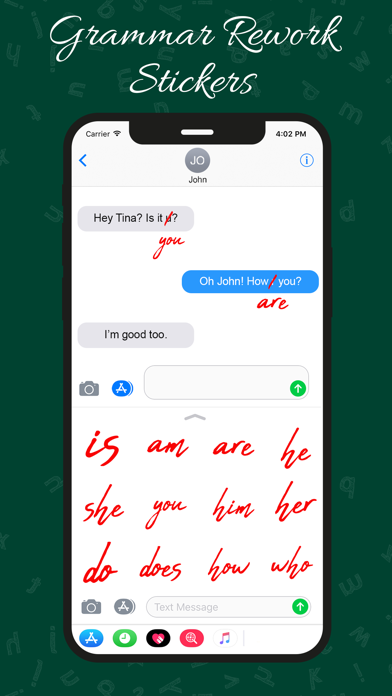
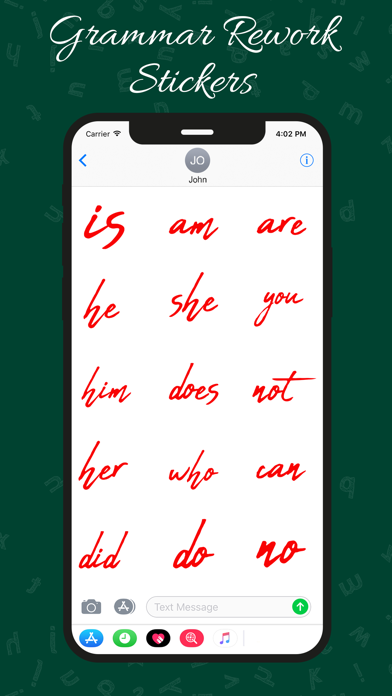
Download Grammar Rework Stickers and learn the skills to improve your Grammar
Download Grammar Rework Stickers and learn the skills to improve your Grammar.

How To Install iMessage App  and Use Stickers :
- Open iMessage from your iPhone.
- Click on the Appstore icon.
- Tap the four oval icon on the lower left corner to open the app drawer. From there, tap the plus icon labelled 'Store' to access the Messages App Store.
- In the App Store, tap the Manage tab in the top right to add your purchased apps to your app drawer
- Select the your stickers app .
- Just with a single tap send stickers.
- Also simply long touch and peel off the stickers to add them with your texts!! or existing stickers.
- Scale & Rotate stickers by using a second finger before you place it on a bubble.
Category: Stickers(9998)
Version: 1.2
BundleId: com.awesomeappleapps.grammerfail
Developer: Jyoti Yadav
Updated: 2023-08-01
