
Notion Toolbox
0.0 7.13MB 0 ¤148.00
Version 1.0.0
Updated 2026-03-29
Developer LateNite Films Pty Ltd

Description
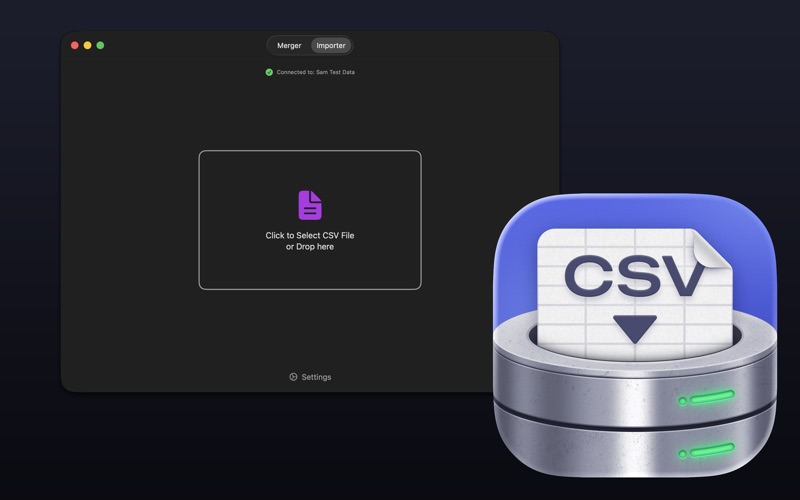
Notion Toolbox is a macOS application for merging CSV files and importing data into Notion databases
Notion Toolbox is a macOS application for merging CSV files and importing data into Notion databases.

It has two tabs:

MERGER TAB:
- Merge two CSV files (Local Spreadsheet + Notion Database export)
- Custom column mapping between source files
- Automatic data transformation options:
  - Pad scene numbers (e.g., "1" → "001")
  - Split INT/EXT fields into separate Day/Night and INT/EXT columns
  - Calculate scene ranges

IMPORTER TAB:
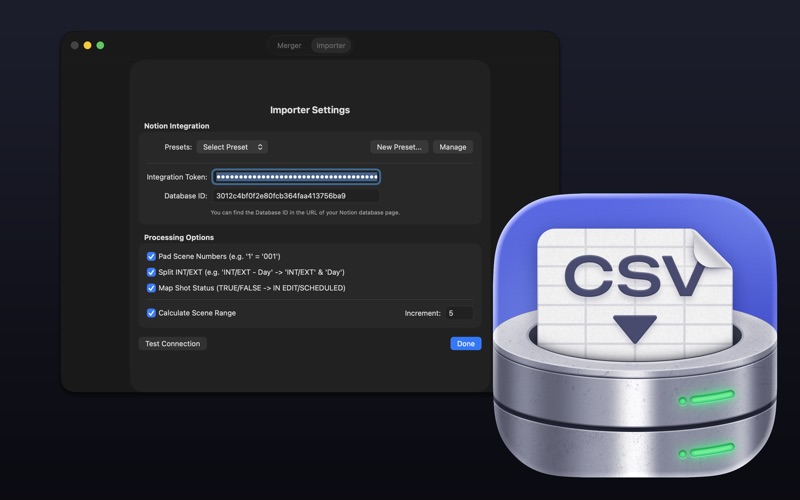
- Import CSV data directly into Notion databases via the Notion API
- Use merged data from the Merger tab without exporting
- Custom column mapping to Notion properties
- Support for various Notion property types:
  - Title, Rich Text, Number, Select, Multi-select, Status, Date, URL, Email, Phone, Files
- File upload support for page covers and file properties
- Connection presets for quick switching between databases
- Processing options for data transformation

Notion Toolbox was created by Sam Pluemacher.

The Notion Toolbox icon was designed by the amazing Matthew Skiles.

Notion Toolbox is supported and maintained by LateNite - the same team behind CommandPost, BRAW Toolbox, Marker Toolbox, Gyroflow Toolbox and many others Final Cut Pro apps you love.

You can find information on System Requirements, Installation and How To Use on our website:

https://notiontoolbox.fcp.cafe
Category: Photo & Video(28122)
Version: 1.0.0
BundleId: com.latenitefilms.NotionToolbox
Developer: LateNite Films Pty Ltd
Updated: 2026-03-29
