Redacto helps you review documents and remove sensitive information before sharing them with clients, colleagues, AI tools, or third parties
Redacto helps you review documents and remove sensitive information before sharing them with clients, colleagues, AI tools, or third parties.

Work locally on your Mac. Import a document, review the detected sensitive data, add manual redaction areas when needed, and export a redacted PDF.

Redacto can help identify common sensitive information such as email addresses, phone numbers, IBANs, tax codes, document identifiers, URLs, and other structured data. For scanned documents and images, Redacto uses OCR to make pages reviewable. And the bundled on-device privacy filter can assist with broader sensitive-data detection.

Key features:

- Local document processing
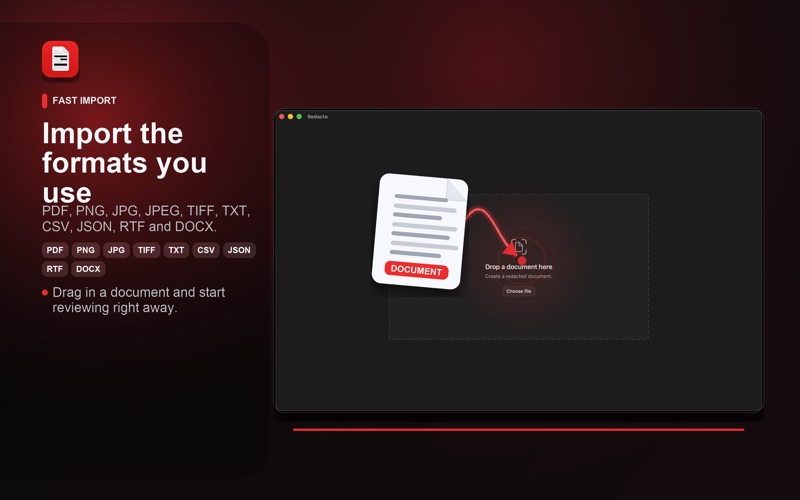
- PDF, image, text, CSV, JSON, RTF, and DOCX import
- OCR for scanned pages and images
- Review workflow for detected sensitive data
- Manual redaction boxes for signatures, handwriting, or missed content
- Rasterized PDF export to avoid preserving the original text layer
- No account required
- No document upload required

F.A.Q.

Q: Why is the download is more than 1Gb?
A: The download already includes the full local Large Language Model (AI Model).

Q: Does the app work without Wi-Fi?
A: Yes, it is a local-only, airplane-mode-friendly app.

Q: Will the generated PDF still contain the deleted information, even if it is not visible?
A: No, the newly generated PDF does not contain that information at all.

Redacto is designed as a privacy-focused review tool. Detection results should always be checked by the user. Redacto is great, but can't guarantee complete anonymization or legal compliance.