Birthday Stickers - Messages

Birthday Stickers - Messages

0.0 36.68MB 0 Free
Version 2.0 Updated 2020-12-28 Developer Alexander Bichurin
  • Birthday Stickers - Messages screenshot
  • Birthday Stickers - Messages screenshot
  • Birthday Stickers - Messages screenshot
  • Birthday Stickers - Messages screenshot
Birthday Stickers - Messages screenshot

Description

Happy Birthday Stickers for iMessage

Happy Birthday Stickers for iMessage.

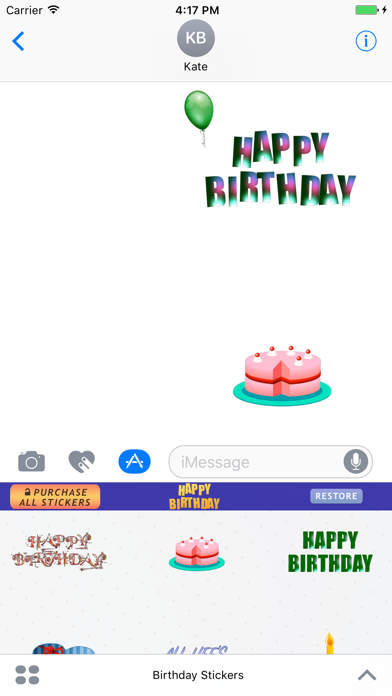
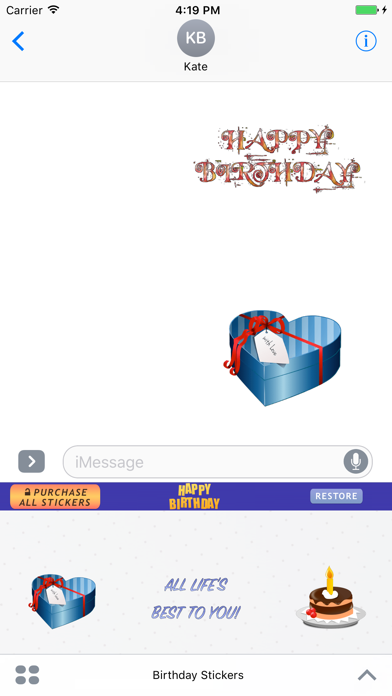
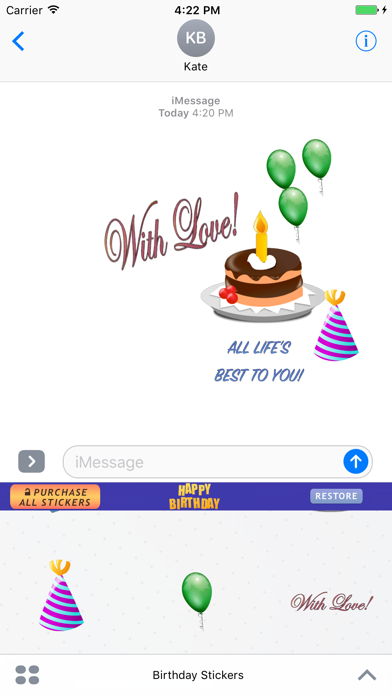
Send your friends and family animated Birthday Stickers on their Birthdays.

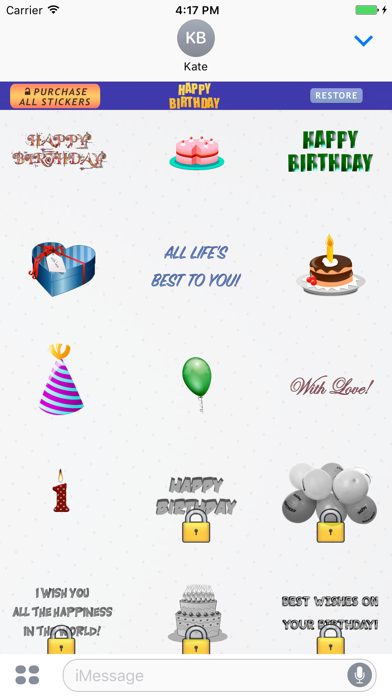
Get more than 40 Birthday related stickers in one pack.

How to use Birthday Stickers for iMessage?
1. Download Birthday Stickers for iMessage.
2. Launch Messages (iMessage) from your Home screen.
3. Tap on the Apps button, which looks like the App Store icon inside your Messages app.
4. Tap on Happy Birthday Stickers to open the pack.
5. Use stickers and send them to your friends and family.

How to unlock all Happy Birthday stickers?
Tap "Purchase All Stickers" Button.

Free Download Today.
CategoryLabel贴纸(9998) VersionLabel2.0 BundleId: com.adelmaer.BirthdayStickers DeveloperLabelAlexander Bichurin LastUpdatedLabel2020-12-28

InAppPurchase

InAppPurchase_ItemsCount InAppPurchase_CurrenciesCount CNY
1 中国

InAppPurchase_DefaultItemName

¥ 0 CNY

2 中国

Purchase All Stickers

¥ 28 CNY