


Description
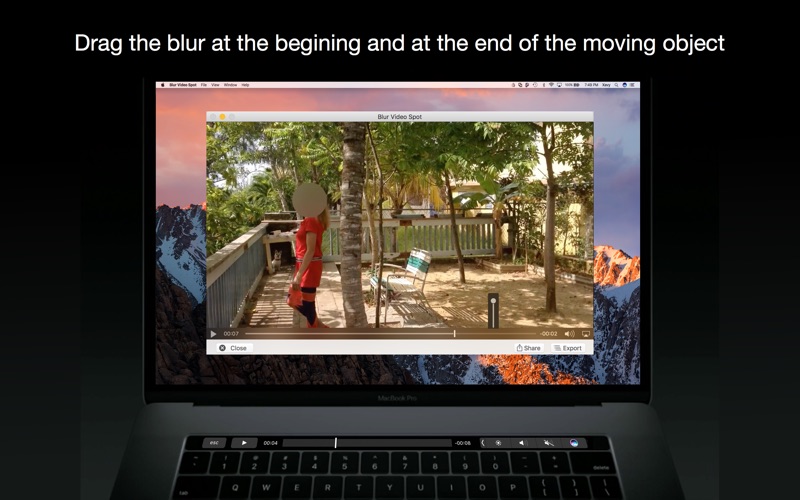
Blur any spot on a video by clicking and dragging
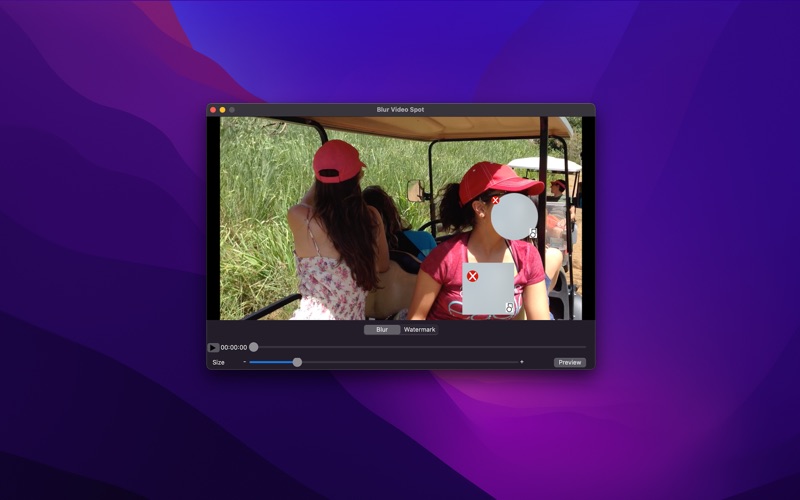
Blur any spot on a video by clicking and dragging. Blur moving subjects or objects. The app automatically calculate the movement speed between two points. You can change the size of the area to blur.

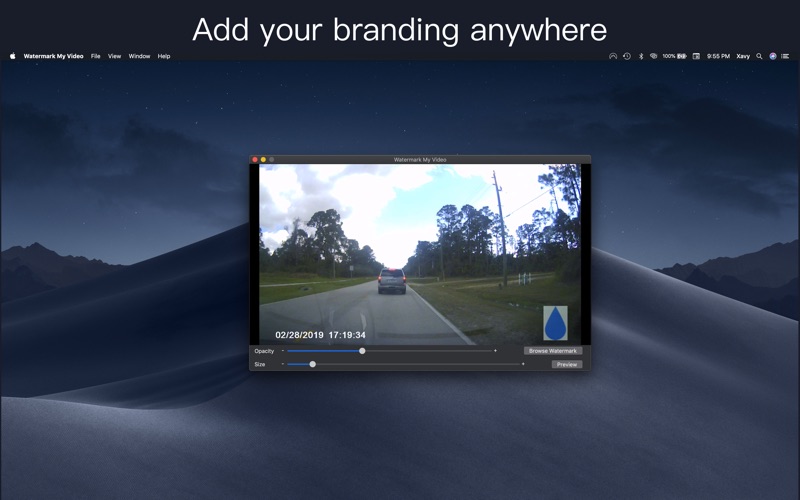
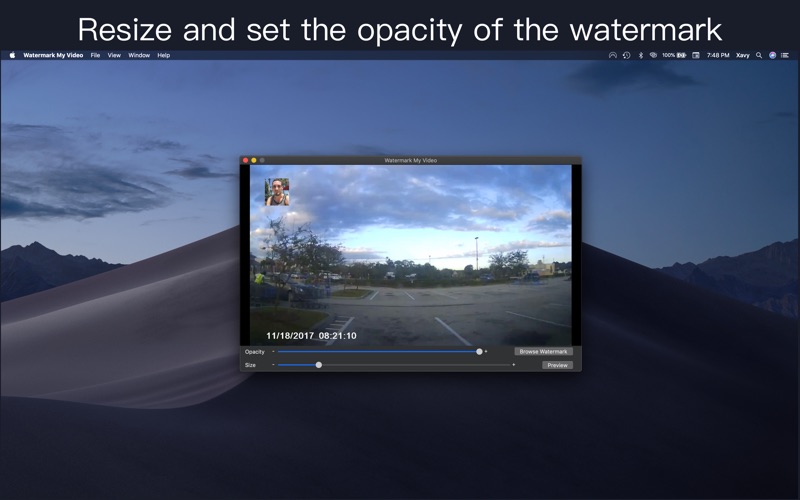
Add your own watermark on videos. Protect your content. Drag and place your watermark anywhere on your video.

How it works:
1.  Choose video
2   Play to desired position
3.  Click area to be blurred and choose type of blur and resize as desire
4.  Let play until area to be blurred moves out of blur then reposition blur
5. Repeat as necessary, once completed, click Preview and let the process finish.
6. Video will play automatically and can be saved or shared

Video tutorial: https://youtu.be/uNifLrZP7Cw
CategoryLabel摄影与录像(28122)
VersionLabel1.9
BundleId: com.xavyx.Blur-Video-Spot-Mac
DeveloperLabelCarlos Chaparro
LastUpdatedLabel2024-01-02
