
TMUTutorial for Pixelmator Pro
0.0 504.03MB 0 ¤38.00
Version 1.0.1
Updated 2018-03-11
Developer Swanson Digital, LLC
Description
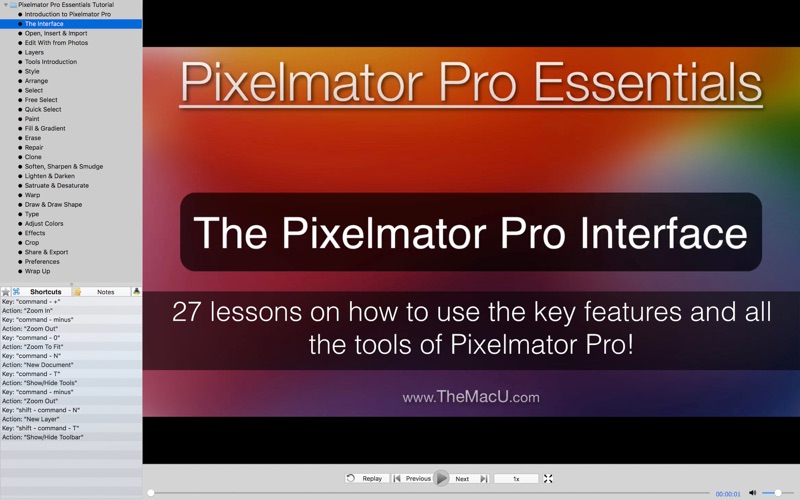
In this HD video tutorial see how to use all the tools and other essential elements of Pixelmator Pro
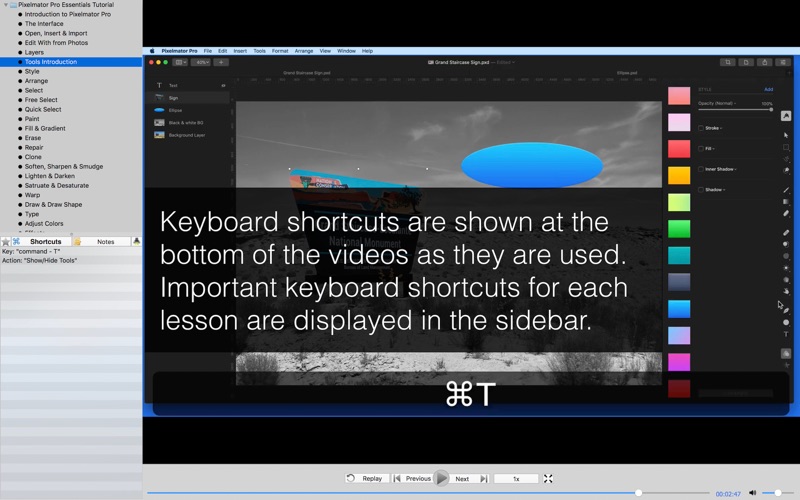
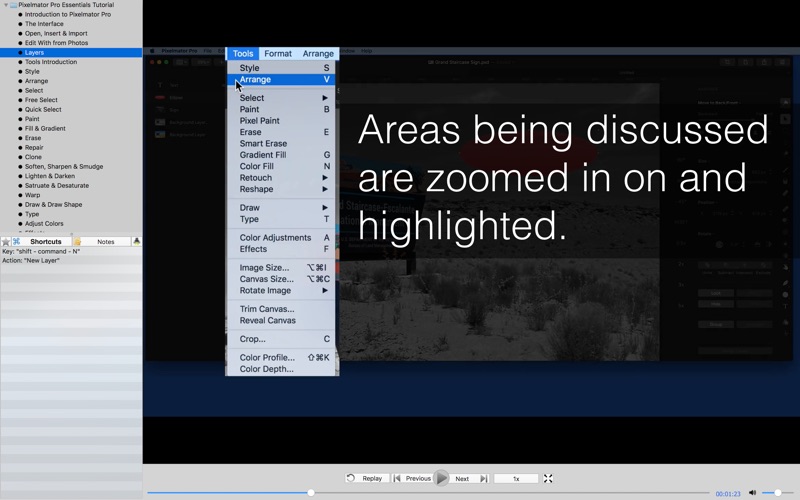
In this HD video tutorial see how to use all the tools and other essential elements of Pixelmator Pro. This will be a great tutorial for anyone that's new to Pixelmator Pro or upgrading from the Standard Pixelmator App. Pixelmator Pro is quite a bit different than Pixelmator and many other image editors. It has a single window interface that is completely different than what users will be used to in the standard Pixelmator App. In this tutorial, we look at how to use all the tools in Pixelmator Pro to create, retouch and manipulate images. We also focus on using the new Pixelmator Pro (.pxd) document type, exporting, sharing and more! Lessons… -Introduction to Pixelmator Pro -The Pixelmator Pro Interface -Open, Insert & Import -“Edit with” from Photos -Layers -Tools Introduction -Style -Arrange -Select -Free Select -Quick Select -Paint -Fill & Gradient -Erase -Repair -Clone -Sharpen, Soften & Smudge -Lighten & Darken -Saturate & Desaturate -Warp -Draw & Draw Shape -Type -Adjust Colors -Effects -Crop & Straighten -Share & Export -Preferences -Wrap Up
CategoryLabel图像与设计(11098)
VersionLabel1.0.1
BundleId: com.themacu.pixproe
DeveloperLabelSwanson Digital, LLC
LastUpdatedLabel2018-03-11
